A well-structured web design workflow is essential for freelance WordPress web designers who want to deliver high-quality websites efficiently. Without a clear process, projects can quickly become chaotic, with missed deadlines, endless revisions and frustrated clients. By following a streamlined workflow, freelancers can organize tasks, manage client expectations, and use powerful tools like Elementor and its addons to create visually appealing, functional websites faster and more efficiently.
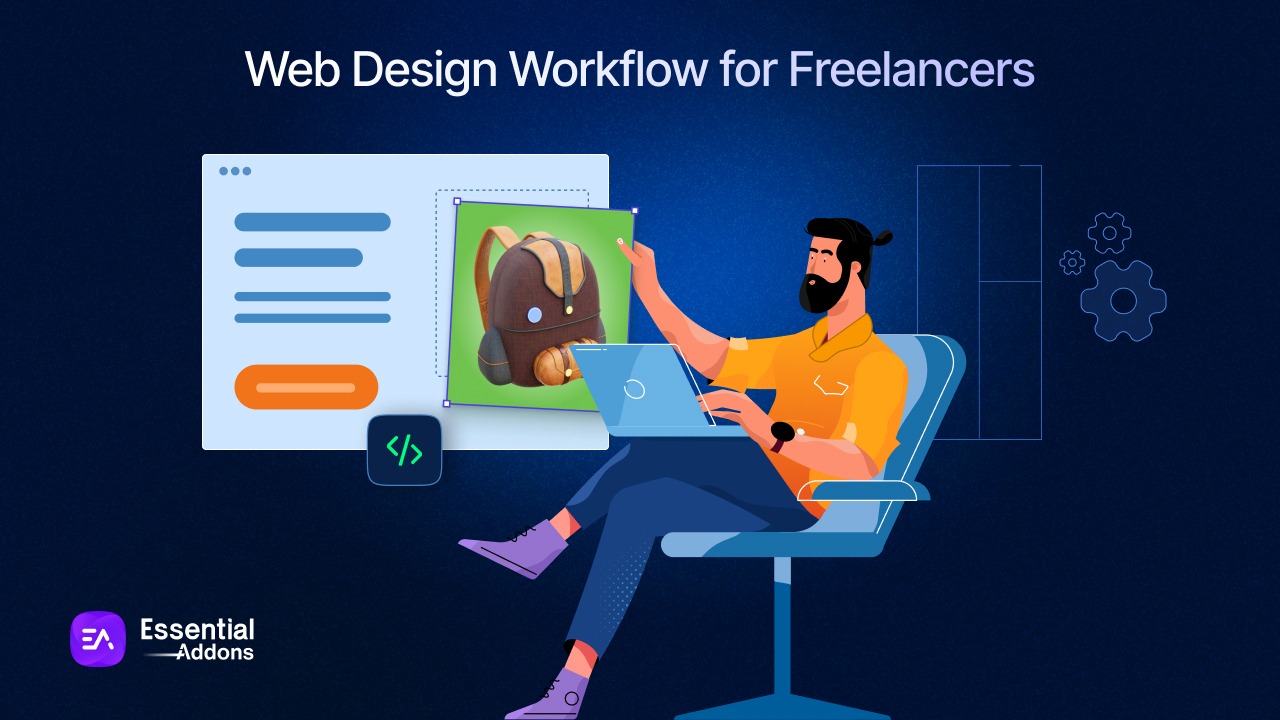
In this blog, we will explore how freelancers can manage their clients with proper workflows and the right questions to ask at each stage. Also, we will highlight some of the best tools and plugins that will help them manage clients’ websites more efficiently than ever.
What Does Web Design Workflow Mean?
Web design workflow is a start-to-finish process of all the tasks relevant to website development, such as client onboarding, research, creating wireframes, development, testing and launch. It is a system that leads freelancers or agencies to smoothly process each step and reduce errors, rework or delays.
For example, a freelance WordPress web designer starts with understanding the client’s goals and creating a sitemap. Next, wireframes or prototypes are developed, often using Elementor and its addons for faster layout building. Once approved, the designer moves on to full design and development, applying branding, content and functionality. After client feedback and revisions, the website is tested for responsiveness and performance before launch, followed by ongoing maintenance and updates.
Common Challenges for Freelance Web Designers
Without a proper workflow, freelance web designers often face some common challenges that become time-consuming, stressful and can negatively impact project quality and client satisfaction. By maintaining consistency in the process, these challenges can be overcome. But what are those common challenges? Let us have a look.
Time Management
The first common challenge is to manage proper time. When freelancers have multiple clients and projects then it becomes difficult to meet the deadline. Because not all clients will have the same requirements. For example, if a freelancer has a client for eCommerce and another for a SaaS platform, then the requirements or process of building a website will not be the same.
Extra Work Requests
Sometimes clients have some extra requirements that freelancers need to fulfill. It can be additional features, design changes, or improvements in functionality. These changes can slowly expand the project’s scope, leading to missed deadlines, extra work and sometimes even payment disputes.
Client Communication
Maintaining proper communication with the client is important. Understanding what clients want to see in the final output and what their proper expectations are is important for a freelancer to make a successful project. Sometimes, delayed feedback can slow down the design process. So, communication is important in terms of successful project delivery for a freelancer.
Keeping up with Updates
In the fast-paced world of web design, freelance WordPress web designers must keep up with the latest trends, techniques and tools. This includes new WordPress updates, Elementor features, design trends like minimalism and dark mode and plugins or addons that can improve workflow. If freelancers fall behind, their work may seem outdated, efficiency can drop and they may struggle to offer competitive WordPress web design services.
Balancing Creativity & Expectations
Freelance designers often find it hard to express their creative ideas while also meeting a client’s needs and preferences. Striking the right balance between fresh design and following client guidelines can be challenging. This is especially true when clients have limited design experience or very particular requests.
To overcome these common challenges, maintaining a proper workflow in the overall website development process is important. In the next part, we will learn more about this workflow and how to implement it.
How to Streamline the Web Design Workflow for Freelancers?
To streamline the workflow, WordPress freelance web designers have to take a closer look at the proper workflow. Here, we will deep down to the workflow that streamlines the overall web development process.
Planning And Research: Laying the Project Foundation
This is the foundation of a proper workflow for a freelance website developer. In this stage, freelancers gather important information such as the main goal of designing a website, who their clients are, what their business information and everything relevant to the client’s business. This proper planning and research stage helps them to define the project goals, expectations and what the possible outcome can be of the website. It also allows designers to identify the right tools, plugins and Elementor addons needed to build a fast, functional and visually appealing website.
Questions to ask in this stage:
- What is the main purpose of your website? Are you looking to sell products, generate leads, or showcase a portfolio?
- Who is your ideal customer, and what kind of experience should they have on the site?
- Are there existing brand guidelines, color schemes, or design styles to follow?
- What content, pages, or features are required? (e.g., blog, eCommerce, contact forms, galleries)
- Who are your main competitors and what do you like or dislike about their websites?
- What is the project budget, and are there any deadlines or milestones to meet?
- Are there any specific integrations, plugins, or addons needed?
Setting Goals: Defining Clear Project Outcomes
After the planning and research phase, well-defined goals help translate ideas into actionable outcomes. Clear goals ensure both the freelancer and the client are aligned on what success looks like, minimizing misunderstandings, unnecessary revisions and delays. For WordPress web designers, goal-setting also helps determine how tools like Elementor and its addons will be used to achieve specific results, whether that is improving conversions, speeding up page creation, or enhancing user experience.
Questions to ask in this stage:
- What is the single most important goal of this website? (leads, sales, sign-ups, visibility)
- How will we measure success? (conversion rate, page speed, engagement, inquiries)
- Which pages or sections need the most focus?
- Is this site meant to scale later with new features or content?
Wireframing And Prototyping: Visualizing the Experience
When the planning and research are ready, along with the specific goals the freelancer and client are trying to achieve, the next part is wireframing and prototyping. Based on the planning and your client’s specific goals, design the wireframe and prototyping for your WordPress website. Prototyping takes wireframes a step further by adding interactivity and basic visual elements. Using tools like Elementor and Essential Addons, designers can quickly create clickable prototypes that closely resemble the final website.
Questions to ask in this stage:
- Does this layout clearly communicate the main message of each page?
- Is the navigation intuitive and can users easily move between important pages?
- Are there any interactive elements required (sliders, tabs, popups, forms)?
- Does the structure make sense across desktop, tablet and mobile views?
Consistent Design And Branding: Maintaining Visual Consistency
When your wireframe and prototype are ready for the website, it is time to add some colors along with proper typography to make it visually appealing. Here, it is equally important to make the design and branding consistent across all the pages of the website. Freelancers can apply global styles, reusable sections and templates to ensure a unified look while following web design best practices. This consistency not only improves user experience but also strengthens brand recognition and reduces the need for repetitive revisions. With a WordPress plugin like Templately, you can get ready-made templates and customize the color and typography to make a brand consistent all over the website.
Questions to ask in this stage:
- Do clients have existing brand guidelines for colors, fonts, logos and imagery?
- What emotions or personality should the brand convey (modern, professional, playful, minimal)?
- Are there preferred fonts and color combinations, or should new ones be suggested?
- What type of images or visuals align best with the brand (illustrations, photos, icons)?
- Should the design system support future pages or features without redesigning the entire site?
Set up Staging Site: Safe Testing Before Going Live
A staging site allows designers to build, test and refine the website in a safe environment without affecting the live site. This is especially important when working with WordPress updates, plugins, layouts, or addons, as it minimizes the risk of breaking the client’s live website. By using a staging site, designers can experiment freely, catch errors early, and deliver a more stable and polished final product.
Questions to ask in this stage:
- Does the hosting provider offer one-click staging, or should a separate staging setup be created?
- Apart from clients, who else needs access to the staging site for review and feedback?
- How will changes be pushed from staging to the live site without data loss?
- How will client feedback be collected and implemented from the staging version?
Testing And Optimizing: Ensuring Performance Before Launch
Testing and optimizing is a vital stage in streamlining the web design workflow, ensuring the website performs well before and after launch. For freelance WordPress web designers, this phase focuses on identifying issues related to functionality, performance, responsiveness and user experience. Thorough testing helps catch errors early, while optimization ensures the site loads fast, works smoothly across devices, and follows web design best practices.
Questions to ask in this stage:
- Are all forms, buttons, links and interactive elements working as expected?
- Does the website display and function correctly on desktop, tablet and mobile devices?
- Are page load times optimized, and are images, scripts and addons properly optimized?
- Does the site work consistently across major browsers?
- Are there any last improvements needed before launch?
Overall Site Maintenance: Keeping Websites Secure And Updated
Overall site maintenance is the final, ongoing stage in improving the web design workflow for freelance WordPress web designers. Even after launching a website, regular maintenance keeps it secure, current and performing well. This includes updating WordPress core, themes, plugins, monitoring site speed, fixing bugs and backing up data. Consistent maintenance not only prevents downtime and security problems but also helps clients get lasting value from their WordPress web design services.
Questions to ask in this stage:
- How often should WordPress, plugins and Elementor addons be updated?
- Are regular backups scheduled and how quickly can they be restored if needed?
- How will site speed, uptime and SEO performance be tracked?
- Who will manage content additions or edits—freelancer or client?
- How will bugs, errors, or client requests be communicated and resolved?
Tools And Addons to Streamline WordPress Web Design Services
Streamlining the overall website management task for clients can be challenging. But with proper WordPress tools and plugins, this process can be smoother, faster and better. Freelancers can save a lot of time and boost their efficiency with these plugins and tools. Here are some of the plugins that are essential for freelancers while managing multiple clients.
xCloud: Next-Gen Managed Hosting & Server Management
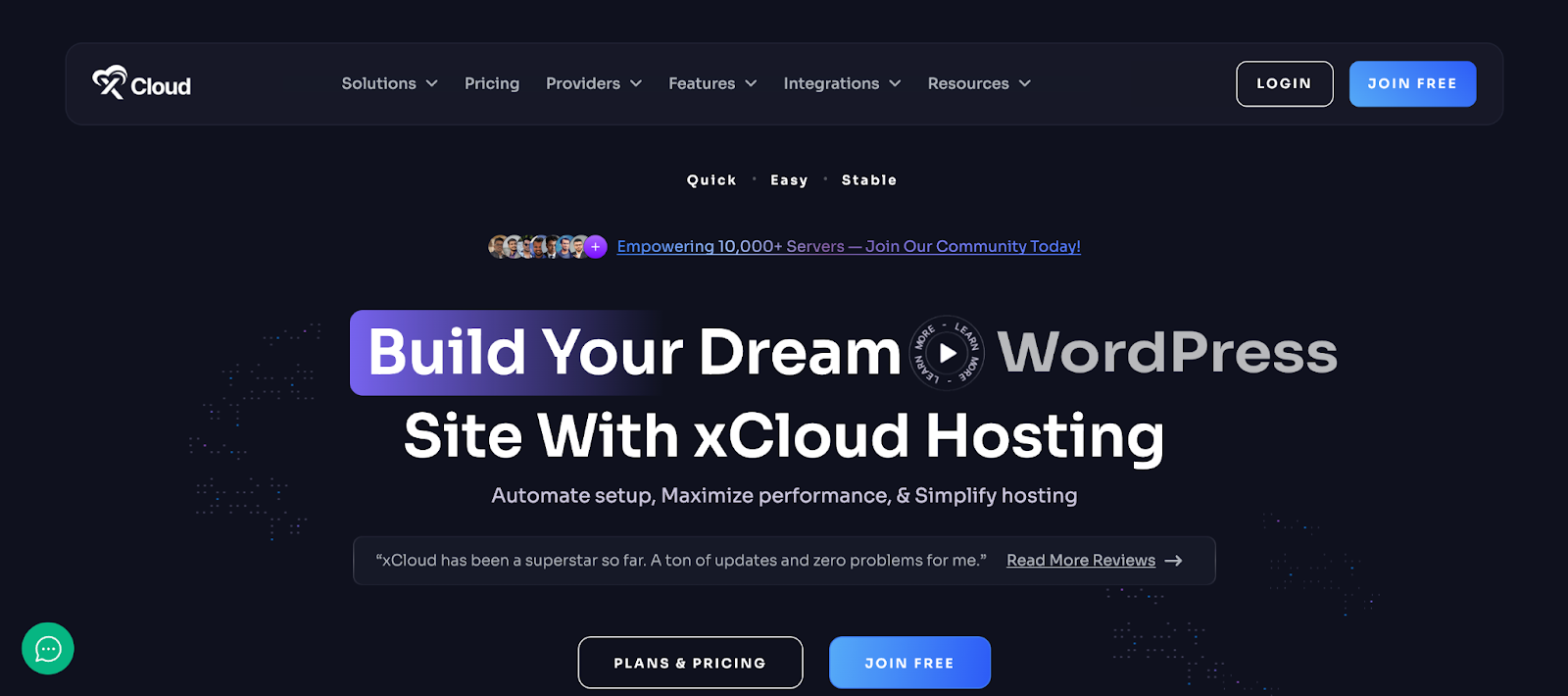
A reliable hosting solution is essential for freelancers who manage multiple client websites. WordPress-optimized hosting with server-side caching, modern PHP versions and integrated CDNs helps ensure faster load times, smoother user experiences and improved SEO. Features like centralized update management and automated backups make ongoing site maintenance easier and less time-consuming.
For freelancers looking to handle all of this from a single platform, solutions like xCloud are built to simplify hosting management while keeping client sites secure, fast, and reliable. Here are some of the features that freelancers can use –
✅Updates Manager: Freelancers handling multiple client websites can streamline maintenance with the Updates Manager, which consolidates WordPress core, theme and plugin updates in a single place. This reduces manual work, keeps sites secure and up-to-date and prevents compatibility issues. Automated updates also help avoid downtime caused by outdated components, giving agencies peace of mind.
✅Global Backup Settings: With global backup settings, freelancers can enforce consistent backup rules across all client websites automatically. Frequent, scheduled backups ensure sites can be quickly restored if something goes wrong, minimizing risks during updates or changes. Reliable backups also enhance professionalism and strengthen client trust.
✅Reseller Hosting Program: The reseller hosting program allows freelancers to offer hosting as part of their service packages, creating a steady additional revenue stream. Freelancers gain full control over client sites and can brand the hosting as their own, ensuring a seamless experience from development to deployment. This also helps improve client retention over the long term.
How xCloud Helps Freelancers to Manage the Workflow:
- Faster website performance and load times
- Centralized management of multiple client sites
- Automated updates and backups
- Improved security and reduced downtime risks
- Safe testing with staging environments
Figma – Collaborative Interface Design Tool
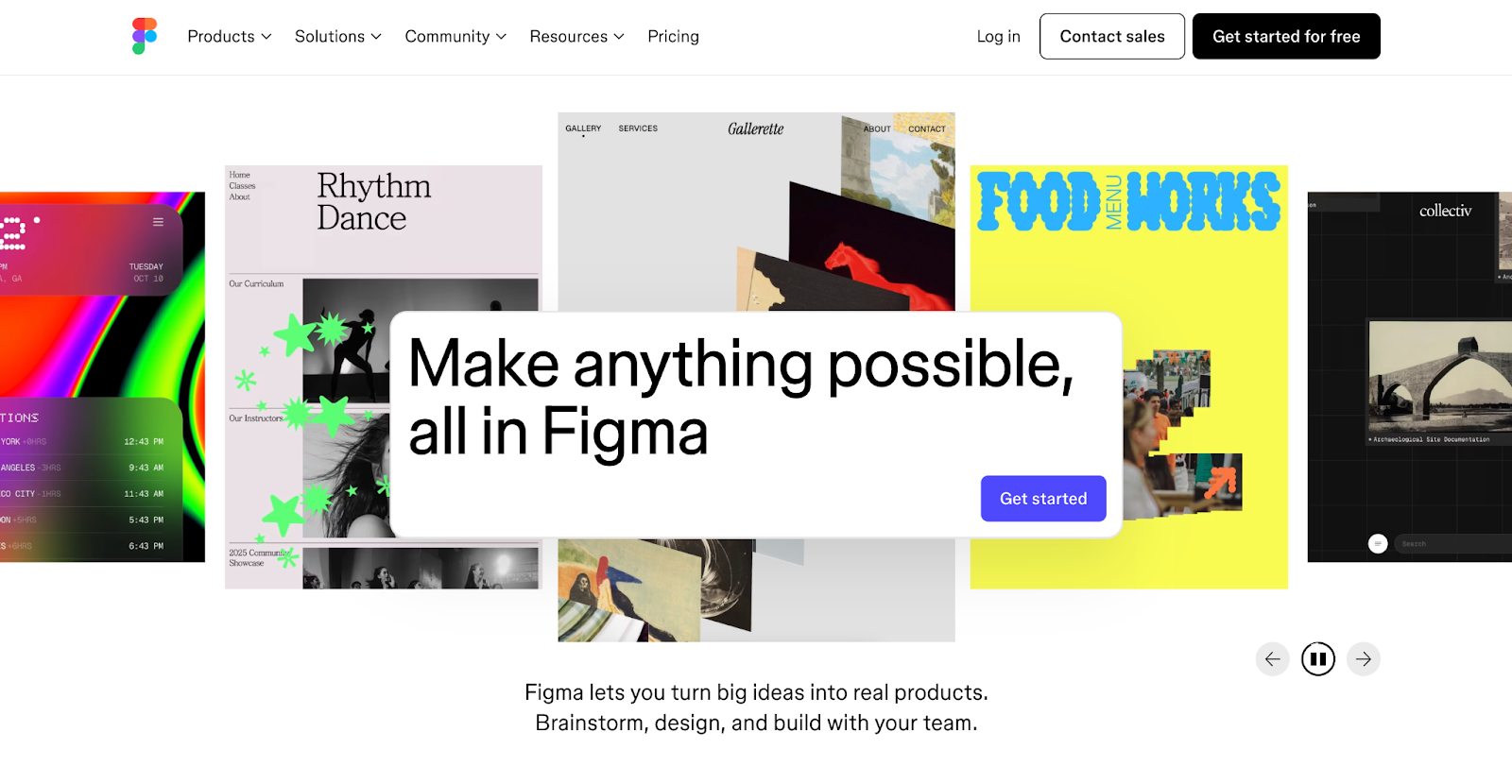
Figma, a cloud-based design and prototyping tool, helps freelance web designers create, collaborate and iterate on website designs seamlessly. Its real-time collaboration features allow multiple team members or clients to provide feedback directly on the design, making the creative process faster and more efficient. By using Figma, freelancers can manage design projects, share prototypes and maintain a consistent visual workflow, all in one platform.
✅ Real-Time Collaboration: Work simultaneously with clients, developers, or team members on the same design file, making feedback and revisions instant and transparent.
✅ Prototyping & Interactive Designs: Build clickable prototypes directly within Figma, allowing clients to experience navigation and interactions before development begins.
✅ Reusable Components & Libraries: Create and reuse design elements like buttons, icons, and styles across projects to maintain consistency and save time on multiple websites.
How Figma Helps Freelancers to Manage the Workflow:
- Real-time collaboration with clients
- Faster feedback and revision cycles
- Reusable components for consistent design
- Easy prototyping and user flow validation
- Cloud-based access for managing projects from anywhere.
Elementor – Website Builder
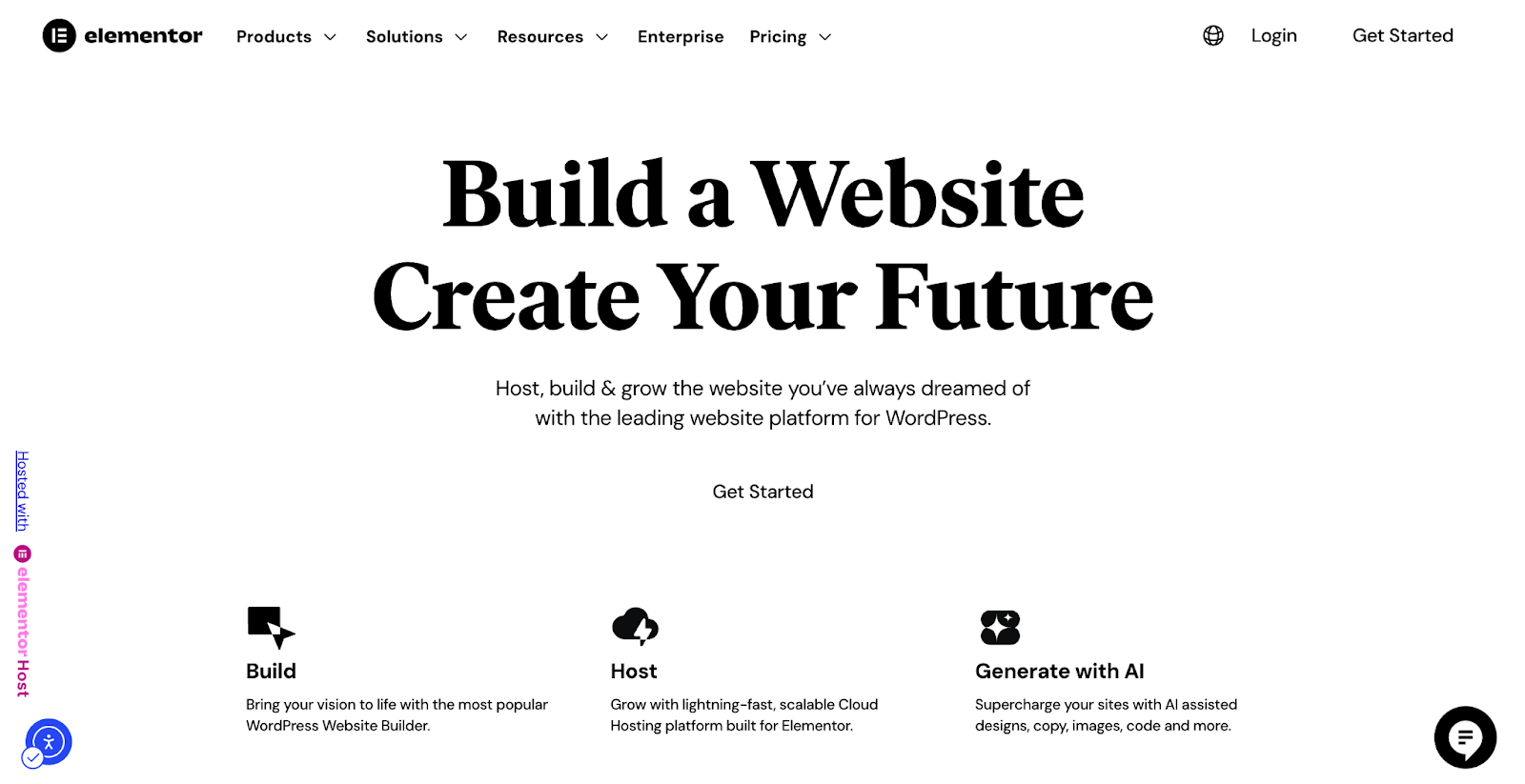
Elementor has become one of the most trusted website builders in the WordPress ecosystem, powering over 19 million websites worldwide. As we move into 2026, it is shaping up to be a major game-changer for WordPress development. The introduction of AI-driven features, such as Angie, an AI agent that can generate complete websites inside the editor, has taken productivity to a new level.
For freelancers looking to design faster, scale projects and reduce manual effort, Elementor offers a powerful foundation that simplifies modern WordPress development beyond just AI capabilities. Here are some key benefits:
✅ Professional Website Design: Build high-quality, professional websites with the AI-powered editor, enhanced by reliable WordPress hosting and feature-rich add-on plugins.
✅ Scale Website Production: Save time by creating reusable templates for pages and sections, allowing rapid customization across multiple projects and client websites.
✅ Seamless Client Collaboration: Gather accurate client requirements using AI-driven tools, reducing revisions and minimizing back-and-forth communication.
✅ AI-Powered Automation: Leverage AI to generate site structures and content from client briefs, eliminating the blank canvas stage, speeding up feedback cycles, and accelerating the delivery of polished websites.
How Elementor Helps Freelancers to Manage the Workflow:
- Visual drag-and-drop editor for faster page building
- Reusable templates, sections and global styles
- Real-time design edits
- Responsive controls for multi-device optimization
- Faster client approvals with live previews
Essential Addons – #1 Elementor Addon
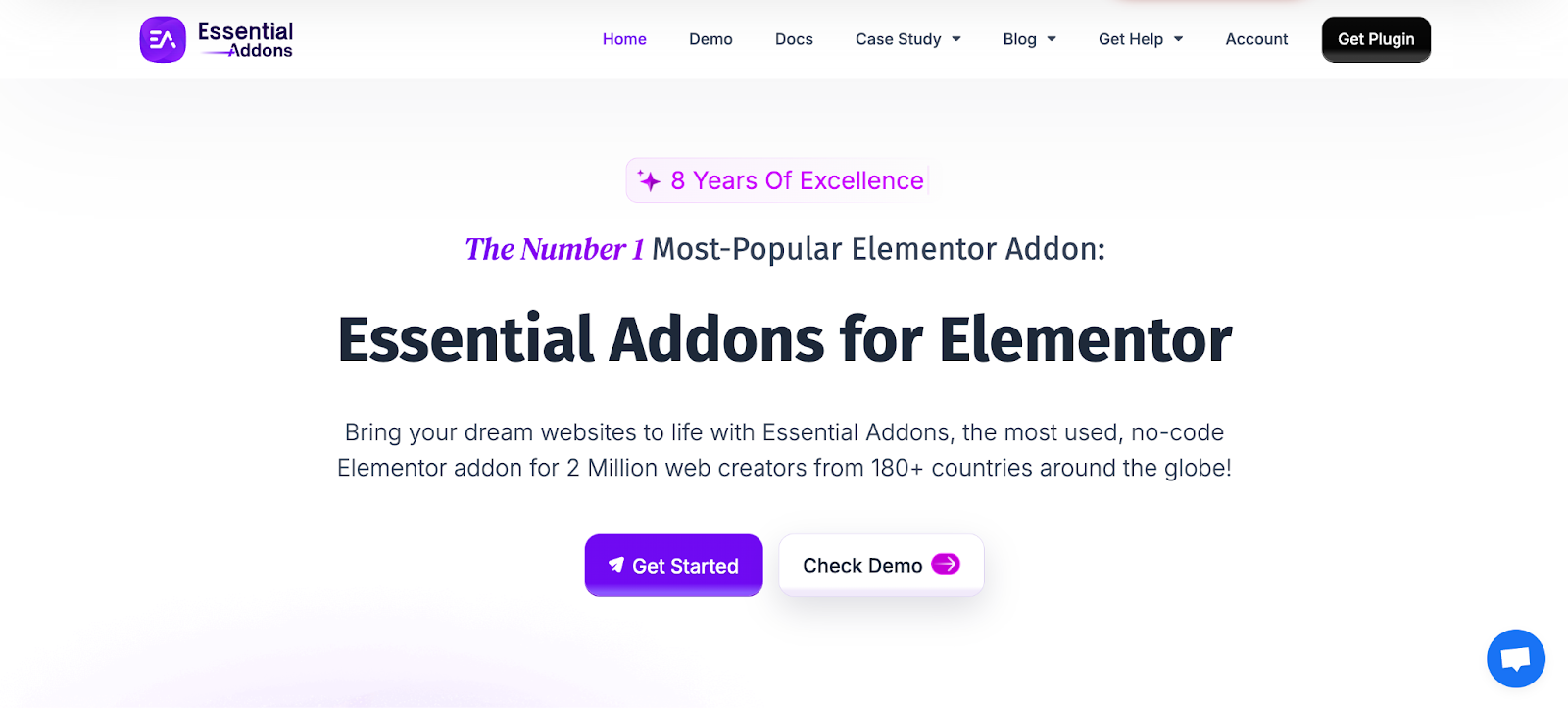
If you are creating a website for your client using Elementor, you might need an additional add-on to enhance it and create a complete site with engaging effects and elements. The top choice for Elementor add-ons is Essential Addons. Over 2 million users worldwide rely on this add-on, making it the best option for Elementor users. But why should freelance WordPress designers consider using this plugin? Here are the main reasons:
✅110+ Creative Elements: Essential Addons offers over 110+ elements and extensions that improve the web-building experience. From Liquid Glass Effects to unique WooCommerce elements, Essential Addons provides a comprehensive solution for all types of clients.
✅Ready Elementor Templates: Essential Addons includes over 3,000 pre-made WordPress Elementor templates. Freelancers can quickly create any type of website and get started with it. By making a few adjustments to the templates, you can bring any niche website LIVE.
✅Figma to Elementor Converter: Developing directly from a Figma design can be challenging. However, with Essential Addons, freelancers can make the Figma design live within a minute. This allows them to launch their clients’ websites without any delay.
How Essential Addons Helps Freelancers to Manage the Workflow:
- Ready-made widgets to reduce custom development
- Advanced design controls without extra plugins
- Consistent UI elements across multiple projects
- Faster feature implementation for client needs
- Reduced development time with pre-built templates
Templately – AI-Powered Template Cloud
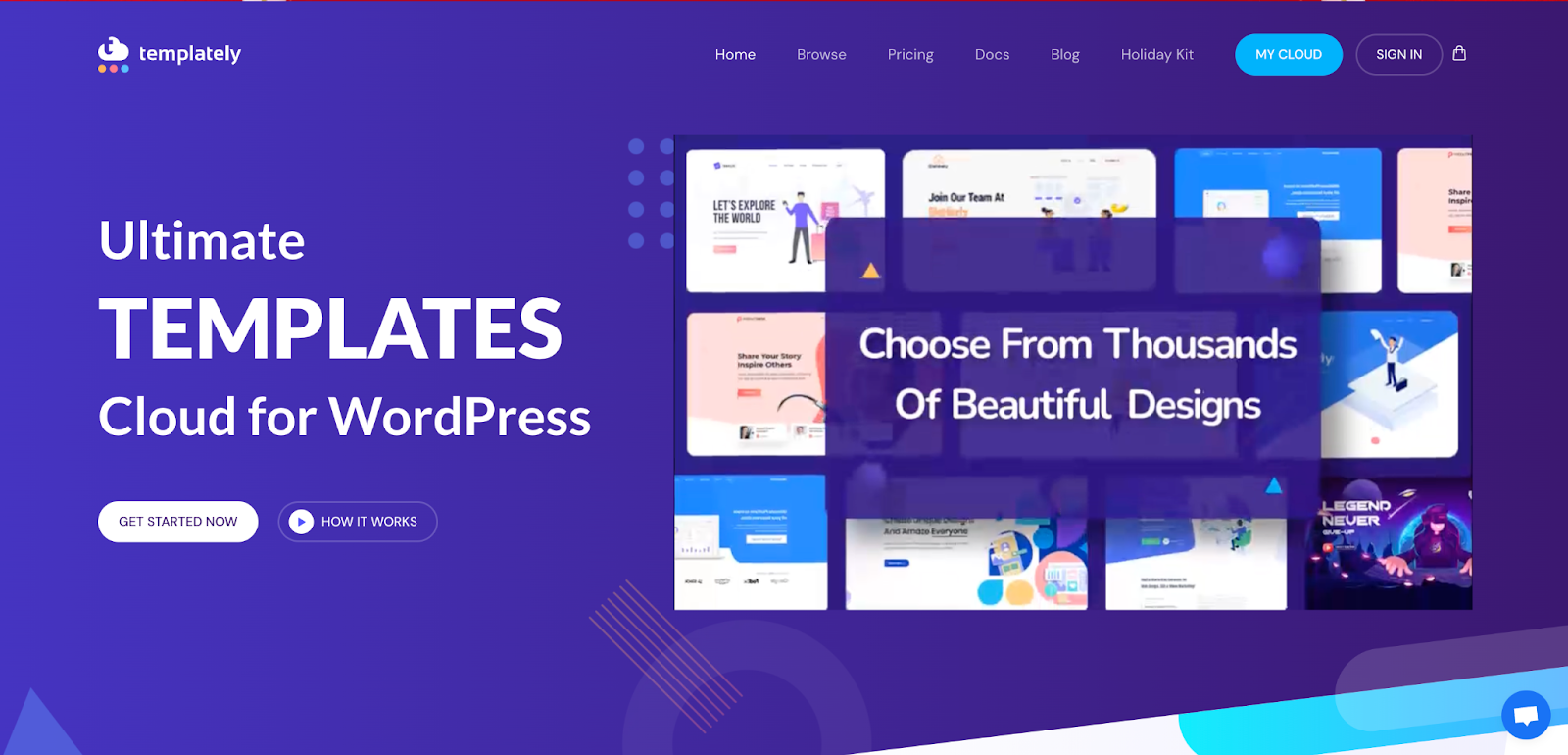
Freelancers need to deliver projects to their clients quickly. The faster the service, the more clients they can focus on and the more business they can attract. However, building a website takes a lot of time. For this reason, Templately, the leading AI-powered Template Cloud, is the best choice for these agencies. Here’s what Templately offers:
✅ 6,500+ Ready Templates: No matter what niche your clients are in, Templately has a variety of ready templates that work with both Elementor and Gutenberg. Whether it is a restaurant or a travel website, Templately has all types of templates to help you get started easily.
✅ Cloud Feature: With Templately, you can add unlimited items created in the cloud and use them for other clients later. Freelancers can create impressive blocks and elements on a website, save them on My Cloud, and share them with team members to collaborate better and improve the website.
✅ AI-powered Feature: Templately provides ready-made templates and helps generate content and images using AI. For example, if you find a restaurant website template that your clients like but need to update the content, just provide your clients’ business information and contact details. The AI will easily swap out the content and images without any trouble.
How Templately Helps Freelancers to Manage the Workflow:
- Pre-built website templates for quick project starts
- Cloud-based template storage and reuse
- Faster deployment across multiple client sites
- Easy customization without rebuilding layouts
- Scalable workflow for handling more projects
Trello – Productivity Tool
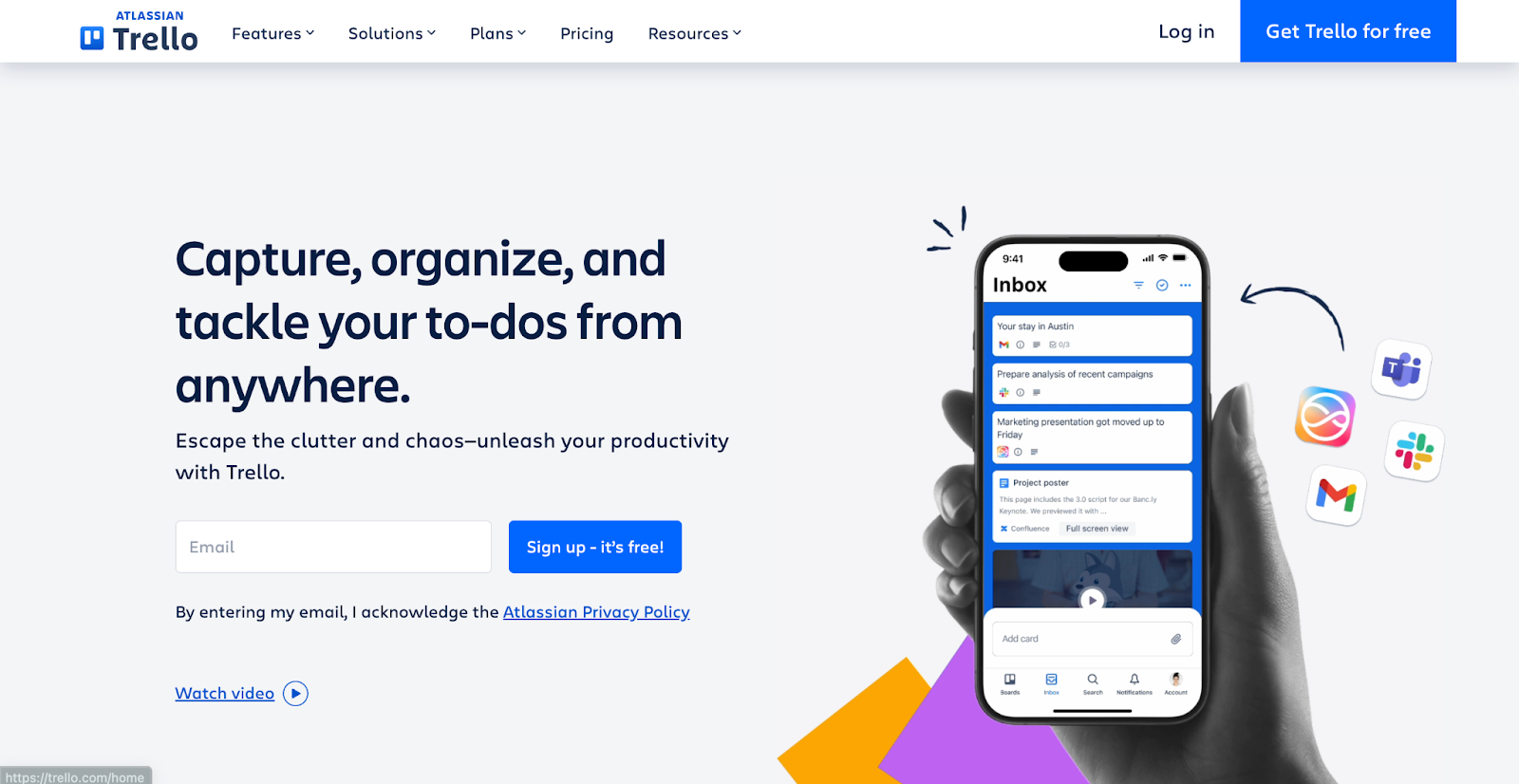
Trello is a flexible project management tool that helps freelancers organize tasks, track progress and work together effectively. Its visual board system allows users to quickly see the status of each project. This feature helps freelance web designers, developers and other creatives improve their workflow and meet deadlines. By using Trello, freelancers can handle multiple clients, prioritize tasks and keep a clear overview of their projects, all in one place.
✅ Visual Boards & Cards: Organize projects using boards, lists and cards. Each card can hold tasks, deadlines, checklists and attachments, making it easy to manage client projects from start to finish.
✅ Task Automation with Butler: Automate repetitive tasks like moving cards, setting due dates, or sending reminders. This reduces manual work and keeps your workflow smooth and consistent.
✅ Collaboration & Feedback: Share boards with clients, comment on tasks, attach files and track changes in real time. This ensures clear communication and reduces confusion during project execution.
How Trello Helps Freelancers to Manage the Workflow:
- Visual task tracking with boards and cards
- Clear project status at a glance
- Easy task prioritization for multiple clients
- Collaboration and feedback in one place
- Automated workflows to reduce manual effort
RankMath – SEO Tools for WordPress
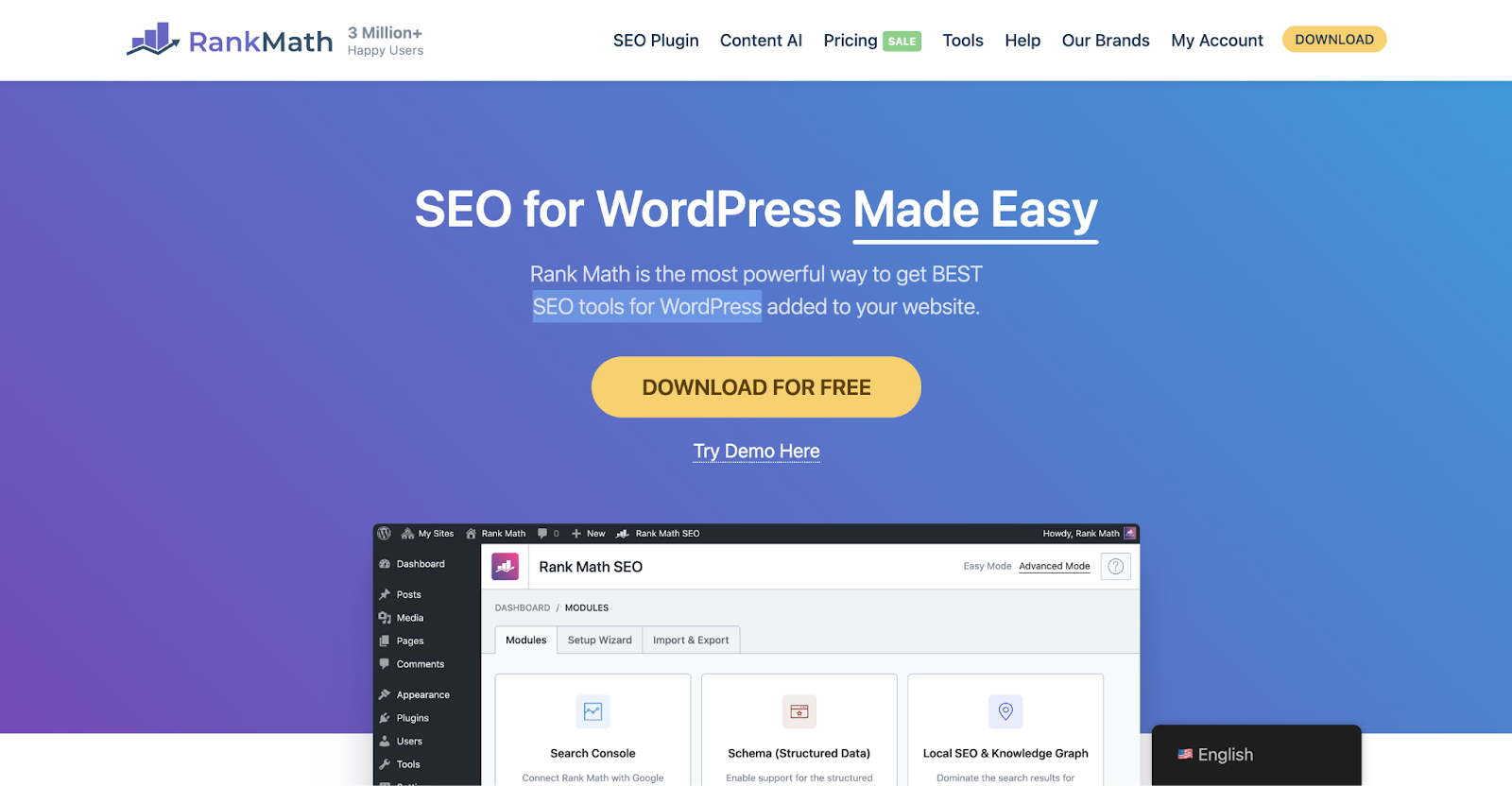
Rank Math is a powerful SEO plugin for WordPress that helps freelancers and agencies optimize websites for search engines with ease. Its intuitive interface and built-in tools make it simple to manage on-page SEO, monitor performance and improve website rankings. This plugin allows freelance web designers and developers to deliver SEO-friendly websites efficiently, without juggling multiple tools, helping clients get better visibility and results. By using Rank Math, freelancers can optimize content, track keywords, and manage technical SEO, all from a single dashboard.
✅ Advanced On-Page SEO: Analyze pages and posts for SEO best practices, get actionable suggestions, and optimize meta titles, descriptions, and content for better rankings.
✅ Keyword Tracking & Analytics: Monitor keyword performance, track search rankings, and get insights on website traffic to make data-driven SEO decisions.
✅ Automated SEO Features: Automatically generate sitemaps, add schema markup, and optimize meta tags, reducing manual work while keeping websites search-engine friendly.
How RankMath Helps Freelancers to Manage the Workflow:
- Built-in SEO checks during content creation
- Automated meta tags, schema and sitemaps
- Centralized SEO management for client sites
- Reduced need for external SEO tools
- Faster delivery of SEO-ready WordPress websites
Key Mistakes for Freelancers to Avoid
Freelancing comes with freedom, but it also comes with responsibility. Even the most skilled WordPress web designers can face challenges if they fall into common pitfalls. Avoiding these mistakes can save time, reduce stress and improve client relationships. By being aware of potential traps, freelancers can maintain a smooth web design workflow, deliver high-quality work consistently, and grow their business sustainably.
❌Poor Time Management: Failing to plan and prioritize tasks can lead to missed deadlines, rushed work and unnecessary stress. Freelancers should use tools like Trello or calendars to structure their day and track multiple client projects efficiently.
❌Ignoring Contracts and Agreements: Working without clear contracts can result in payment disputes or misunderstandings about project scope. Always define deliverables, timelines, and payment terms before starting a project.
❌Taking Too Many Projects: Trying to handle more clients than you can manage often affects quality and delivery. Be realistic about your capacity to maintain professionalism and ensure consistent results.
❌Neglecting Continuous Learning: Web design, WordPress, and SEO trends evolve rapidly. Freelancers who don’t update their skills risk falling behind competitors and delivering outdated solutions.
❌Poor Client Communication: Lack of timely updates or unclear communication can frustrate clients and harm relationships. Regular check-ins, progress reports and clarity on revisions help build trust and smooth workflow.
Maximize Efficiency with Proper Web Design Workflow
A freelancing job can be challenging. Especially for the website developers. Without maintaining a proper workflow, it becomes difficult to manage multiple clients and tasks simultaneously. By following the proper workflow rules, freelancers can manage tasks more efficiently and attract more clients. So by maintaining the proper workflow and tools, freelancers can boost efficiency and productivity.
Hope this blog is helpful for you as a freelancer. Do not forget to subscribe to our blog & join our Facebook Community for more Elementor guides.