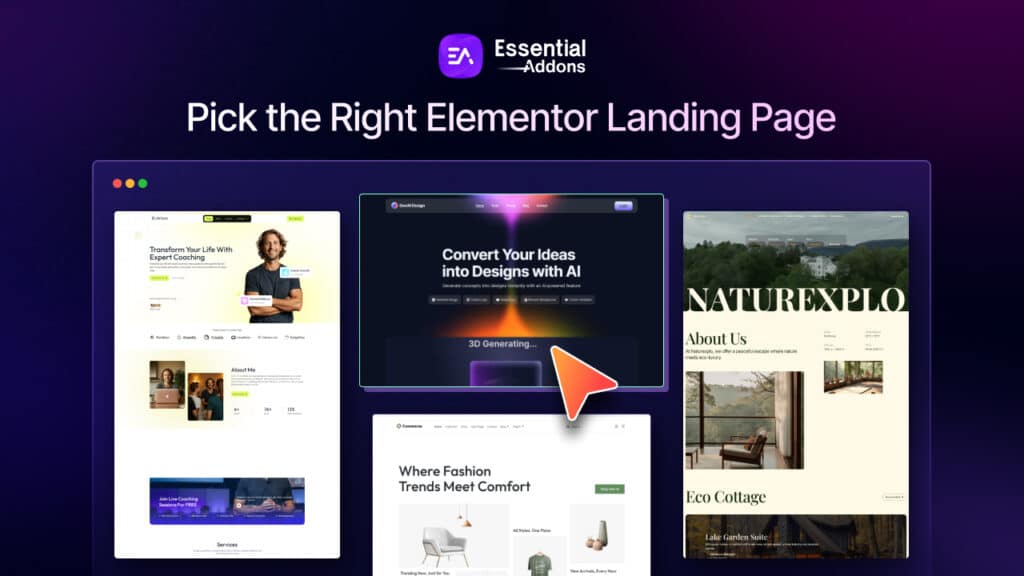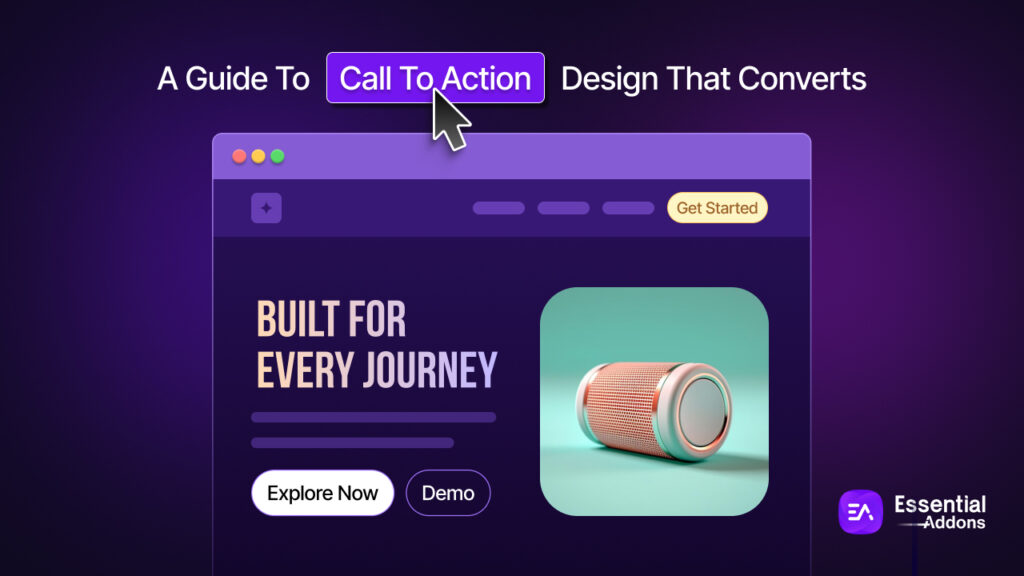
Choosing the right Elementor landing page template is not just a design decision. It directly affects how clearly you communicate your offer, how quickly visitors understand your value and how effectively your page converts traffic into leads or sales. A strong template gives you a strategic starting point, helping you match layout, messaging and call to action with the exact goal of your campaign.
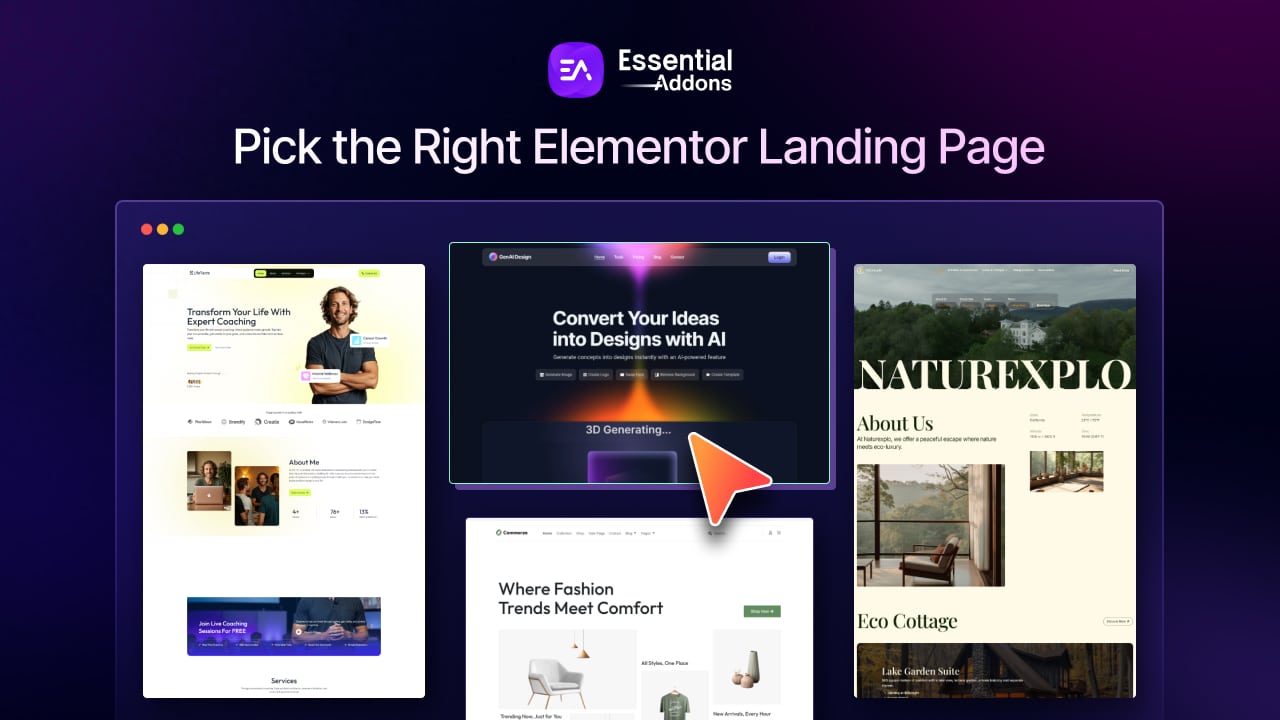
If you are building a landing page in Elementor web builder for lead generation, product sales, webinar signups, app downloads, or service inquiries, the template you choose should support that single outcome. In this guide, you will learn what a landing page is, why it matters, the main types of landing pages, how to choose the best layout for your goals, where to find the best Elementor landing page templates, and how to keep your page aligned with both user intent and business results.
TL;DR
Too long? Didn’t read? Here is a quick summary of what is inside the blog.
| Key Point | Quick Summary |
| What is a landing page? | A landing page is a focused, standalone page designed around one main goal, such as collecting leads, driving signups, or generating sales. |
| Why does the template matter? | The right Elementor landing page template helps reduce distractions, improve clarity, and support better conversions. |
| What should you prioritize first? | Start with your business goal. Choose a template based on whether you want leads, bookings, downloads, or purchases. |
| What makes a good template? | A strong template should have a clear hero section, a visible CTA, trust-building sections, and a distraction-free layout. |
| Should the page look like a homepage? | No. A landing page should stay focused on one message and one action, instead of offering too many navigation options. |
| Is mobile responsiveness important? | Yes. Your landing page for Elementor should work smoothly across mobile, tablet, and desktop devices. |
| Where can you find templates? | Good places to start include Elementor’s ecosystem and Templately. |
| What is the biggest mistake to avoid? | Do not choose a template based only on looks. The best Elementor landing page templates are the ones that match your campaign goal and audience intent. |
What Is a Landing Page?
A landing page is a focused, standalone page built around one primary action. According to HubSpot, a landing page is different from a general web page because it typically includes a form and exists mainly to capture a visitor’s information or push them toward a single conversion event. In other words, it is built with one clear purpose instead of trying to serve many different site functions at once.
When you build a landing page in Elementor, that same principle still applies. The goal is not to create a page packed with every company detail, every navigation link and every possible message. The goal is to create a clean conversion-focused experience. Elementor’s own landing page tutorial recommends starting with a blank canvas and structuring the page with focused sections such as a hero area, services or features, testimonials, portfolio, or proof and a strong closing call to action.
That is why a landing page should never be confused with a homepage. A homepage has to introduce the brand, route visitors to many destinations and support different user journeys. A landing page, by contrast, should reduce distraction and guide the visitor toward one clear next step, whether that means filling out a form, booking a call, downloading a resource, or making a purchase.
Why Is a Landing Page Important?
A landing page is not only important for visualization, but it also has more significance in generating conversions and making campaign measurement easier. Here, these are explained in detail.
Focused Conversion Path
One of the biggest reasons landing pages matter is focus. Unbounce highlights that standalone landing pages work because they keep the messaging targeted and reduce confusion. Instead of forcing visitors to choose among multiple menus, links, offers and distractions, a landing page keeps attention on a single message and a single CTA. That is exactly what makes a well-chosen Elementor landing page so effective for campaigns.

For businesses, this means higher clarity. If someone clicks an ad for a free consultation, they should land on a page that talks about that consultation, explains the value, answers objections and invites them to book. If they click through to a crowded homepage, the campaign loses momentum.
Improves Lead Generation
Landing pages are important because they are designed to convert. Landing pages exist specifically to capture visitor information through a form, while targeted landing pages can improve conversion performance because they are built around a single action and message. This makes them especially useful for businesses running paid ads, email campaigns, social promotions, or product launches.
For example, a coaching business may need a template with a strong hero section, credibility badges, testimonial blocks and a scheduling form above the fold. An eCommerce brand may need a template that prioritizes product visuals, benefits, urgency and checkout-focused buttons. In both cases, the right Elementor landing page template supports the conversion goal instead of getting in its way.
Makes Campaign Measurement Easier
A landing page is easier to measure than a standard website page because there is usually one desired action. When a page has one possible goal, analytics become simpler: visitors either convert or they do not. That makes it easier to test headlines, forms, images, button copy, layouts and social proof sections without the noise created by dozens of unrelated links.
This matters when you are using Elementor for marketing campaigns. If you are comparing two landing page templates, you can look at how each one affects bounce rate, form completion, click-throughs, or bookings. Because Elementor makes layout editing easier, marketers and site owners can iterate quickly. But that speed only helps if the page itself is built around a measurable goal.
More Control Over Messaging And Design
A landing page is important because it gives you the freedom to design around a specific campaign rather than a general website structure. Unbounce explains that standalone landing pages remove many of the design dependencies and internal restrictions that usually come with editing a main website. That freedom makes it easier to tailor visuals, copy and section order to the exact audience you want to convert.
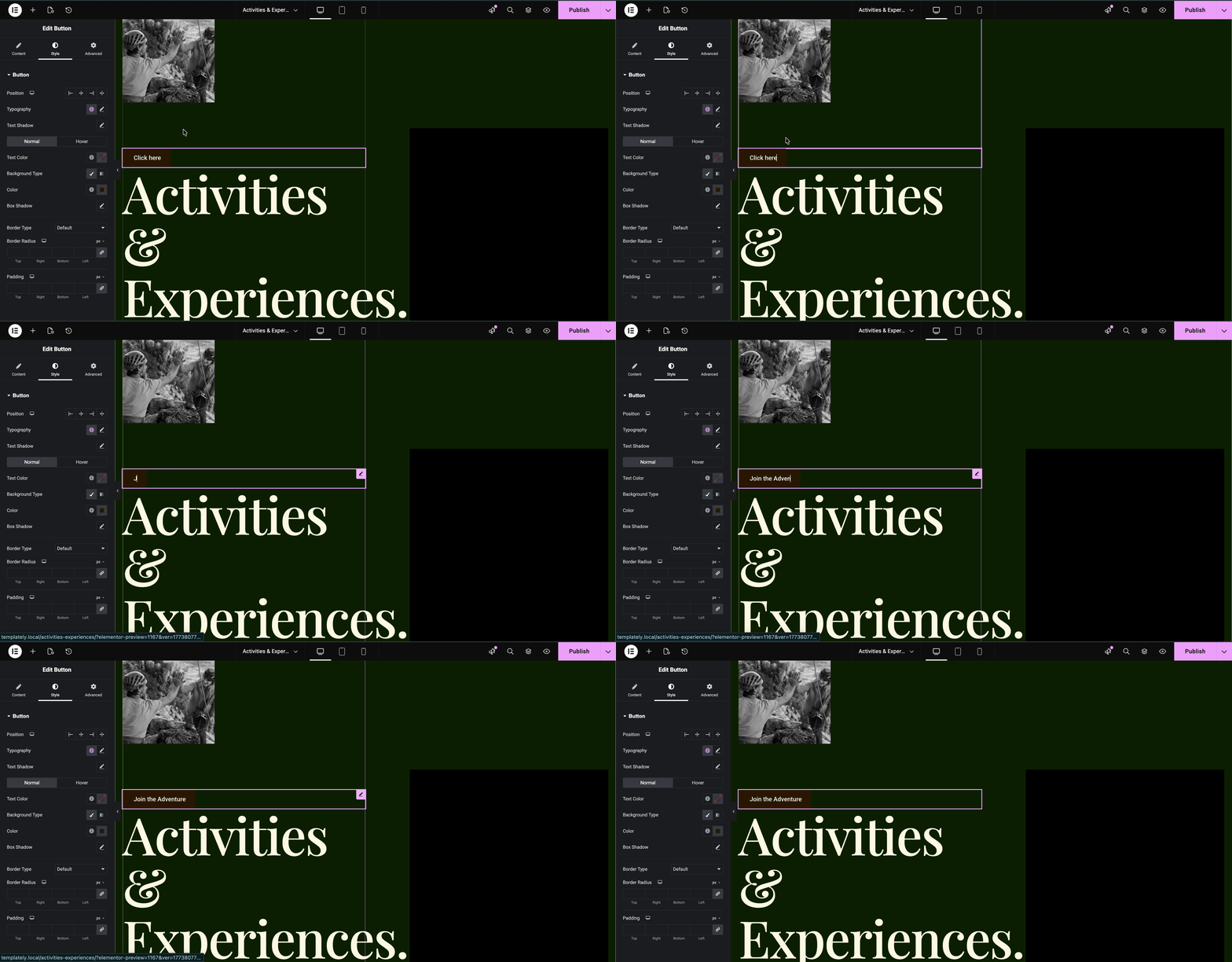
This is where Elementor becomes especially useful. Elementor’s drag-and-drop workflow lets you personalize titles, colors, images, backgrounds and page blocks quickly. Its tutorial specifically encourages users to adapt text, change imagery, choose a limited color palette and customize background sections to match the business and offer. When your template is flexible enough, your landing page feels more intentional and brand-aligned rather than generic.
Supports Testing, Optimization And Scaling
A landing page is not a one-time asset. It is something you improve over time. Unbounce emphasizes that standalone pages make A/B testing easier and create stronger accountability for campaign performance. That matters because businesses rarely get their best-converting version on the first attempt. The best results often come from refining headlines, repositioning forms, simplifying content, or changing the order of proof and benefits.
With Elementor, this process becomes practical even for non-developers. You can start with a template, publish quickly, then test how changes affect results. As your campaigns expand, you can duplicate successful structures for multiple audiences, services, or offers. That makes the right template not just a design shortcut, but a repeatable framework for growth.
Types of Landing Pages You Should Know
Not every landing page should look the same. The best template depends on what you want the visitor to do. Here are the most common types of landing pages you can build in Elementor:
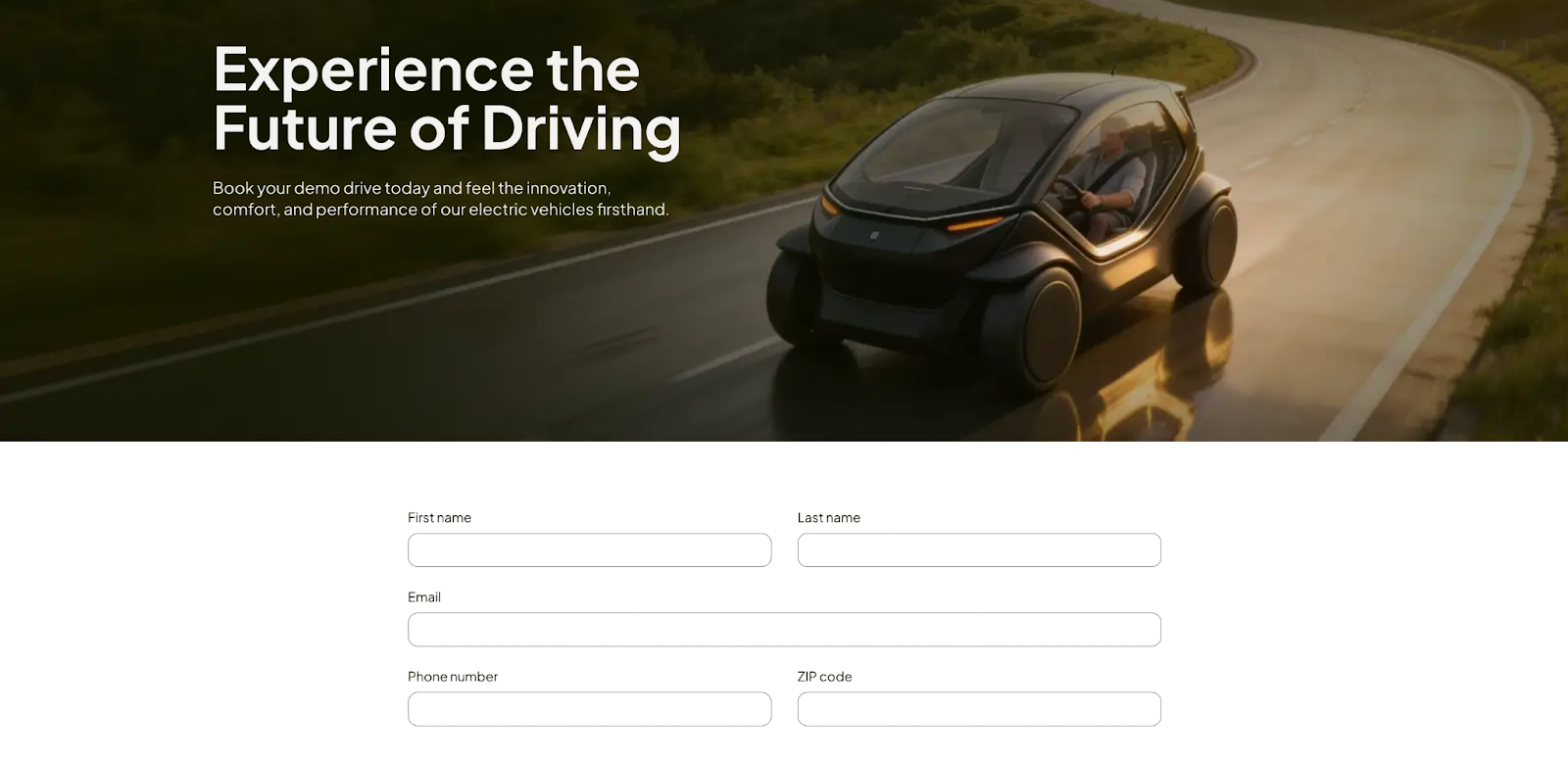
- Lead generation landing pages: These pages are built to collect visitor details through a form. They usually offer something in exchange, such as a free consultation, demo request, ebook, checklist, quote, or newsletter signup. This type works best when the template gives strong visibility to the form and keeps distractions low.
- Click-through landing pages: These pages are designed to warm up visitors before sending them to another step, such as a checkout page, pricing page, or product page. Instead of a long form, they focus on benefits, objections, proof and a clear button that moves the visitor forward.
- Sales landing pages: A sales-focused landing page is typically longer and more persuasive. It may include a hero section, benefits, feature breakdowns, FAQs, testimonials, pricing details and urgency elements. This type is ideal for courses, digital products, subscriptions, SaaS tools and premium services.
- Event or webinar landing pages: These pages are built to promote registrations for live or recorded events. They often highlight the topic, the date, speaker details, agenda, and signup form. A template with clear section flow works especially well here.

- App download or product launch pages: These landing pages focus on one new offer. They often rely on strong visual hierarchy, screenshots or previews, benefit-driven copy and one prominent CTA. They work best when the template supports product imagery and a clean feature layout.
- Service business landing pages: These are popular for agencies, consultants, coaches, legal firms, medical practices, home services and local businesses. They usually need a bold headline, a short trust-building intro, service highlights, proof and an inquiry or booking form.
- Thank you or confirmation pages: These pages appear after a user completes an action. They are often overlooked, but they can continue the funnel by offering a next step, such as booking a call, joining a webinar, reading a guide, or following your brand on social media.
Checklist for Choosing the Right Elementor Landing Page
Before finalizing an Elementor landing page template, it helps to run through a simple checklist. This ensures the template is not just visually appealing, but also aligned with your campaign goal, user experience, and conversion strategy. A strong landing page should stay focused, reduce distractions, and make the next step obvious for the visitor.
Use this checklist before choosing your template:
- Does it support one clear goal?
The page should focus on one main action, such as signup, booking, download, or purchase. - Is the hero section strong enough?
The headline, supporting text, and CTA should be clear immediately above the fold. - Does it have a visible call to action?
Visitors should instantly know what action to take next. - Is the layout distraction-free?
Too many links, menus, or mixed messages can reduce conversions. - Does it include trust-building elements?
Look for space for testimonials, ratings, client logos, or examples of work. - Is it mobile responsive?
The page should look clean and function properly across phones, tablets, and desktops. - Can you customize it easily in Elementor?
You should be able to change colors, images, text, and sections without breaking the design. - Does it match your business type and audience?
The structure should fit your offer, industry, and visitor intent. - Is the form or CTA placed strategically?
For lead generation pages, forms should be easy to find and simple to complete. - Does it give you room to test and optimize later?
A good template should be flexible enough for future edits, A/B testing, and performance improvements.
How to Choose the Right Elementor Landing Page Template
Choosing the right template is less about picking the prettiest design and more about picking the most strategic one. A great template should fit your business goal, audience, offer and traffic source.
Step 1: Start with a Clear Business Goal
Before browsing templates, ask one question: What is this page supposed to do? If the answer is vague, the template choice will be weak too. Your landing page should be built around one main conversion goal, such as collecting leads, booking calls, selling a product, promoting an event, or driving email signups.
This means you should avoid choosing a multipurpose layout just because it looks modern. A page designed for a software demo will not necessarily work for a wedding photographer, a dentist, or a financial consultant. Match the template to the conversion action first, then think about style. If your goal is lead capture, prioritize templates with a form-heavy hero section. If your goal is direct sales, prioritize layouts with longer persuasion sections.
Step 2: Match the Template to Traffic Intent
Every landing page receives visitors with a certain expectation. Someone coming from a Google ad, Instagram story, email campaign, or referral partner is arriving with different levels of awareness and intent. The page should continue the exact promise made by the original campaign.
That means your Elementor landing page template should support the message users are expecting to see. If the ad says “Book a Free Strategy Call,” the hero section should immediately confirm that offer. If the email promotes a downloadable guide, the template should make the guide and form the visual focal point. The right layout reinforces continuity, while the wrong one creates friction and reduces trust.
Step 3: Evaluate the Hero Section First
The hero section is the most important part of the page because it is the first thing the visitor sees. Elementor’s own tutorial calls the hero the most important section of a landing page and recommends placing essential elements there, including the title, subtitle and signup form.
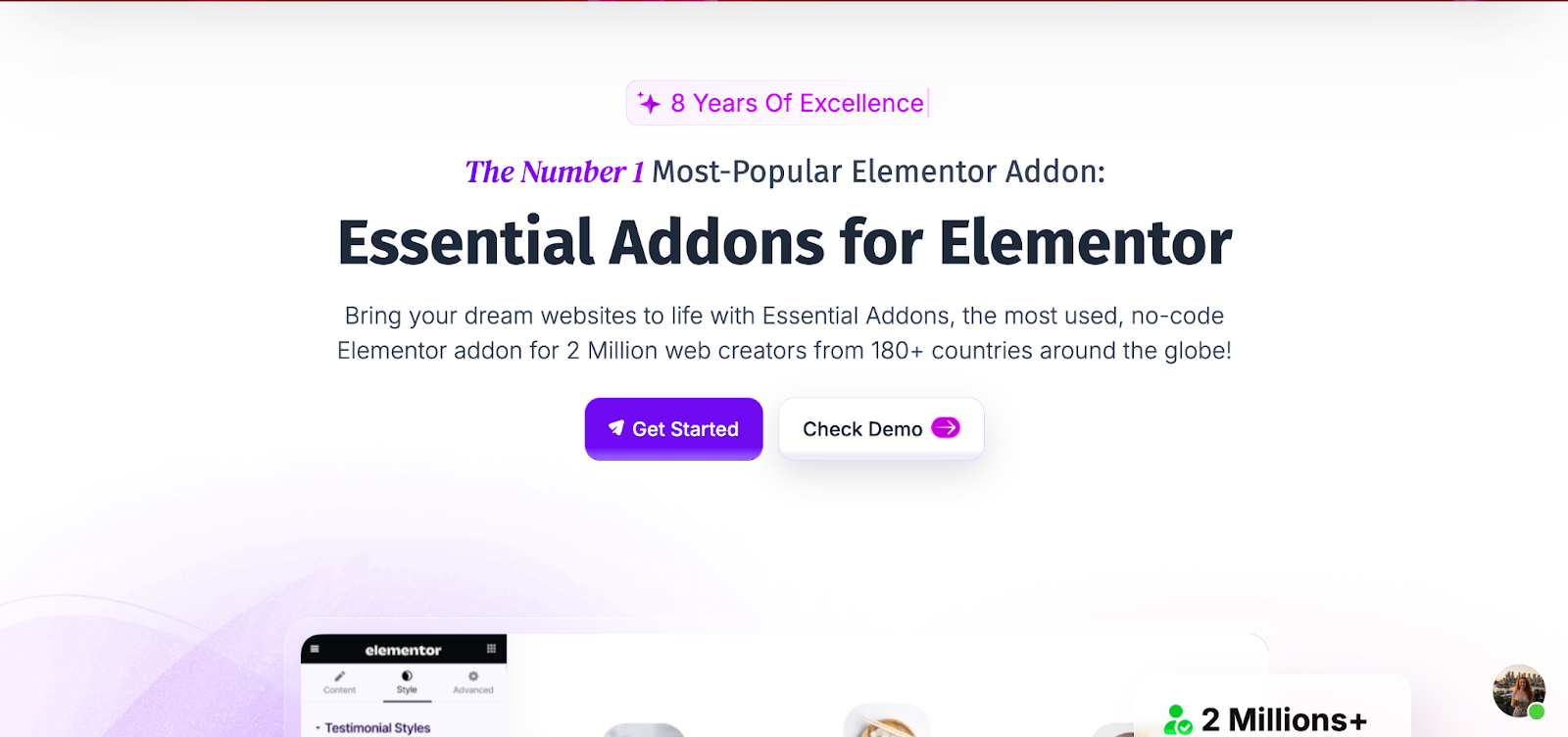
When comparing templates, check whether the hero section gives you room for a compelling headline, a clear subheading, a relevant image or visual and a visible CTA. If your business depends on leads, a hero with a built-in form may be ideal. If your business relies on storytelling or product education, you may want a hero with stronger copy support and a clear button leading further down the page. Do not choose a template with a visually impressive hero if it leaves no room for clarity.
Step 4: Look for Conversion-focused Section Flow
Good landing page templates are not just collections of pretty blocks. They are persuasive journeys. Elementor’s example structure includes a minimal header, a hero section, services or features, testimonials, portfolio or proof and a footer with another CTA. That flow is effective because it moves from attention to interest to trust to action.
As you review templates, ask whether the structure supports persuasion. Does it allow room for benefits? Is there a place for testimonials or trust badges? Can you include FAQs to handle objections? Is there a closing CTA section near the end? The best Elementor landing page templates make it easy to tell a convincing story without forcing you to redesign the page architecture from scratch.
Step 5: Keep Navigation Minimal
One of the defining strengths of a landing page is reduced distraction. Landing pages differ from general web pages because they are built specifically for conversion rather than broader website exploration. Elementor also recommends minimizing the header in landing page builds, sometimes showing only the logo.
So when choosing a template, be careful with designs that look like mini homepages. If the layout includes heavy menus, multiple paths, sidebars, or too many competing sections, it may weaken performance. A high-converting landing page for Elementor should feel intentional, focused and uncluttered.
Step 6: Customize Your Brand with Ease
A template should save time, not create design limitations. Elementor’s guidance encourages users to personalize text, swap imagery, update colors and change section backgrounds to fit the business. That means the best template is not necessarily the one that looks perfect in the demo, but the one that remains strong after your branding is applied.
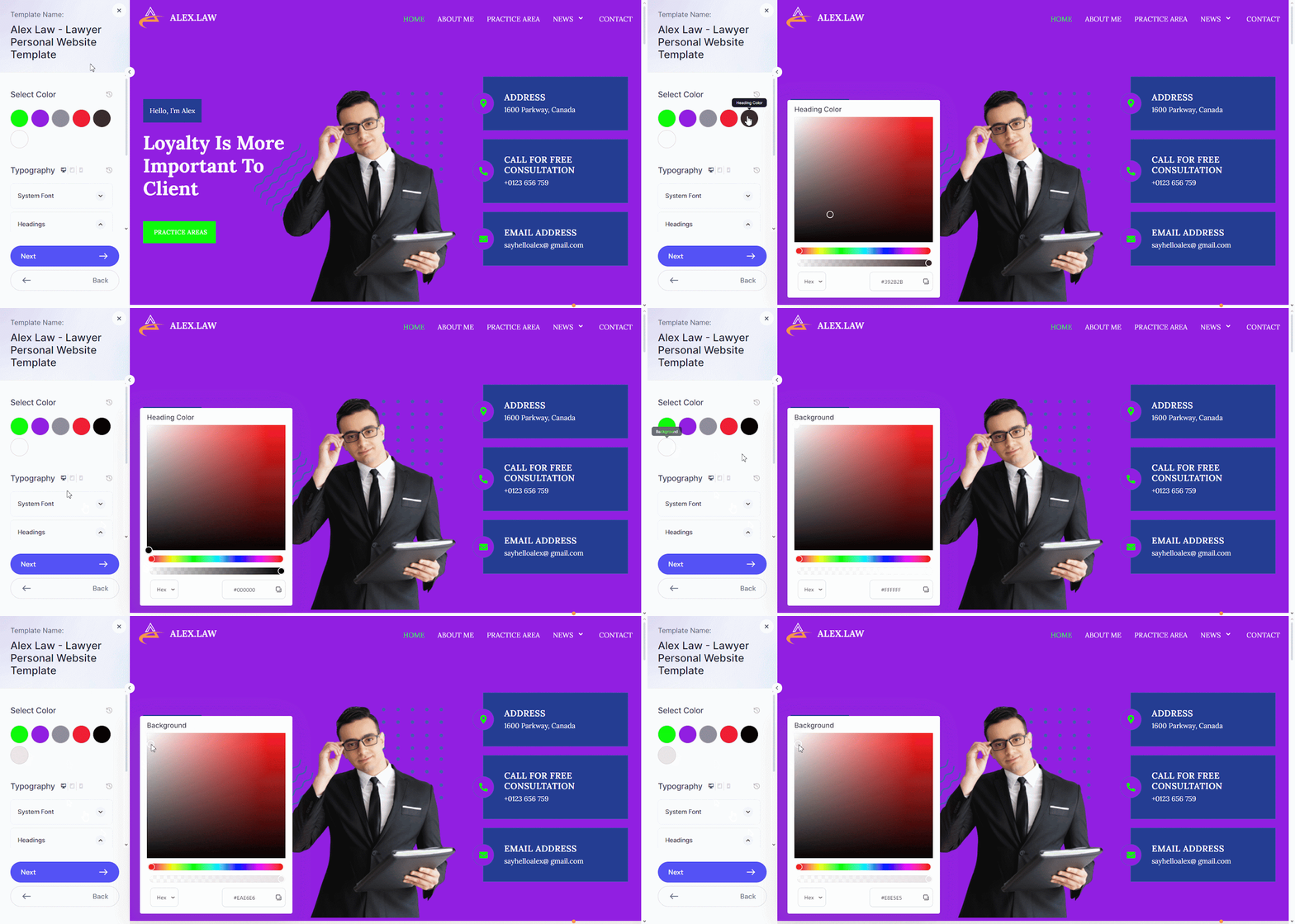
When choosing, check typography flexibility, spacing, button styles, image placeholders, and section options. Can you make it feel like your brand without breaking the layout? Can you remove sections you do not need? Can you duplicate sections that matter more to your audience? If the answer is yes, the template is more likely to work long term.
Step 7: Prioritize Mobile Responsiveness
Many users will see your landing page on mobile first, so responsiveness is non-negotiable. Elementor notes that its blocks are designed to be mobile responsive and can be further customized for mobile and tablet views.
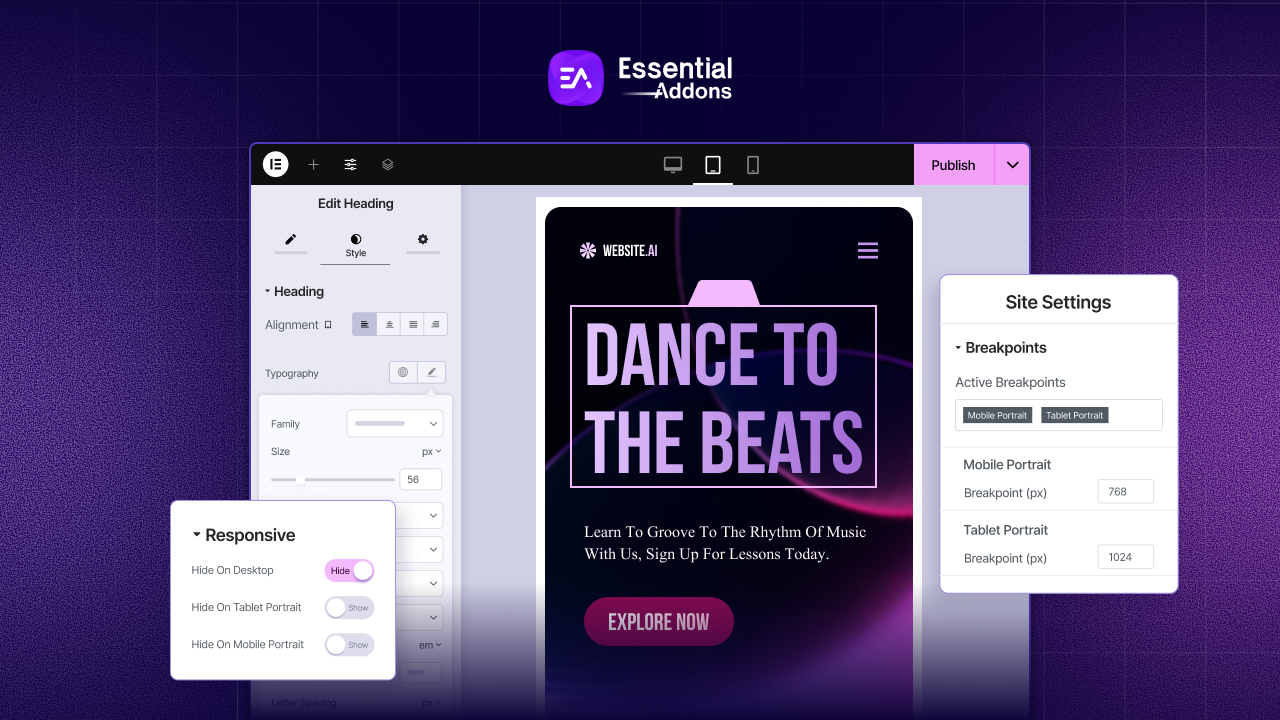
When reviewing templates, do not just look at desktop screenshots. Check whether the headline remains readable on smaller screens, whether forms stack properly, whether buttons stay visible and whether spacing feels balanced. A template that looks excellent on desktop but becomes awkward on mobile can hurt conversions fast.
Step 8: Choose Templates with Social Proofs
Trust matters, especially when asking visitors to submit details or make purchases. That is why testimonials, logos, ratings, case studies and examples of work are so valuable. Elementor specifically includes testimonial and portfolio sections in its sample landing page structure.
For service businesses, this is especially important. A template with built-in testimonial sliders, proof sections, or results blocks can save time and improve performance. These sections help reduce hesitation and make your offer feel more credible. If a template has no natural place for trust-building content, you may need to modify it heavily.
Step 9: Think about Speed And Simplicity
It is easy to get distracted by animations, oversized graphics and trendy effects. But the best template is often the one that gets the message across quickly. Many of its Elementor templates are clean, clear, responsive, and purpose-driven, which is exactly the kind of design thinking that supports business-focused landing pages.
Simple pages are often easier to scan, easier to edit, and easier to optimize. If your template includes too many decorative elements, your offer may get buried. The strongest Elementor landing page template is the one that helps users understand the value fast and act with confidence.
Step 10: Pick a Template You Can Reuse And Scale
The ideal template should not only work once. It should become a repeatable asset for future campaigns. If you run multiple services, products, lead magnets, or ad campaigns, a reusable layout can streamline production and maintain brand consistency. Elementor’s ecosystem and template resources make this especially practical for teams and growing businesses.
This is why many businesses do well with a flexible but conversion-focused structure: hero, benefits, proof, objections, CTA. Once you find a version that performs, you can adapt it for new offers rather than reinventing every page from scratch. That is a smart way to approach how to create a landing page Elementor template strategy that grows with your marketing.
Common Mistakes to Avoid While Choosing a Landing Page
Choosing an Elementor landing page template becomes much easier when you know what to avoid. Many businesses pick a template based only on looks, but a landing page should be chosen based on conversion goals, clarity, and user experience. A good landing page is meant to stay focused, reduce distractions, and guide visitors toward one clear action.
Here are some common mistakes to avoid:
- Choosing style over strategy: A visually attractive template may still perform poorly if it does not match your goal, audience, or offer.
- Using a homepage-style layout: Landing pages work best when they are focused on one message and one CTA, not packed with too many menus, links, or mixed objectives.
- Ignoring the hero section: The hero area is often the first thing visitors see, so it should clearly communicate the offer, value, and next step.
- Not checking mobile responsiveness: A template may look great on desktop but fail on mobile if spacing, buttons, or forms are not optimized. Elementor specifically supports mobile customization, so this should never be overlooked.
- Skipping trust-building sections: Testimonials, proof, and examples of work help reduce hesitation and improve conversions. Templates without these sections may need extra customization.
- Picking a template that is hard to customize: The best template should make it easy to update colors, text, images, and sections so the page fits your brand and campaign.
Where to Find the Best Landing Page Template for Elementor?
If you are wondering where to find the best landing page template for Elementor, start with sources that support Elementor natively and offer layouts built for real business goals. The safest place to begin is the broader Elementor ecosystem, since Elementor provides official guidance for creating landing pages and promotes a template-based workflow that helps users launch faster with ready-made designs.
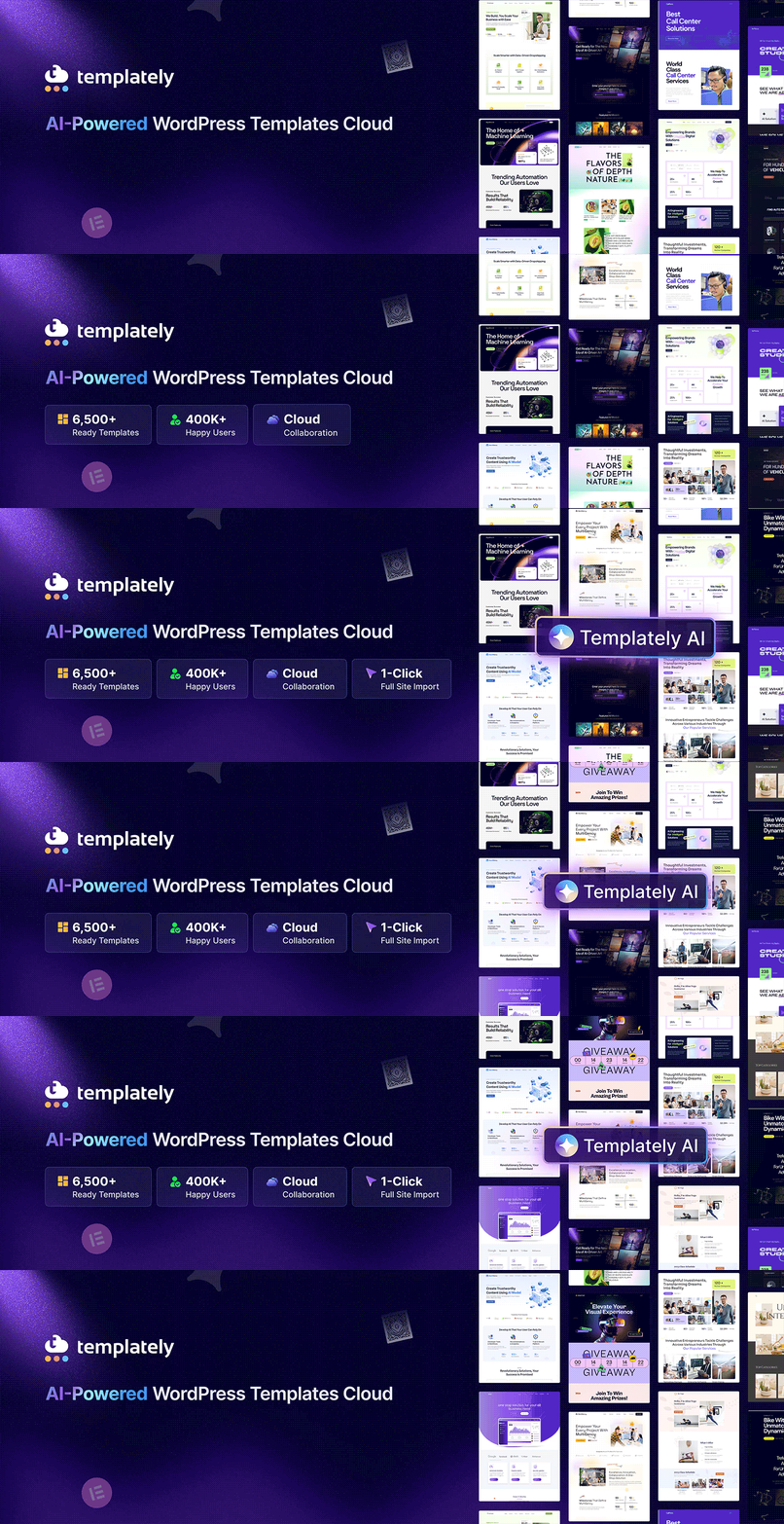
The first place to check is Elementor’s own ecosystem. Elementor not only provides official guidance for building landing pages, but also maintains a template-driven workflow and recommends multiple template resources through its blog. To customize your brand, one of the best options can be Templately. With Templately’s 3,000+ ready WordPress templates for Elementor, you can get landing pages for every business niche and easily customize them based on your brand accordingly.
For Essential Addons users, the process becomes even more practical. Essential Addons is one of the most widely used Elementor addon libraries, offering 110+ Elementor elements and a large set of creative, marketing, dynamic and WooCommerce-focused widgets that can help you shape landing pages around conversions. That means you are not limited to just importing a design. You can also enhance it with stronger CTAs, testimonials, advanced content sections, and other conversion-friendly elements after the template is in place.
The best source ultimately depends on your needs. If you want official compatibility and a familiar workflow, start with Elementor-related libraries. If you want a wider variety, explore third-party collections recommended by Elementor.
Choose the Right Elementor Landing Page for Your Business Today
The right Elementor landing page template should do more than look attractive. It should support one clear conversion goal, match visitor intent, reduce distractions, present proof, and make customization easy. The best template is the one that helps your audience understand your offer quickly and confidently take the next step.
If you choose your template based on business goals instead of visuals alone, your Elementor landing page becomes a strategic asset rather than just another page on your site. Start with the goal, choose a structure that supports it, personalize the message, and keep optimizing. That is how you turn a simple template into a high-performing landing page for Elementor. We hope you have found this blog useful. Don’t forget to subscribe to our blogs for the latest updates. And join our Facebook community so that you do not miss any important updates.
Common FAQ on Landing Page for Elementor
Is Elementor good for creating landing pages?
Yes. Elementor is well-suited for landing pages because it supports drag-and-drop editing, blank canvas layouts, responsive design controls, and customizable content blocks. Elementor’s own tutorial shows users how to create a landing page by starting with a blank page, switching to Elementor Canvas, and assembling focused sections such as hero, services, testimonials, and footer CTAs.
What makes a good Elementor landing page template?
A good template has a clear hero section, one main CTA, minimal distractions, trust-building elements, mobile responsiveness, and enough flexibility to match your branding and offer. It should not feel like a homepage. It should feel like a focused campaign page with a clear conversion path.
Should I use a free or premium landing page template for Elementor?
That depends on your goals. Free templates can work well if your needs are simple and you are comfortable customizing the design yourself. Premium templates often give you more polished layouts, niche-specific designs, and more advanced blocks, which can save time. Elementor’s own recommended resource list includes both free and premium sources, so the best choice depends on budget, speed, and how specific your campaign needs are.
How do I choose between different Elementor landing page templates?
Start by comparing them against your goal, not your personal design taste. Ask whether the template supports your CTA, whether the hero section is strong enough, whether it includes areas for benefits and social proof, and whether it works well on mobile. A template that matches the offer and audience usually performs better than one that simply looks trendy.
How to create a landing page Elementor template from scratch?
A practical way to create a landing page Elementor template is to start with a new WordPress page, edit it with Elementor, switch the layout to Elementor Canvas, and then add blocks or sections in a logical order. Elementor recommends building around core sections such as a minimal header, hero, services or features, testimonials, proof, and a final CTA. Once you create a strong structure, you can reuse that layout as your own template for future campaigns.
Where can I find the best Elementor landing page templates?
Strong places to start include Elementor recommendations, Templately and Elementor template collection. Elementor’s roundup specifically names Templately and other major template providers, while Astra highlights business-focused, one-page, CTA-friendly layouts that work well for conversions.
Do I need Elementor Pro to build a landing page?
You can build basic pages with Elementor, but Elementor notes that some landing-page-specific features in its tutorial, such as the Forms widget, are available in Elementor Pro. If your landing page depends on embedded forms and certain advanced widgets, Pro may be the better option.