
WooCommerce powers over 33.4% of all eCommerce websites globally, with more than 4.53 million active stores (according to StoreLeads). Meanwhile, Elementor has become the dominant website builder with over 18+ million active installations (according to Elementor). The intersection of these two platforms creates powerful opportunities for store owners who want beautiful, conversion-optimized online shops without writing a single line of code.
However, the default WooCommerce templates are basic and limited. Industry experts consistently recommend extending Elementor with specialized WooCommerce addons to unlock full design control over product pages, cart, checkout, and shop archives. This guide evaluates the 10 best WooCommerce addons for Elementor based on widget count, features, performance, pricing, and real-world usability.
Quick Summary (TL;DR)
Too Long; Didn’t Read? Here’s what you need to know:
| If You Want… | Use This | Expected Resource | Time to Setup |
| Free WooCommerce widgets with a huge user base | Essential Addons for Elementor | 110+ advanced widgets, including free Woo addons | Less than 30 mins |
| Complete WooCommerce template builder | ShopEngine | 70+ widgets, including Woo | 1-2 hours |
| All-in-one Elementor solution | ElementsKit | 90+ widgets, including Woo | 1 hour |
| Maximum template variety | ShopLentor (previously known as WooLentor) | 125+ widgets | 1-2 hours |
| Developer-level customization | JetWooBuilder | 67 widgets | 2-3 hours |
| Lightweight performance | PowerPack Addons for Elementor | 75+ creative widgets | 45 mins |
| Product grid styling excellence | Premium Addons | 90+ widgets | 1 hour |
| Starter Templates ecosystem | Ultimate Addons for Elementor | 50+ widgets | 45 mins |
| AI-powered features | The Plus Addons | 120+ widgets | 1-2 hours |
| Budget-friendly complete solution | Royal Elementor | 100+ widgets | 1 hour |
Expert Recommendation: WordPress.org data shows Essential Addons for Elementor leads with 2 million+ active users, making it the most trusted starting point for WooCommerce Elementor integration.
Best for Beginners: Essential Addons — 110+ advanced elements, including 10+ FREE WooCommerce widgets (15+ in total); no Elementor Pro required and trusted by 2M+ users.
Best for Complete Store Customization: ShopEngine — 70+ widgets, including WooCommerce widgets, covering every page template.
Best for Developers: JetWooBuilder — 67 specialized widgets with maximum customization depth.
Why WooCommerce Store Owners Need Elementor Addons in 2026
The eCommerce landscape has fundamentally shifted. Research from Baymard Institute shows that 70% of shopping carts are abandoned, with poor user experience being a primary factor. Default WooCommerce templates simply cannot compete with the polished, conversion-optimized designs that shoppers now expect.
Here’s why specialized WooCommerce addons have become essential:
Design Limitations of Default WooCommerce: The standard WooCommerce product pages, shop archives, and checkout flows use basic templates that require PHP coding to modify. For store owners without development expertise, this creates a significant barrier to creating unique, branded experiences.
Conversion Optimization Features: Modern WooCommerce addons include features proven to increase sales, such as product quick view, AJAX add-to-cart, wishlist functionality, variation swatches, product comparison, and flash sale countdowns. Industry data suggests these features can improve conversion rates by 15-30%.
Mobile Commerce Requirements: With over 60% of eCommerce traffic coming from mobile devices (according to Statista), responsive design is non-negotiable. WooCommerce Elementor addons provide touch-optimized widgets and mobile-first templates.
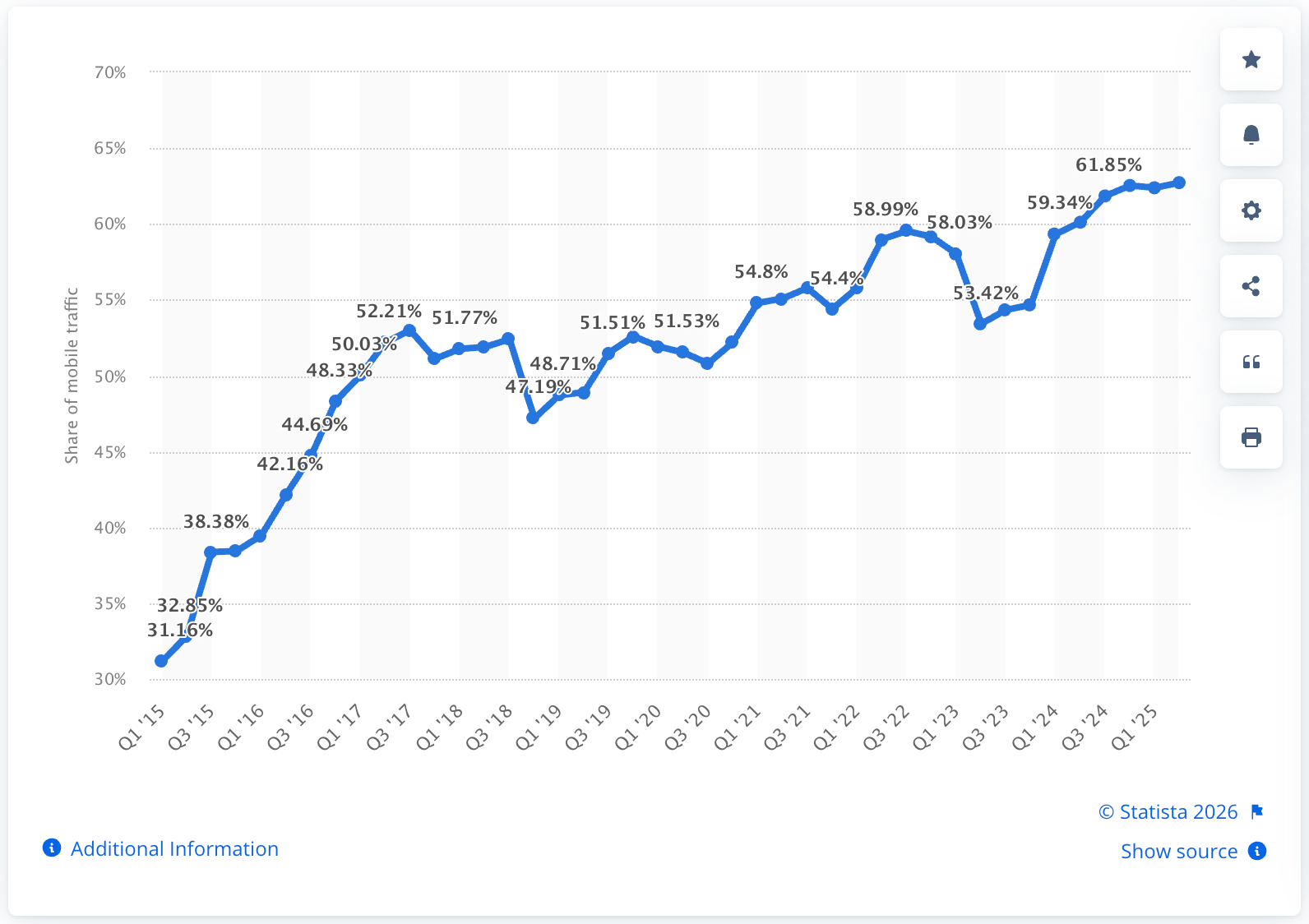
Source: Statista
Speed and Performance: Page load time directly impacts conversions. Google research indicates that 53% of mobile users abandon sites that take longer than 3 seconds to load. Well-coded Elementor addons use modular architecture, loading only the widgets actually used on each page.
How We Evaluated These WooCommerce Addons
The rankings featured in this guide are based on a careful methodology that draws directly from established industry standards for assessing plugins.
| Criterion | Why It Matters | Weight |
| WooCommerce Widget Count | More dedicated widgets = more customization options | High |
| Free vs Pro Features | Value for budget-conscious store owners | High |
| Performance Impact | Site speed directly affects conversions and SEO | High |
| Template Library | Pre-built designs accelerate store launches | Medium |
| Update Frequency | Regular updates indicate active development and security | Medium |
| User Reviews | Community validation of quality and support | Medium |
| Documentation & Support | Ease of learning and problem resolution | Low |
Data sources include WordPress.org plugin statistics, BuiltWith technology tracking, G2 and Capterra reviews, and official documentation from each addon developer.
Master Comparison Table: 10 Best WooCommerce Addons for Elementor
Quickly compare the key attributes of each WooCommerce Elementor addon in this comprehensive master comparison table.
| Rank | Addon | WooCommerce Widgets | Total Widgets | Free Version | Price | Best For |
| 🥇 1 | Essential Addons | 15+ | 110+ | ✅ Yes | $59-$119 | Beginners & free users |
| 🥈 2 | ShopEngine | 50+ | 70+ | ✅ Yes | $59-$299 | Complete WooCommerce customization |
| 🥉 3 | ElementsKit | 4+ | 90+ | ✅ Yes | $49-$249 | All-in-one solution |
| 4 | ShopLentor | 125+ | 125+ | ✅ Yes | $99-$199 | Template variety |
| 5 | JetWooBuilder | 67 | 67 | ❌ No | $43-$199 | Developers & advanced users |
| 6 | PowerPack Addons for Elementor | 9 | 75+ | ✅ Yes | $49-$199 | Lightweight performance |
| 7 | Premium Addons | 6 | 90+ | ✅ Yes | $50-$299 | Product grid styling |
| 8 | Ultimate Addons | 6 | 50+ | ❌ No | $59-$249 | Starter Templates users |
| 9 | The Plus Addons | 7+ | 120+ | ✅ Yes | $39-$169 | AI-powered features |
| 10 | Royal Elementor | 23 | 80+ | ✅ Yes | Free-$79 | Budget-conscious stores |
Individual Addon Reviews: Features, Pros & Cons
Explore detailed reviews of each WooCommerce Elementor addon, including their key features, advantages, and potential drawbacks, to help you make informed choices.
🥇 1. Essential Addons for Elementor — Best for Beginners & Free Users
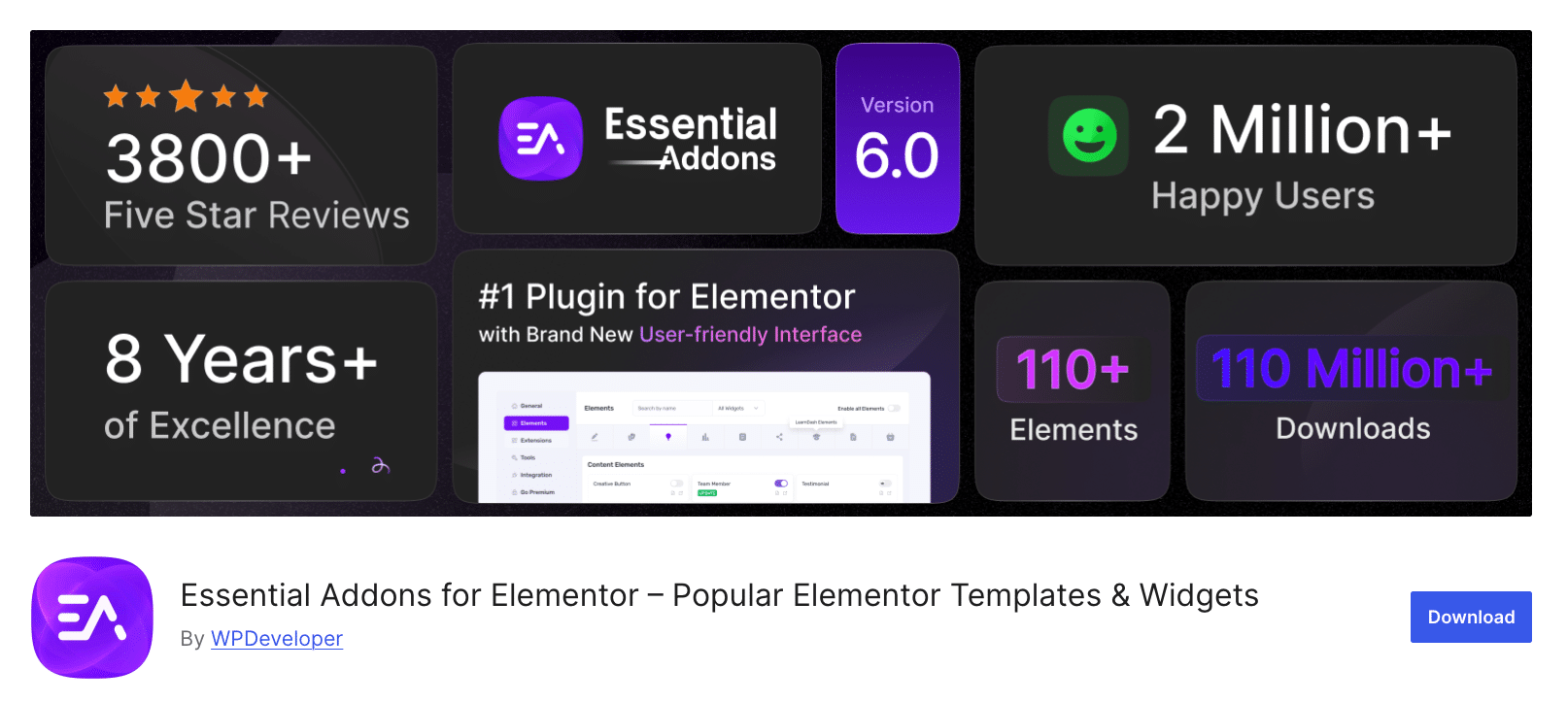
According to WordPress.org statistics, Essential Addons for Elementor is the most popular Elementor addon with 110+ powerful elements and over 2 million active installations. The plugin won the ‘Gold’ award in the ‘Best Addons for Elementor’ category of WP Weekly Awards 2021, establishing its position as the industry standard.
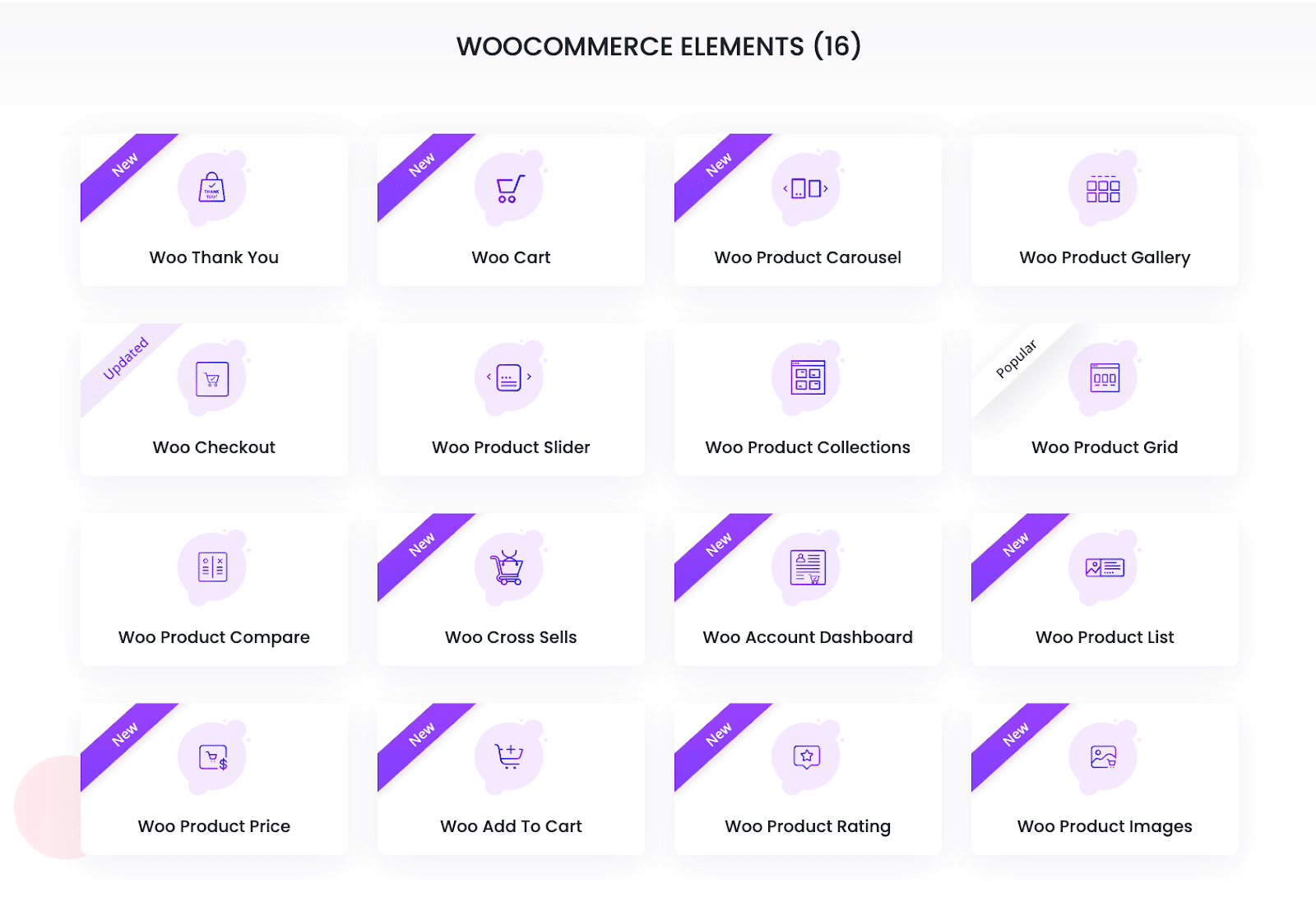
What makes Essential Addons particularly valuable for WooCommerce stores is its generous free offering. While competitors lock most WooCommerce functionality behind paywalls, Essential Addons offers 10+ WooCommerce widgets in the free version, including Product Grid, Product List, Product Compare, Product Gallery, and more.
The plugin is developed by WPDeveloper, whose ecosystem serves over 6 million users globally. This scale translates into reliable updates, extensive documentation, and proven compatibility with major themes and plugins.
Key Features
- 15+ WooCommerce Widgets: Product Grid, Product List, Product Compare, Product Gallery, Cart, Checkout, Account Dashboard, Thank You page, Cross Sells, and more.
- 110+ Powerful Elements: Over 110 versatile elements designed to build stunning, high-performing websites effortlessly.
- 3,000+ Ready Templates: Integration with Templately provides a massive AI-powered template library.
- Modular Architecture: Enable only the necessary widgets to maintain fast page loads.
- Figma to Elementor: Convert designs directly from Figma to Elementor pages.
How to Implement
Option A: Free Version (http://wordpress.org)
1. Go to Plugins → Add New in the WordPress dashboard
2. Search “Essential Addons for Elementor” and install
3. Activate and navigate to the Essential Addons menu
4. Enable desired WooCommerce widgets
5. Use widgets in Elementor editor
📕 Learn More: How to install Essential Addons for Elementor
Option B: Pro Version
Purchase from essential-addons.com starting at $59 for additional widgets and priority support. To learn how to install and activate Essential Addons PRO, please read this documentation.
Pros And Cons
| Pros | Cons |
| ✅ Largest free WooCommerce widget set | ❌ Some advanced widgets require Pro |
| ✅ 2M+ users prove reliability | ❌ Not a dedicated WooCommerce builder |
| ✅ Gold award winner for quality | ❌ Learning curve for all 110+ widgets |
| ✅ Modular loading for performance | |
| ✅ Works with free Elementor |
Best for: WooCommerce store owners who want powerful free widgets, beginners who need proven reliability, and users who want to avoid paying for Elementor Pro.
🥈 2. ShopEngine — Best for Complete WooCommerce Customization
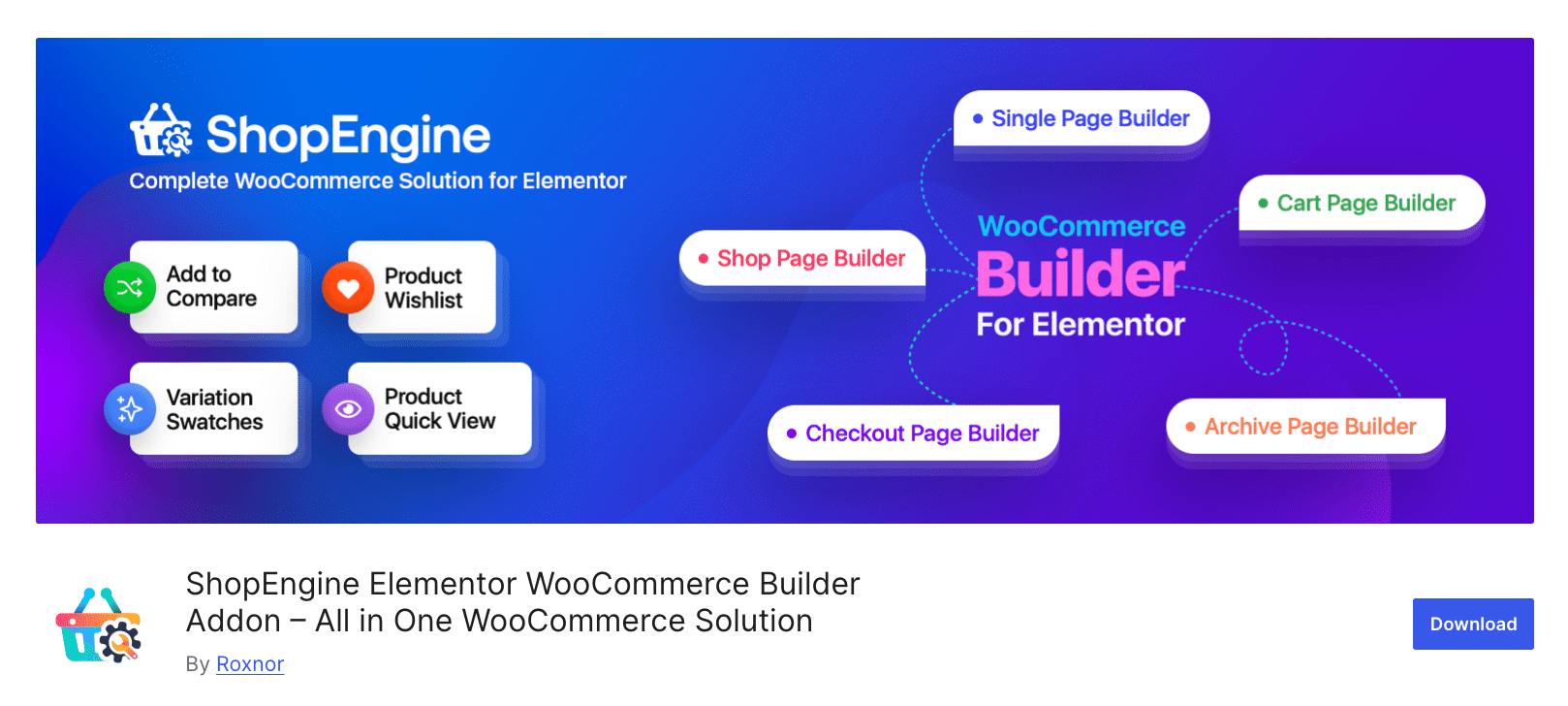
ShopEngine by WPMet is a purpose-built WooCommerce builder offering 50+ dedicated widgets and 40+ ready templates. Unlike general Elementor addons that include some WooCommerce functionality, ShopEngine focuses exclusively on eCommerce, providing comprehensive customization for every WooCommerce page type.
The platform supports both Elementor and Gutenberg, offering flexibility for stores that may transition between editors. Industry reviews highlight ShopEngine’s Shopify-style checkout page builder as a standout feature, enabling distraction-free checkout experiences that reduce cart abandonment.
ShopEngine is developed by WPMet, the same team behind ElementsKit (800K+ active installations), demonstrating proven expertise in the WordPress ecosystem.
Key Features
- 50+ WooCommerce Widgets: Covering single product, shop archive, cart, checkout, my account, and thank you pages.
- 20+ Addons: Wishlist, product comparison, variation swatches, quick checkout, flash sale countdown, sales notifications.
- 40+ Pre-built Templates: Ready-to-use designs for rapid store deployment.
- Partial Payment Support: Allow customers to pay deposits for high-ticket items.
How to Implement
Option A: Free Version
1. Install ShopEngine from WordPress.org
2. Ensure WooCommerce and Elementor are active
3. Navigate to ShopEngine → Templates
4. Create templates for desired page types (Shop, Single Product, Cart, Checkout)
5. Assign templates to your store
Option B: Pro Version
Available from wpmet.com starting at $59/year with advanced modules and priority support.
Pros and Cons
| Pros | Cons |
| ✅ Most comprehensive WooCommerce widget set | ❌ Focused solely on WooCommerce |
| ✅ Works with both Elementor and Gutenberg | ❌ Requires learning a template system |
| ✅ Shopify-style checkout builder | ❌ Free version has limited templates |
| ✅ 20+ conversion-focused modules | |
| ✅ Lightweight and performance-optimized |
Best for: Store owners who want complete control over every WooCommerce template, those seeking Shopify-level checkout customization, and businesses using both Elementor and Gutenberg.
🥉 3. ElementsKit — Best for All-in-One Solution
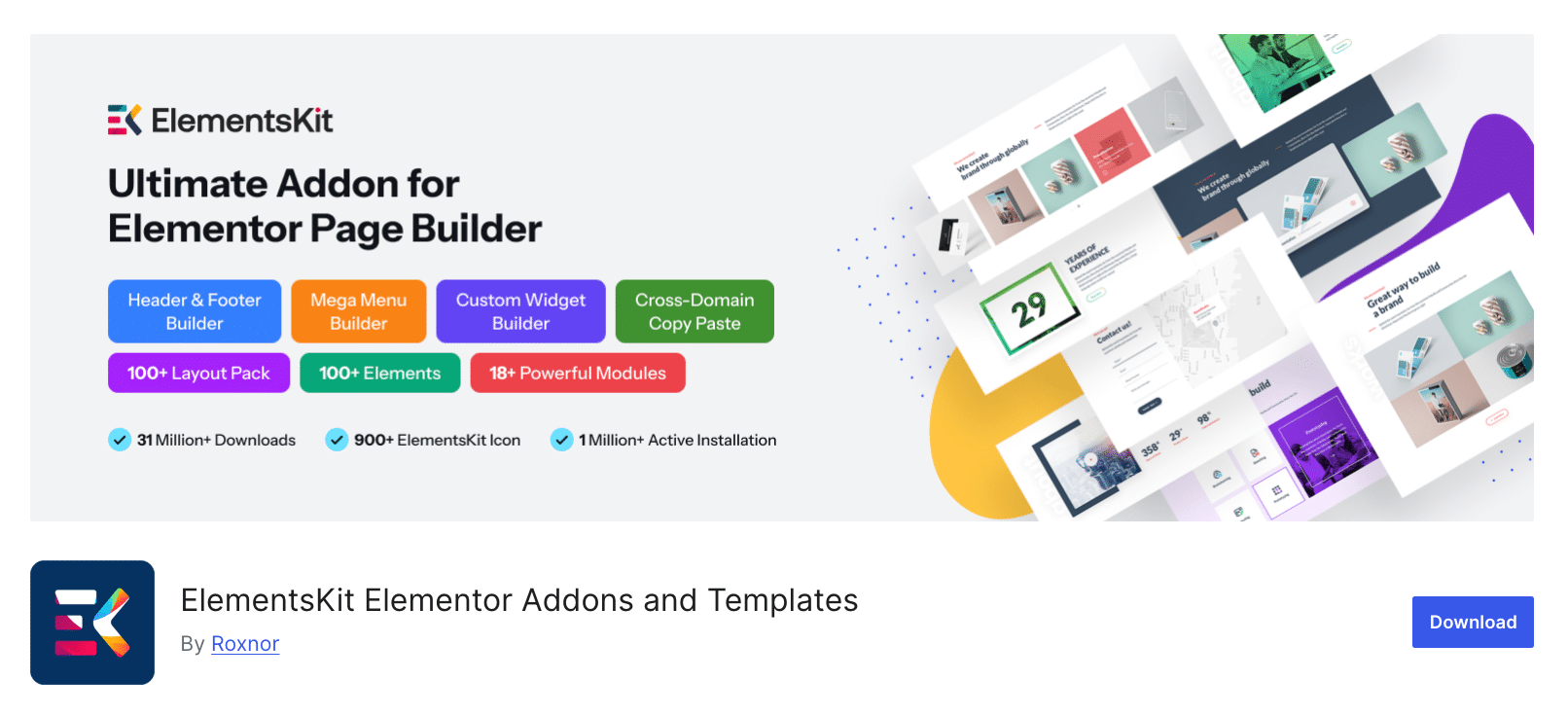
ElementsKit positions itself as the ultimate Elementor addon with 90+ widgets covering virtually every website need, including WooCommerce functionality. With over 1 million active installations, it’s among the most trusted names in the Elementor ecosystem.
What sets ElementsKit apart is its comprehensive approach. Rather than requiring multiple plugins for different functions, ElementsKit provides a header/footer builder, a mega menu builder, a widget builder, and WooCommerce widgets in a single package. For store owners building complete websites, this consolidation simplifies management and reduces potential conflicts.
The WooCommerce widgets include Product List, Product Carousel, Category List, and Mini Cart, which integrate seamlessly with ElementsKit’s broader design toolkit.
Key Features
- 90+ Total Widgets: Including dedicated WooCommerce product display widgets
- Header & Footer Builder: Create custom headers with WooCommerce cart integration
- Mega Menu Builder: Build navigation menus with product category displays
- Custom Widget Builder: Create personalized widgets without coding
- Cross-Domain Copy Paste: Transfer designs between websites instantly
How to Implement
Option A: Free Version
1. Install ElementsKit from WordPress.org
2. Navigate to ElementsKit → Dashboard
3. Enable WooCommerce widgets in the Modules section
4. Use widgets within the Elementor editor
Option B: Pro Version
Available from wpmet.com starting at $49/year for advanced features and additional widgets.
Pros And Cons
| Pros | Cons |
| ✅ Complete website building toolkit | ❌ WooCommerce is not the primary focus |
| ✅ 1M+ active users | ❌ May be overkill for simple stores |
| ✅ Header/Footer builder included | ❌ Fewer WooCommerce-specific widgets than ShopEngine |
| ✅ Widget builder for custom solutions | |
| ✅ Mega menu with product categories |
Best for: Users building complete websites who need header/footer customization alongside WooCommerce functionality, agencies managing multiple client sites, and those seeking an all-in-one solution.
4. ShopLentor (WooLentor) — Best for Template Variety
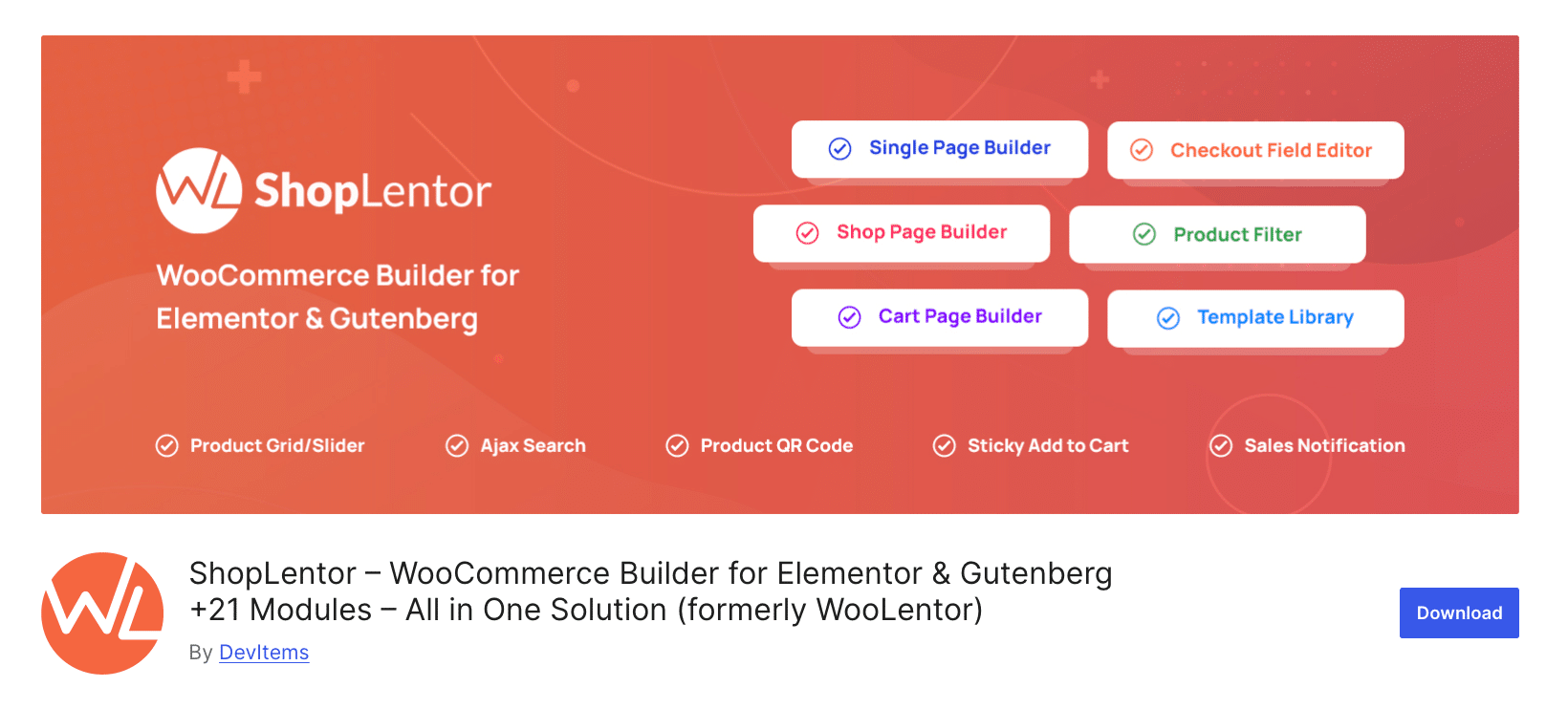
ShopLentor (formerly WooLentor) by HasThemes offers 125+ widgets and 26 WooCommerce modules, making it one of the most feature-rich dedicated WooCommerce builders available. The platform has grown to 100,000+ active installations through its emphasis on template diversity and module depth.
ShopLentor’s strength lies in its extensive template library with 15 product custom template layouts, enabling store owners to create unique product displays without design expertise. The plugin also supports advanced functionality like multi-step checkout, pre-order capabilities, and stock progress bars.
HasThemes, the company behind ShopLentor, has developed multiple successful WordPress products and brings that experience to WooCommerce building.
Key Features
- 125+ Widgets: Comprehensive coverage of all WooCommerce page elements
- 26 WooCommerce Modules: Wishlist, compare, quick view, variation swatches, flash sale
- 15 Product Layouts: Extensive design options for product display
- Multi-Step Checkout: Reduce cart abandonment with streamlined checkout
- Stock Progress Bar: Create urgency with visual stock indicators
How to Implement
Option A: Free Version
1. Install ShopLentor from WordPress.org
2. Activate WooCommerce and Elementor
3. Navigate to ShopLentor settings
4. Enable desired modules
5. Create templates using the WooCommerce builder
Option B: Pro Version
Available from HasThemes with advanced features and templates.
Pros And Cons
| Pros | Cons |
| ✅ 125+ widgets for maximum flexibility | ❌ Interface can feel overwhelming |
| ✅ 26 product layout options | ❌ Some advanced features Pro-only |
| ✅ Multi-step checkout builder | ❌ Smaller user base than top competitors |
| ✅ Stock progress bar for urgency | |
| ✅ Pre-order module included |
Best for: Store owners who prioritize template variety, businesses needing multi-step checkout, and those wanting pre-order functionality without additional plugins.
5. JetWooBuilder (Crocoblock) — Best for Developers & Advanced Users
JetWooBuilder by Crocoblock is the professional’s choice for WooCommerce Elementor development. With 67+ specialized widgets and deep customization options, it provides granular control that general-purpose addons cannot match.
Unlike competitors that include WooCommerce as one feature among many, JetWooBuilder is laser-focused on WooCommerce template building. Crocoblock documentation highlights that while Elementor Pro offers 24 WooCommerce widgets, JetWooBuilder provides 67 with significantly more settings per widget.
JetWooBuilder integrates with Crocoblock’s broader ecosystem, including JetSmartFilters for AJAX product filtering, JetCompareWishlist for comparison functionality, and JetProductGallery for advanced image displays.
Key Features
- 67+ WooCommerce Widgets: Industry-leading widget count for maximum customization
- 10+ Product Grid Presets: Ready-made layouts for rapid development
- Archive Item Templates: Full control over product tile design in shop pages
- Complete Template Coverage: Single product, shop, cart, checkout, my account, thank you
- Crocoblock Ecosystem: Integrates with JetSmartFilters, JetCompareWishlist, JetProductGallery
How to Implement
Option A: Standalone Purchase
Purchase JetWooBuilder at $43/year for a single site from crocoblock.com/pricing/
Option B: All-Inclusive Bundle
Get all Crocoblock plugins, including JetWooBuilder, starting at $199/year for comprehensive functionality.
Pros And Cons
| Pros | Cons |
| ✅ Professional-grade customization depth | ❌ No free woo widgets available |
| ✅ Crocoblock ecosystem integration | ❌ Steeper learning curve |
| ✅ 67 dedicated WooCommerce widgets | ❌ Higher cost than competitors |
| ✅ Archive item template system | ❌ Requires investment in learning |
| ✅ Responsive design |
Best for: Professional developers, agencies building client stores, and advanced users who need maximum customization control.
6. PowerPack Addons — Best for Lightweight Performance
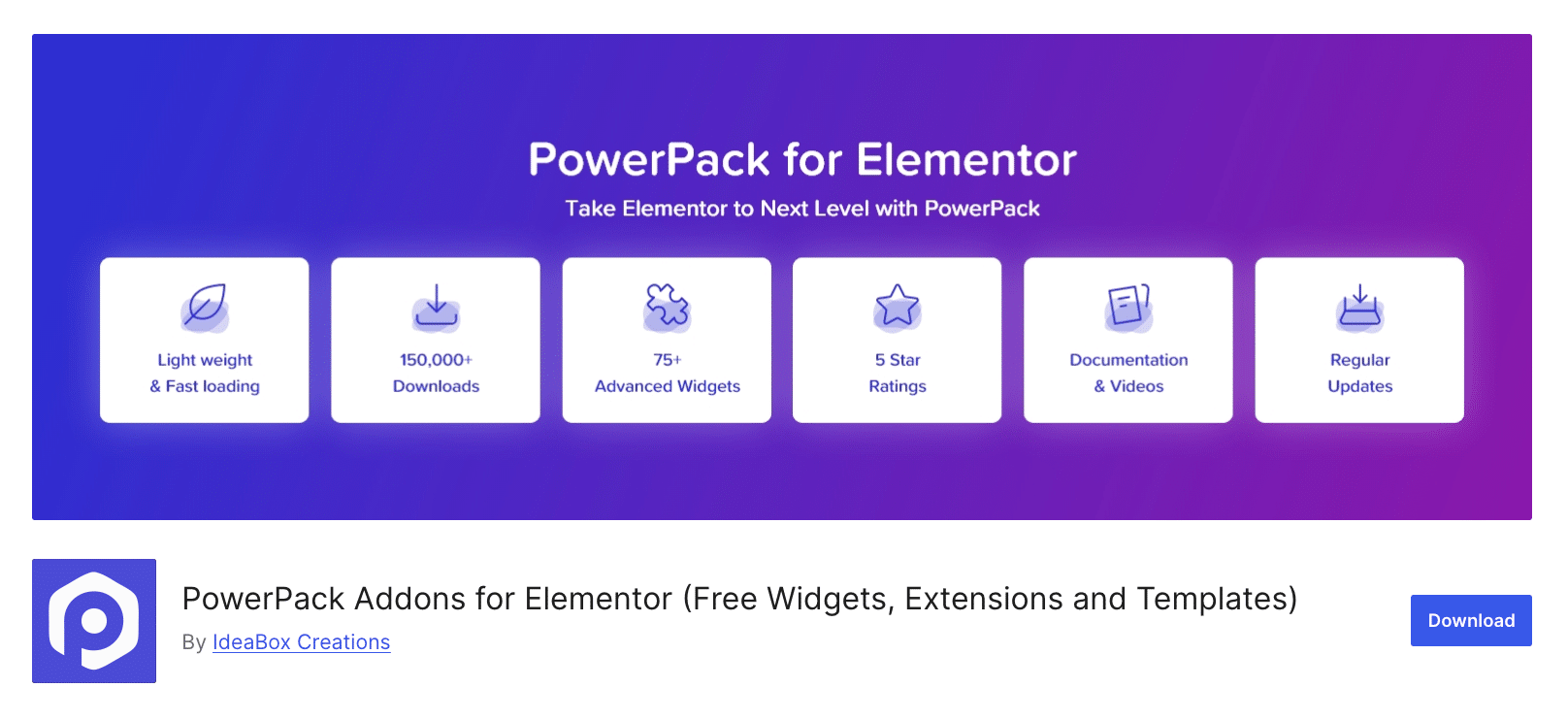
PowerPack Addons prioritizes performance alongside functionality, offering 75+ widgets with careful attention to code optimization. For store owners concerned about page speed affecting conversions and SEO, PowerPack’s lean approach is compelling.
The 9 WooCommerce widget set includes Products, Categories, Cart, Add to Cart, Mini Cart, Off-Canvas Cart, Checkout, and My Account widgets. PowerPack’s WooCommerce Display Conditions feature enables dynamic content based on cart contents, purchased products, and product categories—functionality that typically requires custom development.
PowerPack is developed by IdeaBox Creations, known for quality WordPress products and responsive support.
Key Features
- 9 WooCommerce Widgets: Total 75+ widgets, a balanced set covering WooCommerce and general needs
- WooCommerce Display Conditions: Show/hide content based on cart status, purchases, categories
- Off-Canvas Cart: Slide-out cart panel for improved UX
- Schema Markup Widgets: SEO-optimized FAQ and How-To schema
- Cross-Domain Copy Paste: Transfer designs between sites
How to Implement
Option A: Free Version
Install PowerPack Lite from WordPress.org for basic functionality.
Option B: Pro Version
Purchase from powerpackelements.com/pricing/ starting at $49/year.
Pros and Cons
| Pros | Cons |
| ✅ Performance-optimized code | ❌ Fewer WooCommerce widgets than dedicated builders |
| ✅ WooCommerce Display Conditions | ❌ Free version quite limited |
| ✅ Off-canvas cart functionality | ❌ Smaller template library |
| ✅ Schema markup for SEO | |
| ✅ Competitive pricing |
Best for: Performance-conscious store owners, sites where page speed is critical, and users who need WooCommerce Display Conditions.
7. Premium Addons — Best for Product Grid Styling
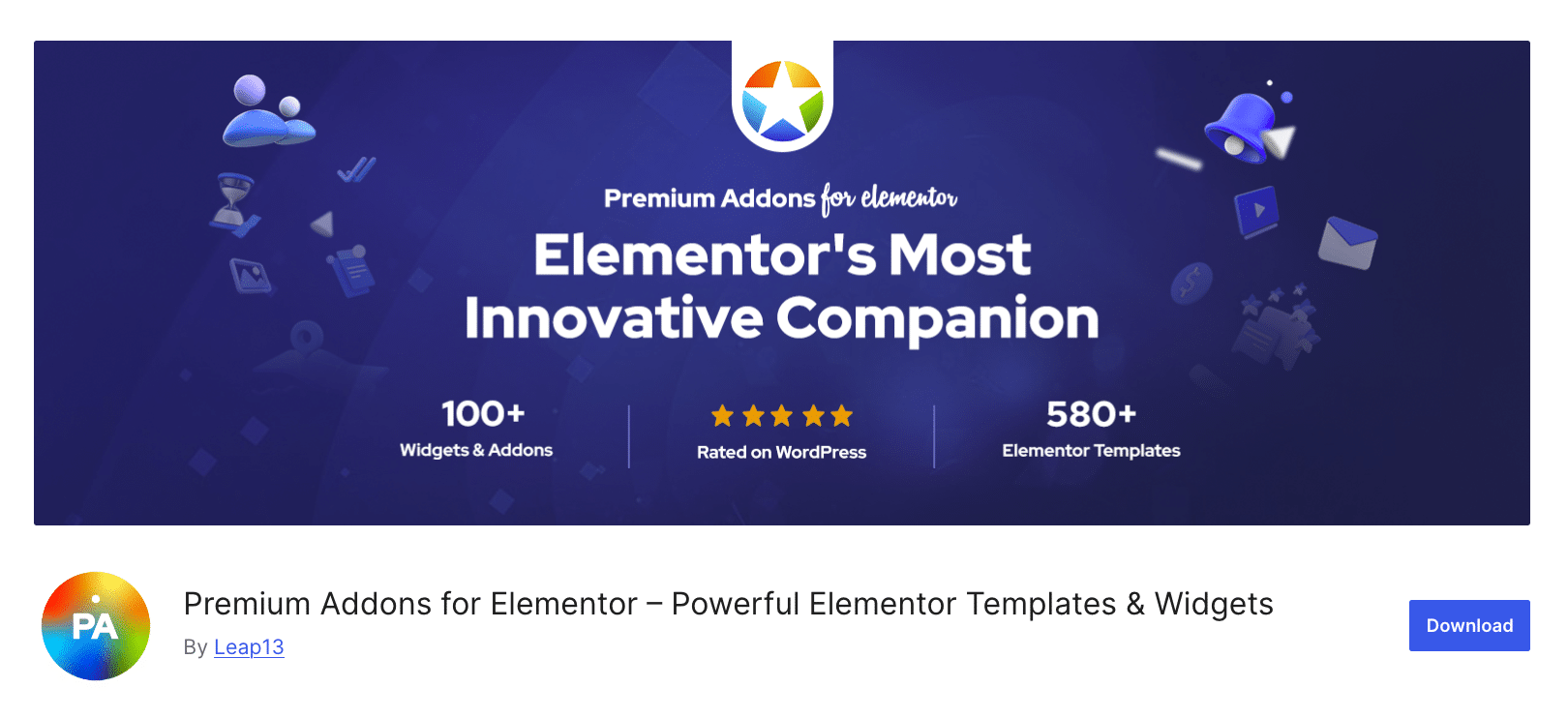
Premium Addons for Elementor offers 90+ widgets (5 widgets for WooCommerce) and 550+ pre-made templates with particular strength in product display styling. The WooCommerce Widgets Bundle includes Products Listing, Products Carousel, Categories Listing, Woo CTA, and Mini Cart.
What distinguishes Premium Addons is its design flexibility. The Products Listing widget offers customizable grid, masonry, and carousel layouts with extensive styling controls. For store owners prioritizing visual appeal, Premium Addons delivers polish that matches high-end themes.
The plugin includes Lottie animation support across all widgets, enabling modern micro-animations that enhance user engagement without heavy video files.
Key Features
- 5 WooCommerce Widgets: 90+ Extensive library for complete website building, including 5 WooCommerce widgets.
- WooCommerce Widgets Bundle: Products Listing, Products Carousel, Categories, CTA, Mini Cart
- 550+ Pre-made Templates: Largest template library among competitors
- Lottie Animation Support: Modern animations on any widget
- WooCommerce Display Conditions: Dynamic content based on shop data
How to Implement
Option A: Free Version
Install from WordPress.org with basic WooCommerce widgets included free.
Option B: Pro Version
Available from premiumaddons.com starting at $50/year.
Pros And Cons
| Pros | Cons |
| ✅ Excellent product grid styling options | ❌ WooCommerce not the primary focus |
| ✅ Largest template library (550+) | ❌ Can feel bloated for simple stores |
| ✅ Lottie animations included | ❌ Some features overlap with Elementor Pro |
| ✅ Free version includes WooCommerce basics | |
| ✅ WooCommerce display conditions |
Best for: Store owners prioritizing visual design, businesses needing extensive template options, and users wanting Lottie animation capabilities.
8. Ultimate Addons for Elementor — Best for Starter Templates Users
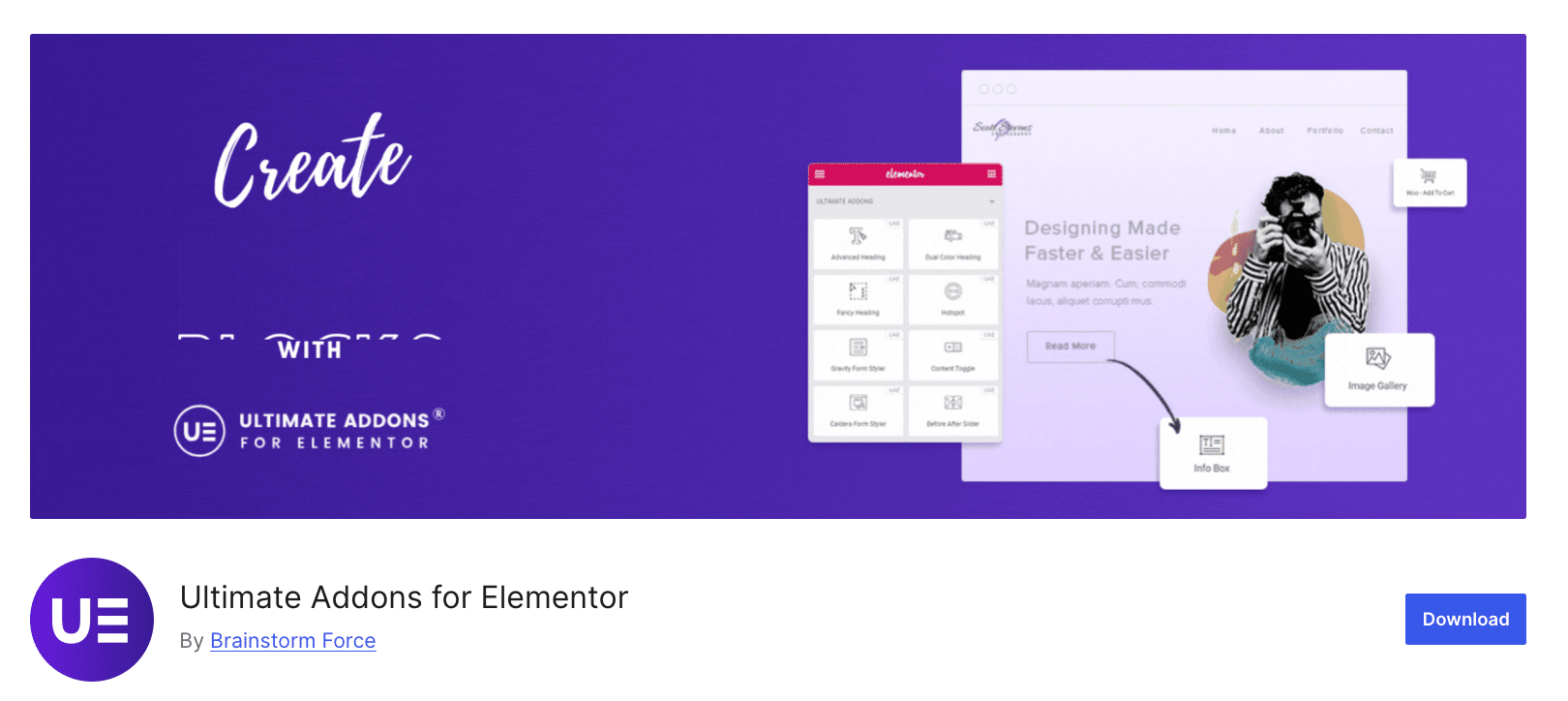
Ultimate Addons for Elementor (UAE) by Brainstorm Force integrates tightly with the Astra theme and Starter Templates ecosystem. With 50+ widgets, including 7 WooCommerce elements, UAE is designed for users who want cohesive tooling from a single vendor.
The WooCommerce widgets enable product grid and carousel displays, category filtering, and add-to-cart functionality. UAE’s white-labeling capability makes it popular with agencies that want to brand the interface for client sites.
Brainstorm Force also develops Astra, the most popular non-default WordPress theme, ensuring deep compatibility and coordinated updates.
Key Features
- 7 Woo Widgets: 50+ widget set including 7 WooCommerce functionality
- 300+ Website Templates: Import complete store designs instantly
- White-Labeling: Rebrand the plugin for client work
- Cross-Site Copy Paste: Transfer designs between websites
- Particle Backgrounds: Engaging animated backgrounds
How to Implement
Option A: UAE Only
Purchase Ultimate Addons for Elementor starting at $59/year from ultimateelementor.com/pricing/
Option B: Growth Bundle
Get the UAE bundled with Astra Pro and other Brainstorm Force products.
Pros And Cons
| Pros | Cons |
| ✅ Tight Astra theme integration | ❌ Fewer widgets than competitors |
| ✅ 300+ complete website templates | ❌ Best value within Brainstorm Force ecosystem |
| ✅ White-labeling for agencies | |
| ✅ Cross-site copy paste | |
| ✅ Well-documented and supported |
Best for: Astra theme users, agencies needing white-labeling, and those wanting coordinated products from one vendor.
9. The Plus Addons — Best for AI-Powered Features
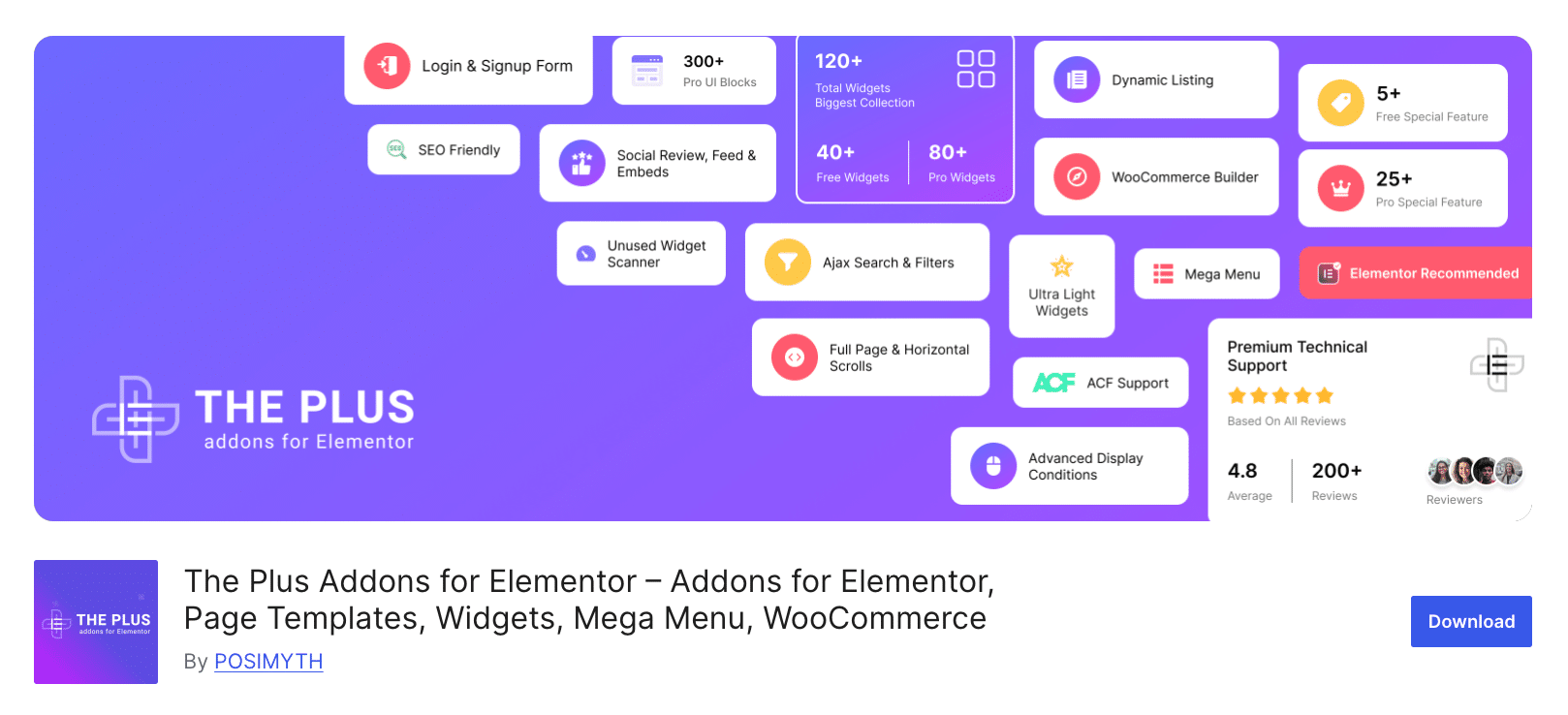
The Plus Addons for Elementor pushes boundaries with 120+ widgets and AI-powered functionality, including a few WooCommerce features. The WooCommerce builder includes dedicated widgets for product display, filtering, and checkout customization, while AI features assist with content generation and translation.
The Plus Addons introduced the first unused widget scanner, automatically disabling widgets not in use to optimize performance. This attention to site speed demonstrates the developer’s understanding of eCommerce performance requirements.
Pricing at $39/year makes The Plus Addons one of the most affordable comprehensive solutions, offering strong value for feature-conscious store owners.
Key Features
- 7 Woo Widgets: Industry-leading total of 120+ widgets, including Woo widgets
- WooCommerce Builder: Complete product and shop customization
- AI-Powered Content: Generate and translate content in 29 languages
- Unused Widget Scanner: Auto-disable unused widgets for performance
- Dynamic Content: Advanced dynamic conditions for personalization
How to Implement
Option A: Free Version
Install The Plus Addons Lite from WordPress.org.
Option B: Pro Version
Purchase from theplusaddons.com/pricing/ starting at $39/year.
Pros And Cons
| Pros | Cons |
| ✅ AI-powered content tools | ❌ So many widgets can overwhelm |
| ✅ Unused widget scanner | ❌ Less WooCommerce focus than dedicated builders |
| ✅ Most affordable premium option | ❌ AI features require learning |
| ✅ 29 language support |
Best for: Users wanting AI content assistance, international stores needing translation, and budget-conscious buyers seeking maximum widgets.
10. Royal Elementor Addons — Best for Budget-Conscious Stores
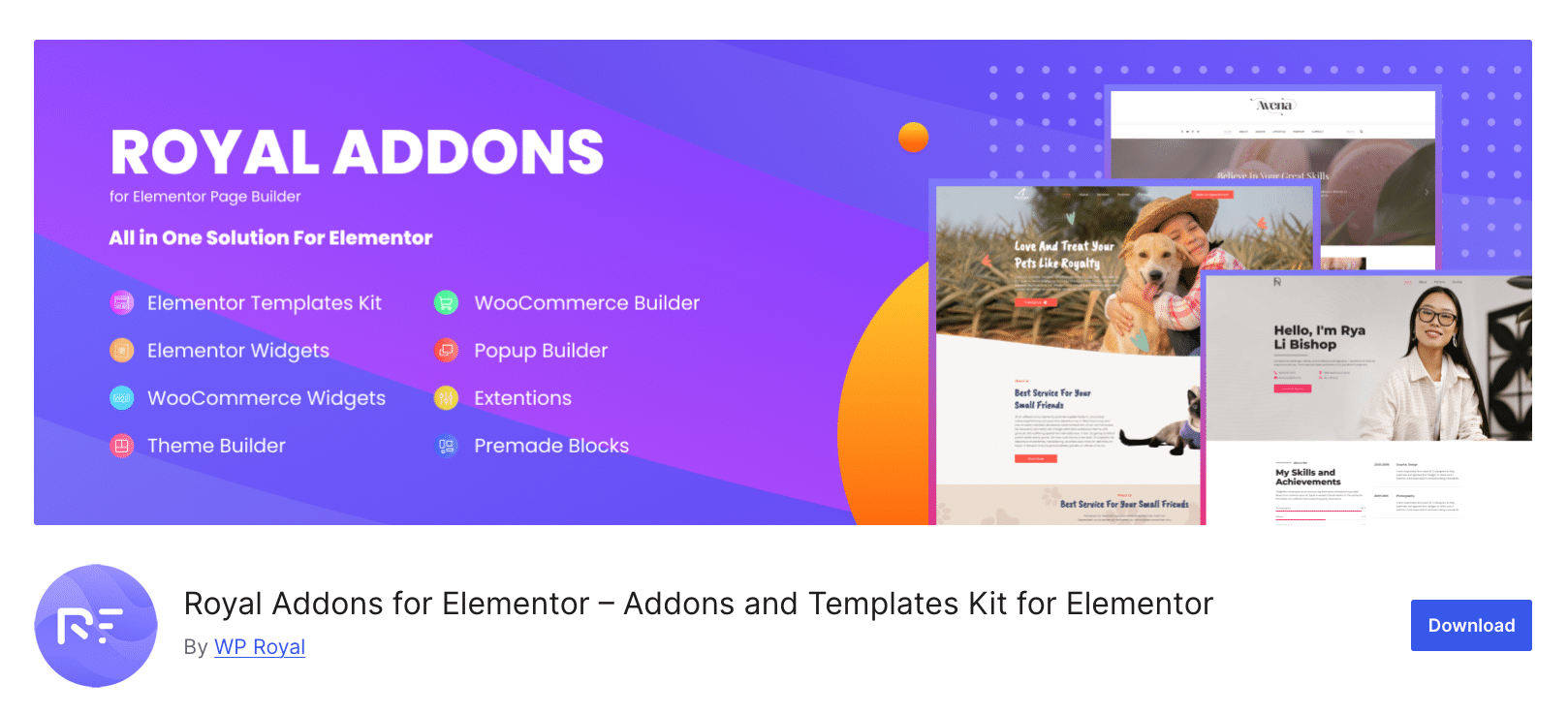
Royal Elementor Addons offers 80+ widgets with a generous free version that includes substantial WooCommerce functionality. The plugin focuses on providing professional-grade features without premium pricing, making it accessible for small businesses and startups.
Royal Elementor includes Theme Builder with Popup Builder, enabling complete store customization without Elementor Pro. The WooCommerce widgets cover product grids, categories, and essential display functionality.
Key Features
- 25+ Woo Widgets: Comprehensive set for store building
- Theme Builder: Create headers, footers, and templates free
- Popup Builder: Conversion-focused popups without additional plugins
- WooCommerce Widgets: Product grids, categories, display options
- Free Mega Menu: Build complex navigation without a premium upgrade
How to Implement
Option A: Free Version
Install Royal Elementor Addons from WordPress.org—most features included free.
Option B: Pro Version
Optional upgrade from $79/lifetime for additional features.
Pros And Cons
| Pros | Cons |
| ✅ Exceptional free version | ❌ Smaller user base than market leaders |
| ✅ Theme Builder included free | ❌ Fewer WooCommerce-specific widgets |
| ✅ Popup builder included | ❌ Less documentation than competitors |
| ✅ Lifetime pricing option | |
| ✅ Budget-friendly for startups |
Best for: Budget-conscious store owners, startups minimizing costs, and users who want Theme Builder without Elementor Pro.
Implementation Difficulty Comparison
Not all addons are equally easy to set up. Here is a quick comparison of implementation difficulty so you can see which plugins are beginner-friendly and which require more advanced configuration. Check this table to quickly understand how much technical knowledge and time each addon requires before getting started.
| Addon | Technical Skill | Time Required | Requires Elementor Pro? | Beginner Friendly? |
| Essential Addons | None | 30 mins | No | ✅ Yes |
| ShopEngine | Basic | 1-2 hours | No | ✅ Yes |
| ElementsKit | Basic | 1 hour | No | ✅ Yes |
| ShopLentor | Basic | 1-2 hours | No | ✅ Yes |
| JetWooBuilder | Intermediate | 2-3 hours | No | ⚠️ Learning curve |
| PowerPack | None | 45 mins | No | ✅ Yes |
| Premium Addons | None | 1 hour | No | ✅ Yes |
| Ultimate Addons | Basic | 45 mins | No | ✅ Yes |
| The Plus Addons | Basic | 1-2 hours | No | ✅ Yes |
| Royal Elementor | None | 1 hour | No | ✅ Yes |
Cost Breakdown: Free vs Paid Features
Not all features come free. This breakdown highlights which capabilities are included in free versions and what you unlock with paid plans.
| Addon | Free WooCommerce Features | Paid WooCommerce Features | Paid Price |
| Essential Addons | 10+ widgets (Grid, List, Compare, Gallery) | Account Dashboard, Thank You, Advanced styling | $4.99/m – $299 (LTD) |
| ShopEngine | Basic templates | All 70+ widgets, all modules, templates | $59 – $599 |
| ElementsKit | Product List, Carousel, Category, Mini Cart | Advanced styling, premium templates | $49 – $747 |
| ShopLentor | Basic widgets, limited modules | 125+ widgets, 19 modules, templates | $55 – $399 |
| JetWooBuilder | No free widgets | All 67 widgets, full template system | $43 – $88 |
| PowerPack | Basic widgets | Full WooCommerce builder, display conditions | $49 – $499 |
| Premium Addons | Products Listing, Categories, CTA | Mini Cart, advanced styling | $49 – $299 |
| Ultimate Addons | No free widgets | Full widget set, templates, white-label | $59 – $249 |
| The Plus Addons | Basic WooCommerce widgets | Full builder, AI features | $39 – $299 |
| Royal Elementor | Most widgets free | Advanced features, priority support | Free – $49 |
Feature Comparison Matrix
The comparison matrix below highlights the key features of each addon, making it easy to see what’s included at a glance.
| Feature | Essential | ShopEngine | ElementsKit | ShopLentor | JetWoo | PowerPack | Premium | UAE | Plus | Royal |
| Product Grid | ✅ | ✅ | ✅ | ✅ | ✅ | ✅ | ✅ | ✅ | ✅ | ✅ |
| Product Carousel | ✅ | ✅ | ✅ | ✅ | ✅ | ✅ | ✅ | ✅ | ✅ | ✅ |
| Cart Customization | ✅ | ✅ | ❌ | ✅ | ✅ | ✅ | ❌ | ❌ | ✅ | ❌ |
| Checkout Customization | ✅ | ✅ | ❌ | ✅ | ✅ | ✅ | ❌ | ❌ | ✅ | ❌ |
| Quick View | ❌ | ✅ | ❌ | ✅ | ✅ | ❌ | ❌ | ❌ | ✅ | ❌ |
| Wishlist | ❌ | ✅ | ❌ | ✅ | ✅* | ❌ | ❌ | ❌ | ✅ | ❌ |
| Product Compare | ✅ | ✅ | ❌ | ✅ | ✅* | ❌ | ❌ | ❌ | ✅ | ❌ |
| Variation Swatches | ❌ | ✅ | ❌ | ✅ | ❌ | ❌ | ❌ | ❌ | ✅ | ❌ |
| Mini Cart | ❌ | ❌ | ✅ | ✅ | ❌ | ✅ | ✅ | ❌ | ✅ | ❌ |
| Free Version | ✅ | ✅ | ✅ | ✅ | ❌ | ✅ | ✅ | ❌ | ✅ | ✅ |
*Note: JetWooBuilder wishlist and compare require separate JetCompareWishlist plugin.
Common Mistakes When Choosing WooCommerce Addons for Elementor
Many users overlook critical factors when choosing WooCommerce Addons for Elementor. This section highlights frequent pitfalls to help you make smarter decisions.
1. Installing Multiple Overlapping Addons
Running Essential Addons, ShopEngine, and Premium Addons simultaneously creates conflicts and performance issues. Choose one primary addon and supplement only with non-overlapping functionality.
2. Ignoring Performance Impact
Not all addons are created equal for speed. Before committing, test your preferred addon on a staging site using tools like GTmetrix or Google PageSpeed Insights.
3. Overlooking Update Frequency
Addons that haven’t been updated in months may have security vulnerabilities or compatibility issues with recent WordPress/WooCommerce updates. Check WordPress.org “Last Updated” dates.
4. Selecting Based on Widget Count Alone
More widgets don’t mean better. A focused addon with 50 polished widgets often outperforms one claiming 200 half-baked features.
5. Not Testing Free Versions First
Most addons offer free versions with substantial functionality. Always test free versions before purchasing premium upgrades.
6. Forgetting Mobile Responsiveness
With 60%+ of eCommerce traffic from mobile, ensure your chosen addon renders correctly across devices before building your store.
7. Underestimating Learning Curves
JetWooBuilder offers incredible customization but requires investment in learning. Match addon complexity to your technical comfort level.
8. Ignoring Support Quality
When issues arise, responsive support matters. Check reviews specifically mentioning support experiences before purchasing.
Frequently Asked Questions About WooCommerce Addons for Elementor
Start with Essential Addons for its combination of powerful free features and proven reliability with 2 million+ active users. The free version includes 10+ WooCommerce widgets, providing substantial functionality without financial commitment.
No. All addons reviewed here work with the free version of Elementor. ShopEngine, Essential Addons, and ShopLentor specifically provide WooCommerce template building without requiring Elementor Pro.
Technically yes, but it’s not recommended. Running multiple addons with overlapping functionality causes conflicts, increases page load time, and complicates troubleshooting. Choose one primary addon.
Quality addons use modular architecture, loading only enabled widgets. Enable only widgets you actively use, and performance impact should be minimal. Run speed tests before and after installation to verify.
ShopEngine is a dedicated WooCommerce builder with 50+ specialized widgets for store pages. Essential Addons is a general Elementor addon that includes 15+ WooCommerce widgets alongside 100+ other widgets for various website needs.
Yes. Essential Addons, ShopLentor, and Royal Elementor provide extensive free WooCommerce functionality suitable for small stores. Upgrade to premium only when you need specific advanced features.
Most premium addons range from $39-$99/year for single sites. Many store owners succeed with entirely free solutions. Budget $50-100/year if you need premium features.
ShopEngine, ShopLentor, JetWooBuilder, and PowerPack all offer checkout page customization. Essential Addons also includes checkout widgets in the Pro version.
ShopEngine, ShopLentor, and JetWooBuilder all offer quick view functionality. ShopEngine includes it as a free module, making it the most accessible option.
Yes. All reviewed addons are compatible with popular themes including Astra, Hello Elementor, GeneratePress, OceanWP, and Flatsome. Check specific theme documentation for any known compatibility notes.
Conclusion: Your 2026 WooCommerce Addons for Elementor Roadmap
Building a high-converting WooCommerce store no longer requires custom development or expensive agencies. The right WooCommerce Addons for Elementor provides drag-and-drop control over every aspect of your store’s design and functionality.
Expert Picks by Goal
| Your Goal | Best Choice | Expected Impact |
| Best Overall Value | Essential Addons | 110+ elements with 10+ free WooCommerce widgets, 2M+ user validation |
| Best for Complete Customization | ShopEngine | 70+ widgets, Shopify-style checkout |
| Best for Beginners | Essential Addons | Easiest learning curve, most documentation |
| Best for Developers | JetWooBuilder | 67 widgets with maximum customization depth |
| Best for Budget Stores | Royal Elementor | Most features free, Theme Builder included |
| Best for Performance | PowerPack | Lean code, modular loading, display conditions |
| Best All-in-One | ElementsKit | Header/Footer, Mega Menu, plus WooCommerce |
| Best Template Variety | ShopLentor | 125+ widgets, 42 product layouts |
Getting Started This Week:
1. Install the Essential Addons free version to explore WooCommerce widget possibilities
2. Enable only the WooCommerce widgets you’ll actively use
3. Create a custom product grid for your shop page
4. Test page speed before and after installation
5. Upgrade to premium only when specific features become necessary
The WooCommerce Elementor ecosystem continues evolving rapidly. Store owners who invest time in mastering these tools gain significant competitive advantages through better design, improved conversions, and reduced development costs.


![[New Extension] How to Show Vertical Text on Elementor Websites?](https://essential-addons.com/wp-content/uploads/2025/11/Essential-Addons-New-Extension-Vertical-Text-Orientation-1024x576.jpg)