WordPress Website
-
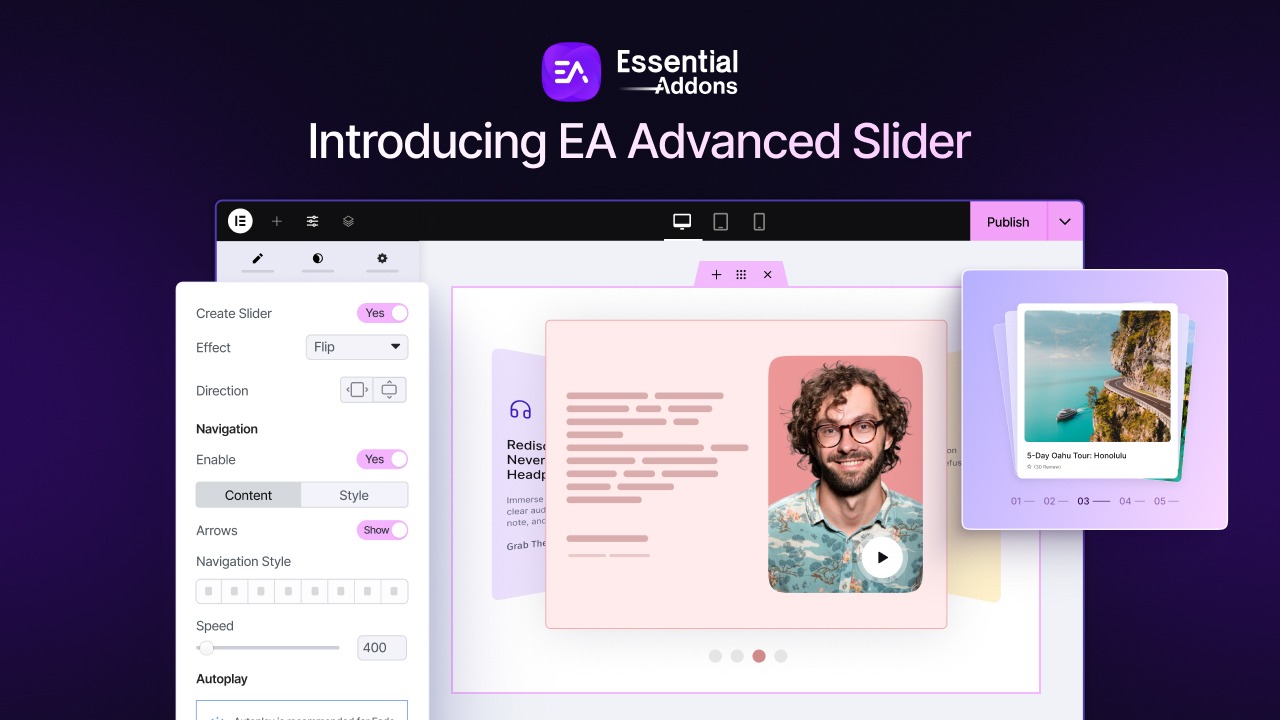
How to Turn Elementor Sections Into a Slider (No Code Required)
Stop rebuilding sections just to create sliders. With Essential Addons Advanced Slider, you can instantly transform any Elementor Flexbox container into a responsive, interactive slider. This guide covers setup, customization, slide effects, motion controls, real-world examples, and best practices to…
-
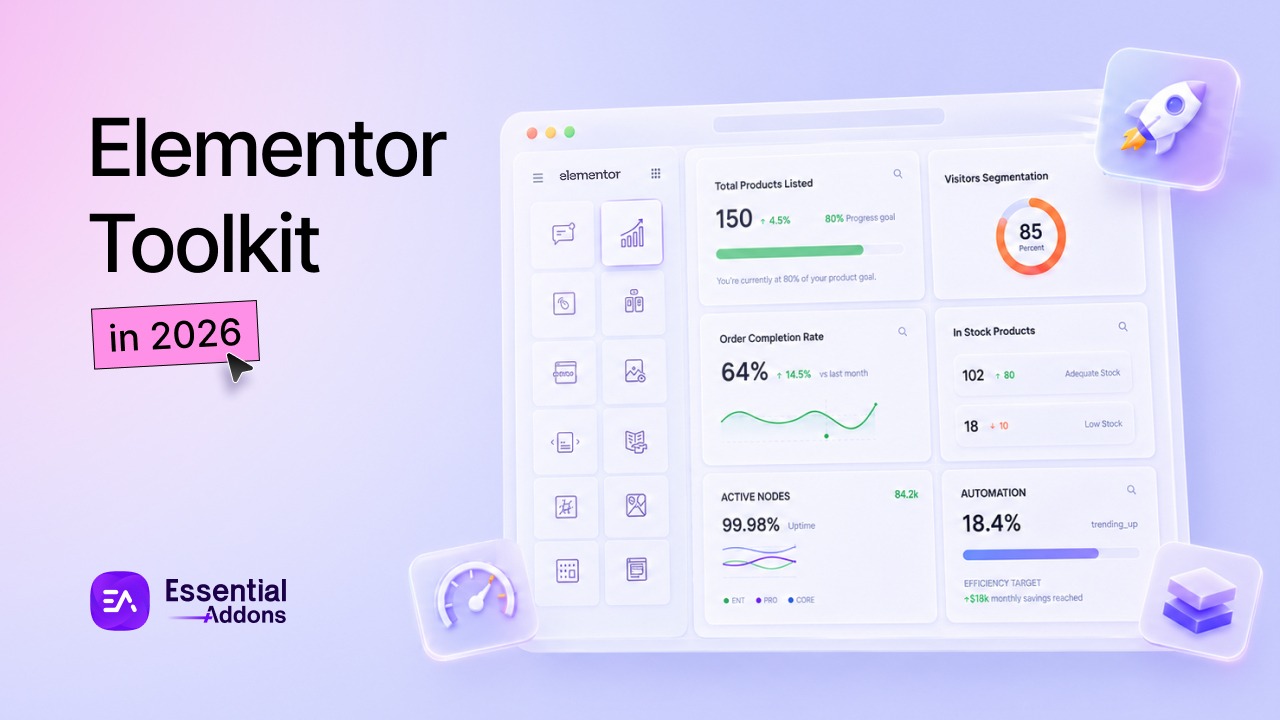
What an Optimized Elementor Toolkit Looks Like in 2026 (Minimal, Fast, Scalable)
Elementor 4.0 changed the rules. See what an optimized toolkit looks like in 2026 with the three pillars: minimal, fast, and scalable. Data inside.
-
How to Add Motion Effects without Slowing Down Elementor?
Master the art of using Elementor motion effects while keeping your page performance lightning-fast and user-friendly.
-
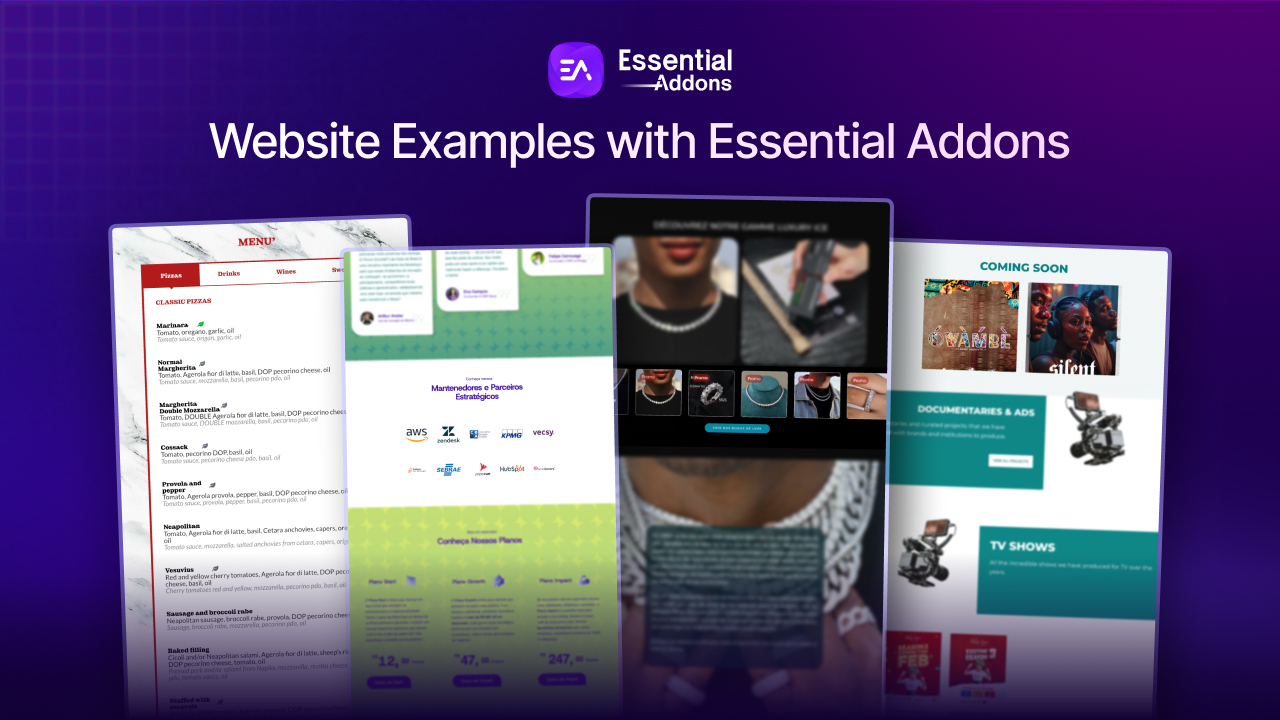
20+ Elementor Website Examples Built with Essential Addons
Looking for inspiration for your next website? We’ve rounded up 20+ Elementor websites built with Essential Addons that span every niche imaginable. From sleek business and agency sites, creative portfolios, and personal blogs to dynamic eCommerce stores, restaurants, startups, and…
-
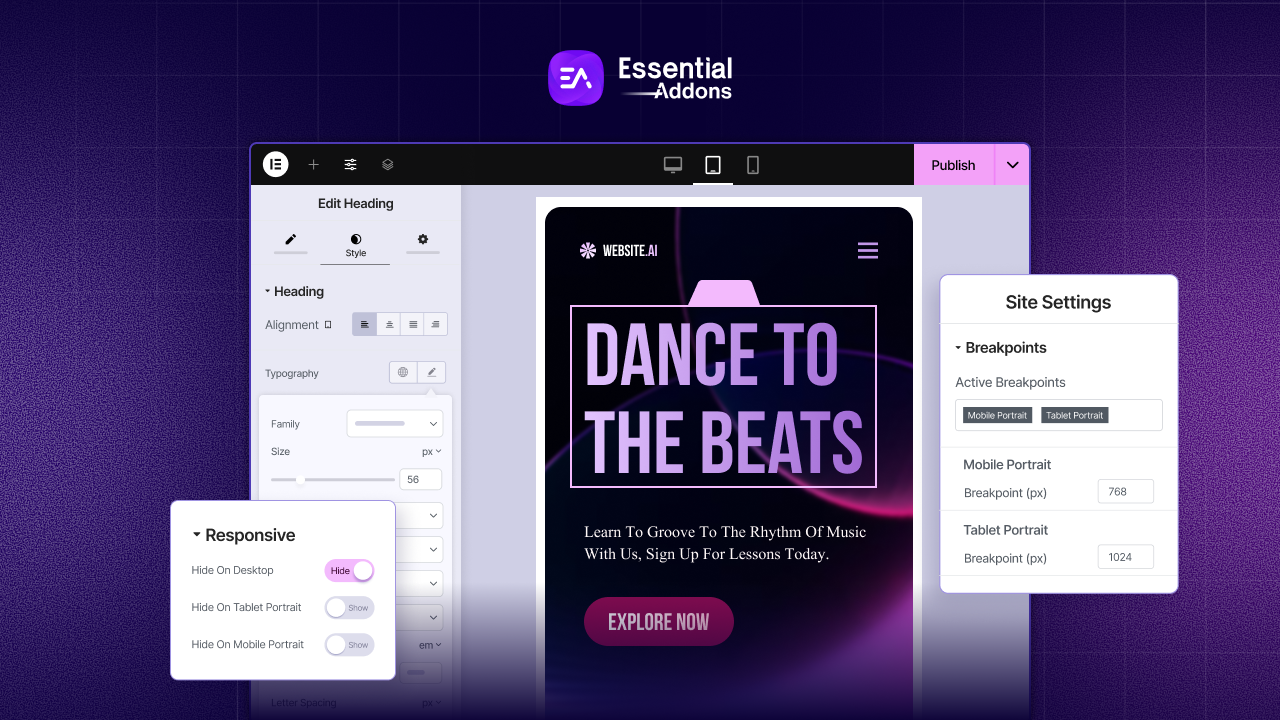
How to Fix Elementor Responsive Design Issues on Mobile & Tablet
Learn how to fix Elementor responsive design issues and ensure your site is fully optimized for mobile, tablet, and desktop devices. This guide covers breakpoints, customizing layouts, and testing your site on real devices for a smooth user experience.
-

Make an Accessible Website in WordPress with Ally by Elementor
With Elementor’s new product Ally, you can make your website accessible for all. In this blog, explore everything you need to know about web accessibility and how to configure Ally.
-
Halloween Web Design Guide: Essential Tips to Make a Haunted Website
Learn how to to build your haunted website this Halloween with our comprehensive Helloween weeb design guide and make your website stunning with spooky fonts to ghostly animations and more
-

Introducing Custom JS in Elementor: Interactively Transform Your Website with Essential Addons
Want engaging animations & dynamic content? Custom JS in Elementor lets you create unique experiences directly in the editor. ✨ Learn how & boost your website!
-

[New Extension] Introducing Interactive Animations in Essential Addons: Bring Your Elementor Website into Life
Take a whole new approach to build your Elementor website more engaging and interactive with Interactive Animations extension