

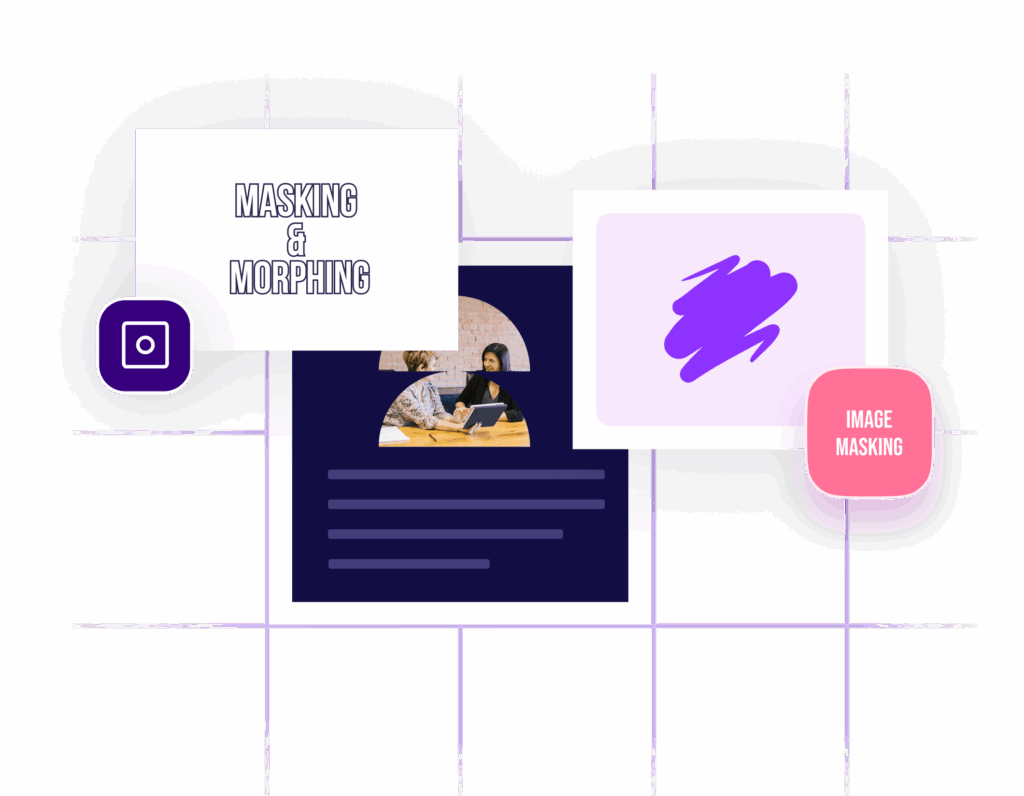










Image Masking

Add Life To Your Website Images With Image Masking

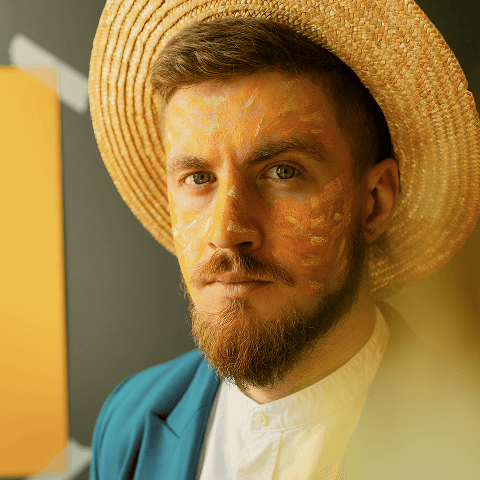
Enhance your Elementor website’s visuals by transforming static images into dynamic, interactive elements. Create a seamless transition between images to captivate your audience and make your content stand out.

Captivate Visitors With Creative Masking & Morphing On Your Elementor Pages

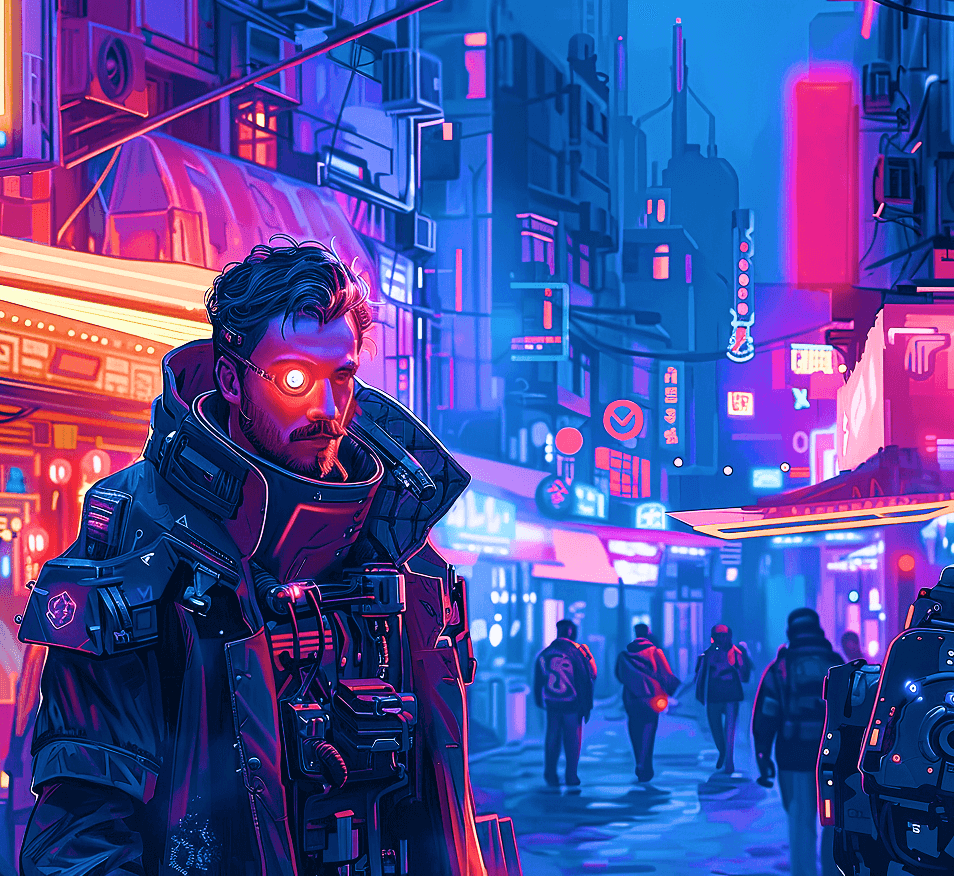
Cyberpunk

A Rebellion In Electric Color, A Vision Of Tomorrow Born From The Chaos Of Today.

Visualize the Rhythm. Mask the Sound.

Bring your music to life with dynamic visuals and interactive masks — create, morph, and shape every beat like never before.

The Team That Morphs Imagination Into Reality

Emma Oliviana

UX UI Designer

John Richard

UX UI Designer

Charlotte Ava

Digital Marketer

Flavors in Every Shape

Scoop Your Imagination Into Shape

Red Velvet

Strawberry Scoop

Mixed Scoop
Vanilla & Strawberry

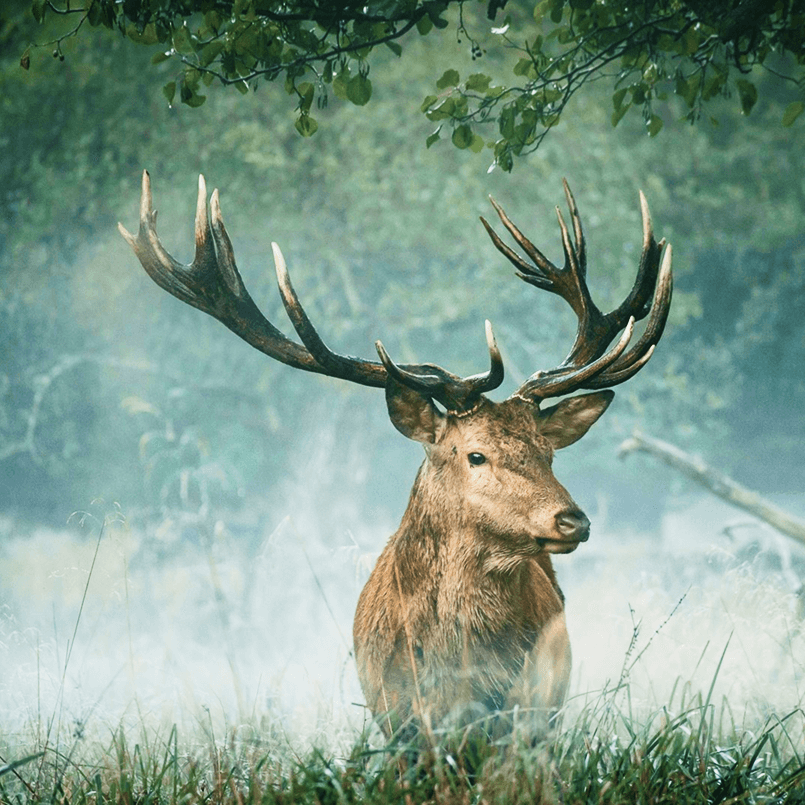
Capture Wildlife Spirit with Seamless Masking

Watch Your Images Take Shape on Hover

Why You Use Image Masking

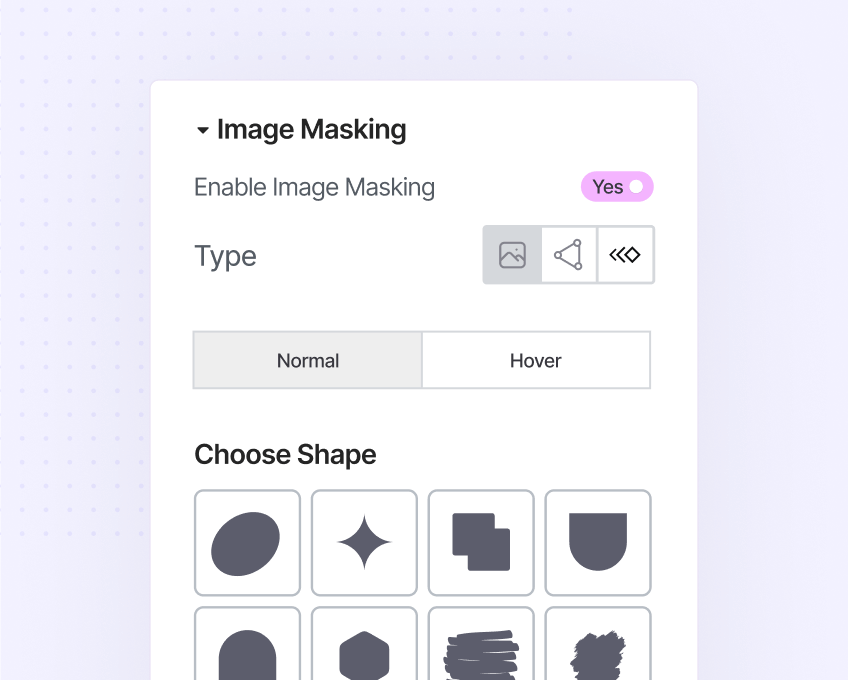
Image/SVG Masking

Choose a shape or upload as you wish to mask your images. Get the size, position, repeat and hover customization at your fingertips. 
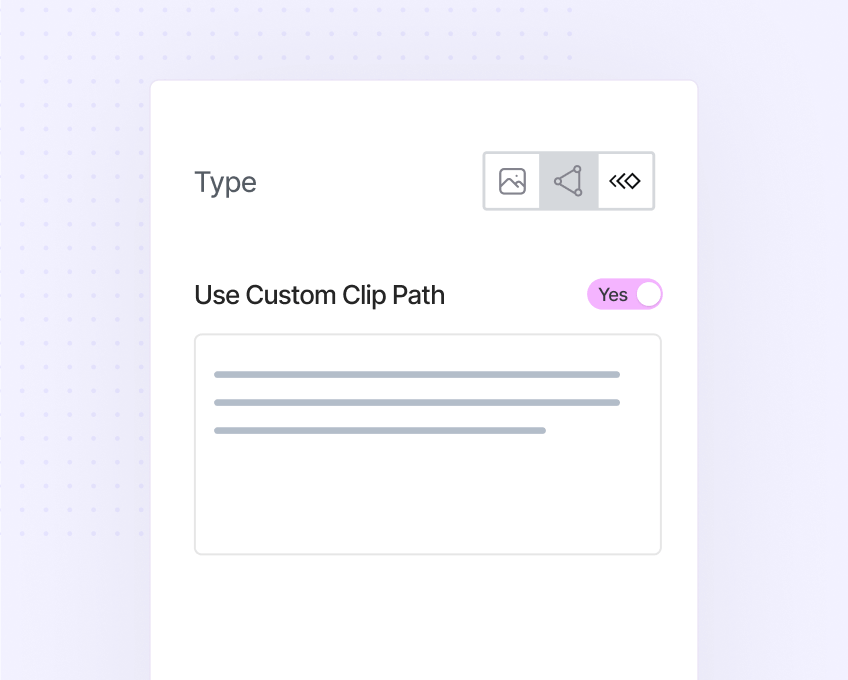
Custom Clip Path

Use Clippy to generate your custom clip path. Choose your shape, resize, copy the clip-path and paste it to your Elementor page builder.
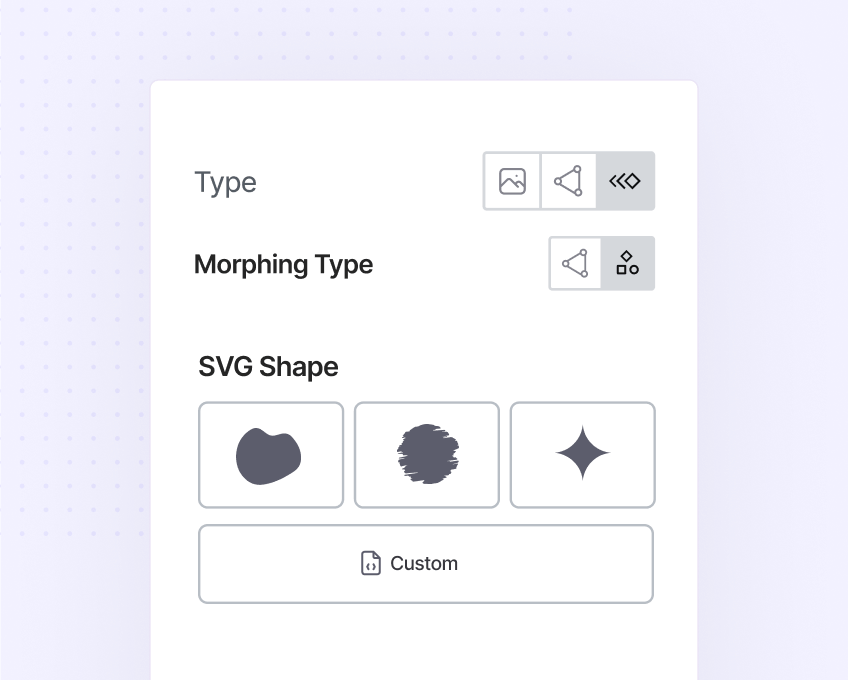
Image Morphing

Apply morphing effects to your website images, regardless of SVG or Clip Path, effortlessly. Get the option to set duration, loop and more.

  • 00Days
  • 00Hours
  • 00Mins
  • 00Secs

Boo! Leaving So Soon?

Your Elementor sites deserve more magic. Grab this deal before the timer hits zero.