A visually impressive website may attract attention for a few seconds. However, conversions happen when visitors clearly understand your offer, trust your brand and feel confident taking the next step. That is why successful Elementor websites focus on more than design layouts and interactive animations alone.
Website visitors expect fast-loading pages, smooth navigation, clear messaging and frictionless experiences across every device. Whether you run a business website, WooCommerce store, portfolio or SaaS landing page, the real goal is not only to look professional. The goal is to turn visitors into leads, subscribers and customers.
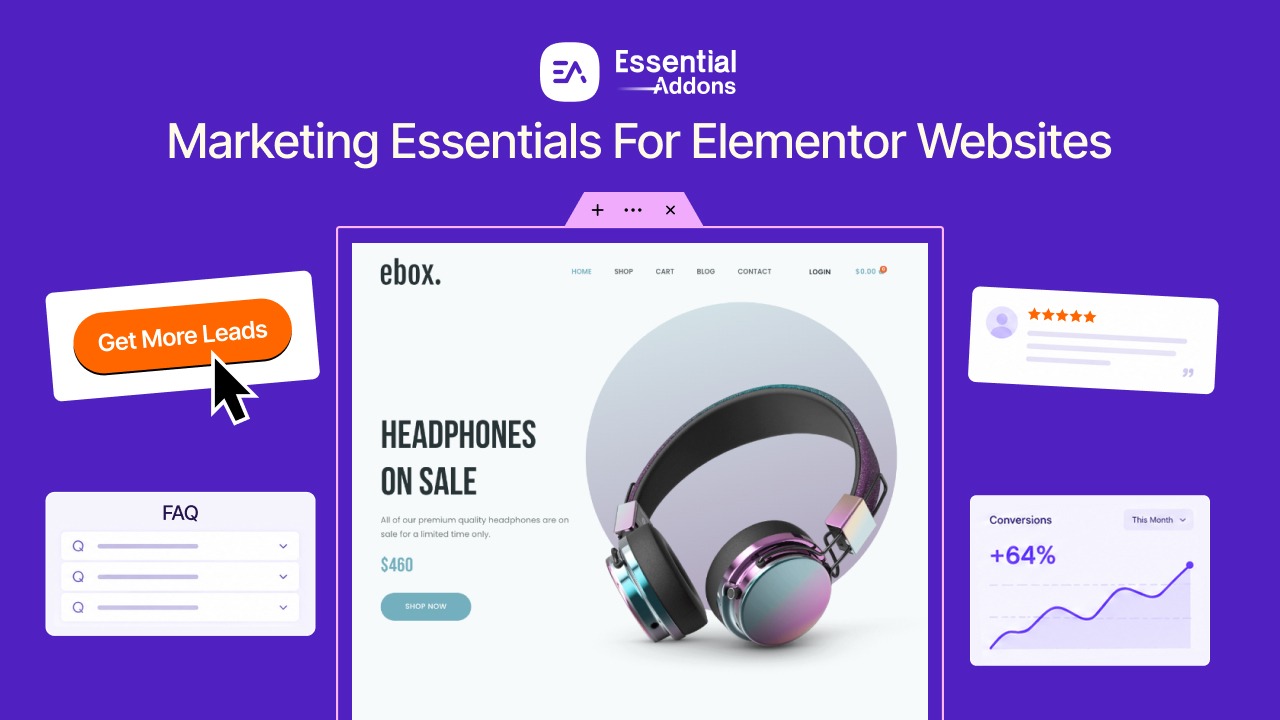
In this guide, you will learn the most important marketing essentials that help Elementor websites drive meaningful conversions beyond just designs. From impactful messaging and SEO, which generate leads and sales, to user experience and analytics, we will look into all the strategies that will help you build websites that perform as well as they look.
TL;DR:
Too long? Didn’t read? Here is a quick summary of what you will find in the blog post.
| Marketing Essential | Why It Matters | Impact On Conversions |
| Clear messaging and positioning | Helps visitors understand your value instantly | Reduces confusion and increases engagement and sales |
| Website speed optimization | Improves user experience and search visibility | Lowers bounce rates and improves conversions |
| User-focused experience design | Makes navigation and interactions easier | Encourages visitors to take action and stay on your website/web pages longer |
| Trust signals and credibility | Builds confidence before purchase or inquiry | Increases trust and conversion rates |
| Strong CTAs and optimized forms | Guides users toward the next step clearly | Generates more leads and sales |
| Content marketing and SEO | Attracts relevant traffic consistently | Creates long-term conversion opportunities |
| Analytics and testing | Identifies what works and what does not | Improves performance over time |
| Accessibility improvements | Makes the website usable for more people | Enhances usability and encourages better interaction with your website |
Why Good Design Alone Is Not Enough for Conversions
Good design creates first impressions. Conversion-focused marketing drives action. Visitors do not land on your website simply to admire layouts and colors.
Many high-converting websites are surprisingly simple. What makes them effective is their ability to communicate clearly, reduce confusion and direct visitors toward meaningful actions. A clean layout without strategy may look modern but still fail to generate leads or sales.
They arrive with goals:
🎯 Solving a problem they currently face
🎯 Comparing solutions before making a decision
🎯 Finding important information quickly
🎯 Evaluating whether your brand feels trustworthy
🎯 Taking action with minimal friction
If your website looks attractive but fails to guide users toward those end goals, conversions suffer.
For Elementor users, this is especially important because the platform offers enormous creative flexibility. It is easy to focus heavily on effects and design details while overlooking performance, usability and messaging.The best Elementor websites balance both sides:
✅ Strong visual presentation that supports brand identity
✅ Strategic marketing elements that improve conversions
✅ User experiences designed around visitor intent
✅ Fast and accessible pages that reduce frustration
✅ Content structures that support SEO and engagement
Before creating a conversion-focused website, designers can use an AI mood board to organize brand colors, visual references, layouts, and creative directions, helping maintain consistency between the website design and overall brand identity.
When design and marketing work together, websites become far more effective at generating measurable business results. Now, let’s move forward to learn more about the marketing essentials for websites for Elementor that can drive more conversions.
Top Marketing Essentials for Elementor Websites That Drive Conversions
Every section, page and interaction should support a larger marketing goal whether that is generating leads, increasing sales or improving engagement. Below are some of the most important marketing essentials that help Elementor websites create better user experiences and drive meaningful conversions consistently.
Creating Clear Messaging Before Designing Layouts
Before choosing colors, typography or Elementor widgets, define the core message your website needs to communicate. Visitors should immediately understand what your business offers, who your solution is for, what sets your brand apart, what action visitors should take next, etc. Use Elementor Theme Builder to align messaging consistency across headers, footers and landing page templates without design mismatches. Many websites fail because they prioritize visual design over communication clarity.
Best practices for clear messaging:
- Write headlines focused on customer outcomes instead of generic brand statements
- Keep hero sections concise and immediately understandable
- Highlight benefits and practical outcomes before features whenever possible
- Use supporting subheadings to reinforce your primary value proposition
- Avoid overly technical language that creates confusion
For example, “Build Faster WordPress Websites With Advanced Elementor Widgets” communicates value more effectively than vague phrases like “Innovative Web Solutions.”
Optimizing Website Speed for Better User Experience
Website speed directly impacts conversions. Slow-loading Elementor pages increase bounce rates and reduce user engagement. Even small delays can negatively affect lead generation and sales. Elementor websites often become heavy because of excessive animations and motion effects, large uncompressed images, too many third-party plugins, poor hosting environments, unoptimized scripts and CSS files.
Practical speed optimization strategies
- Optimize Elementor section backgrounds and image-heavy containers before uploading media files
- Limit excessive animations, motion effects and scrolling interactions that increase page load time in Elementor
- Reduce the number of Elementor widgets used on a single page to avoid unnecessary script loading
- Use Elementor Flexbox Containers and cleaner layouts to create lighter page structures
- Disable unused Elementor features, widgets and third-party addon elements that are not actively used
- Optimize mobile-specific Elementor layouts separately to improve loading speed and responsiveness
- Use performance-focused Elementor addons and avoid combining too many heavy extensions together
- Minimize custom fonts, icon libraries and global style overrides added through Elementor settings
- Turn on page caching so repeat requests skip PHP and the database. xSpeed Cache, for example, serves cache hits in 5 to 15 ms
| Speed Optimization Area | Recommended Action |
| Images | Use modern formats like WebP and compress files |
| Hosting | Choose reliable hosting optimized for WordPress |
| Elementor effects | Limit unnecessary animations and parallax sections |
| Plugins | Keep only essential plugins active. Use feature-rich Elementor solutions like Essential Addons to reduce reliance on multiple separate plugins |
| Mobile optimization | Test page performance across multiple devices |
Prioritizing User Experience Over Visual Effects
Many Elementor websites rely too heavily on excessive entrance animations, complex scrolling experiences, distracting hover effects, large sections with little hierarchy, and inconsistent layouts across pages. Instead of prioritizing visual complexity, focus on helping users complete tasks efficiently.
Best practices to increase user experience:
- Keep navigation structures simple and predictable
- Maintain consistent spacing and layout patterns
- Use whitespace to improve readability
- Ensure buttons are easy to identify and tap on mobile devices
- Structure content with clear hierarchy and logical flow
- Design pages for scanning instead of forcing users to read everything
Good UX design feels effortless. Visitors should move through your website naturally without confusion or friction.
Building Trust Signals Across Important Pages
Trust plays a major role in conversion decisions. Even strong discounts or offers can fail if visitors do not feel confident in your credibility. Trust signals help reassure visitors that your business is legitimate, reliable and worth engaging with. Trust-building elements that improve conversions:
- Customer testimonials with specific results
- Case studies showing measurable outcomes
- Client logos and partnership mentions
- Secure payment badges and privacy assurances
- Real team photos instead of generic stock images
- Transparent contact information and support details

Trust signals should appear throughout the website instead of being isolated on one page. For example, add testimonials near pricing sections, include trust badges around forms and checkout pages, display social proof close to CTAs, use consistent branding across all pages, etc. Trust signals work best when they appear close to high-intent actions like pricing sections, demo requests or checkout flows.
If you use Elementor extensively, tools like Essential Addons for Elementor can help streamline testimonial displays, review sections and content presentation without requiring custom development.
Strengthening Calls-To-Action Across Conversion Paths
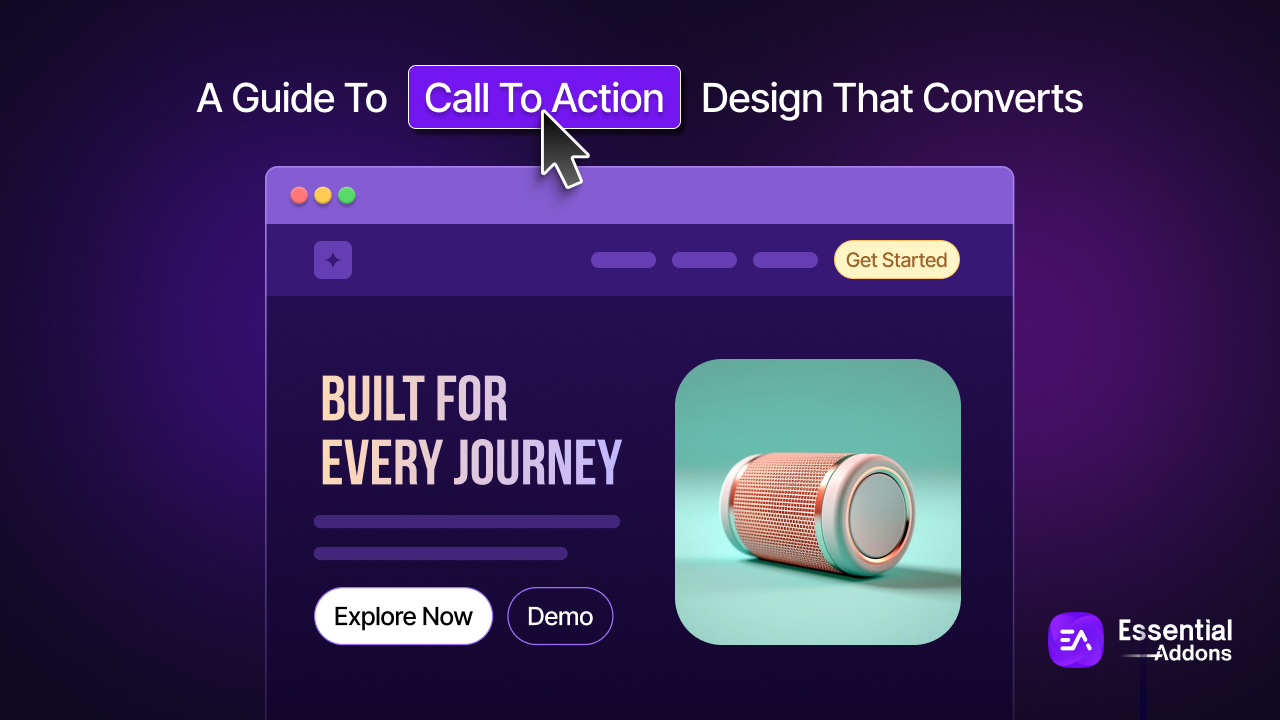
A call-to-action should clearly guide visitors toward the next logical step. Weak or unclear CTAs often reduce conversion rates significantly. Many websites make the mistake of using vague CTA text such as: “Click Here”, “Learn More”, “Submit”, etc. Instead, use action-oriented CTAs connected to user intent. Here are a few effective CTA optimization strategies:
- Use specific action-driven language instead of generic button text like “Click Here” or “Learn More”
- Place CTAs strategically after benefit-focused sections when visitor interest is highest
- Ensure important CTA buttons remain clearly visible on mobile devices
- Use sticky CTAs carefully on long Elementor landing pages to maintain visibility
- Avoid button overload that creates confusion and reduces focus
- Reduce conflicting actions by prioritizing one primary CTA per section
- Create visual contrast so buttons stand out clearly without overwhelming the design
- Test different CTA placements and wording to improve conversion performance
CTA copies like ‘Start Your Free Trial’, ‘Download The Full Guide’, ‘Get A Personalized Demo’, ‘Build Your First Landing Page’, etc., are stronger than generic. This kind of effective CTA reduces hesitation and makes decisions easier for users.
Simplifying Forms to Reduce Conversion Friction
Long or complicated forms often discourage visitors from completing actions. Every extra field increases friction. Ask only for information that is truly necessary. For better form optimization, keep forms as short as possible, use clear field labels and instructions, minimize required fields, add inline validation for better usability, optimize forms for mobile users, and use multi-step forms only when necessary.
Small improvements in form usability can significantly increase lead generation performance. For Elementor users, it is important to balance design with simplicity. Overstyled forms may look impressive but often reduce usability.
For Elementor websites handling payments, registrations or lead generation, streamlined form experiences become even more important. Using optimized payment and form solutions like Better Payment can help reduce unnecessary friction and create faster, more user-friendly conversion flows.
Leveraging Content Marketing for Long-Term Conversions
Content marketing attracts visitors long before they are ready to buy. Helpful blog posts, tutorials and educational resources position your brand as a trusted authority. This strategy is especially valuable for Elementor websites because content-rich pages also support SEO growth. Here are some content marketing strategies that improve conversions. Have a look below.
- Create reusable blog post templates with Elementor Theme Builder for consistent branding and content structure
- Use Elementor widgets like Accordion, Tabs and Table of Contents to improve readability on long-form content
- Design comparison pages, tutorials and feature breakdowns visually with Elementor Flexbox Containers and content widgets
- Add inline CTA sections, banners and lead capture forms throughout blog posts using Elementor widgets
- Use Elementor Posts or Post Grid widgets to highlight related articles and improve internal linking opportunities
- Build dedicated landing pages for downloadable resources, webinars or lead magnets directly with Elementor
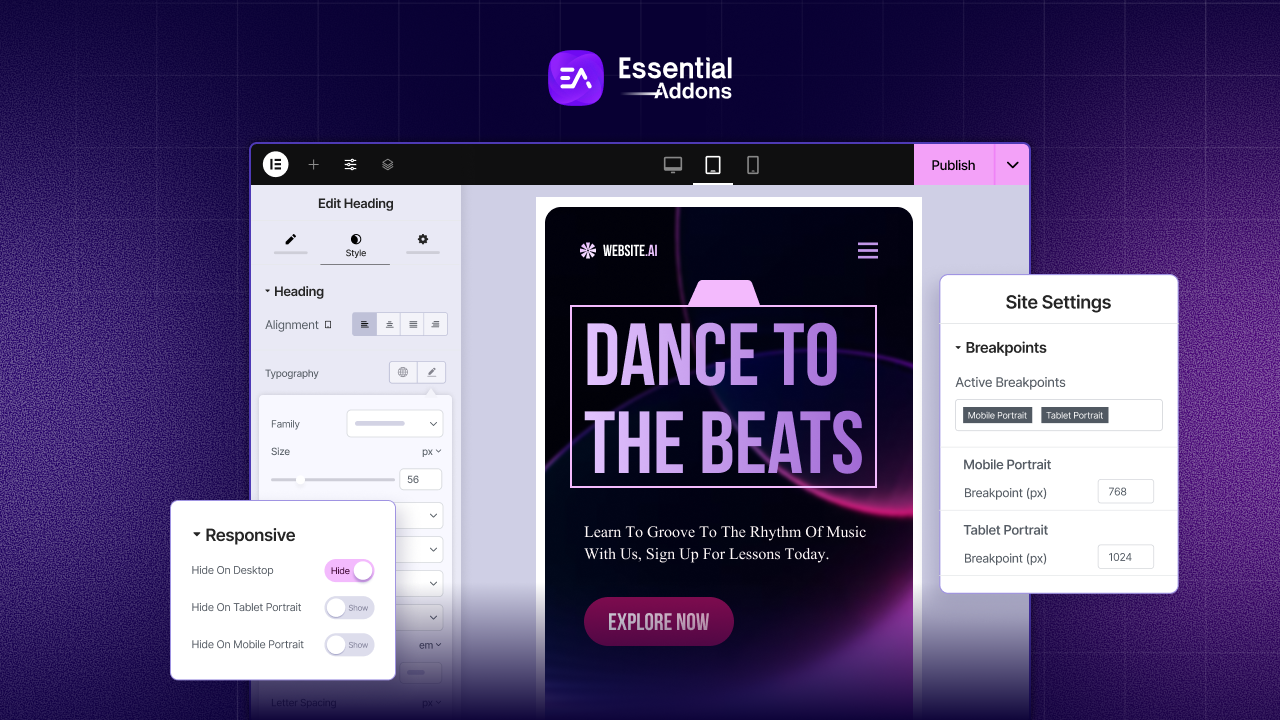
- Optimize mobile content layouts separately within Elementor responsive settings for better engagement
- Use Elementor Popup Builder strategically for newsletter signups or content upgrades without disrupting user experience
Strong content marketing generates organic traffic growth, brand visibility, visitor trust and long-term lead generation opportunities. Instead of treating blogs as traffic generators alone, use them strategically to guide visitors deeper into your conversion funnel.
Improving SEO Foundations to Increase Qualified Traffic
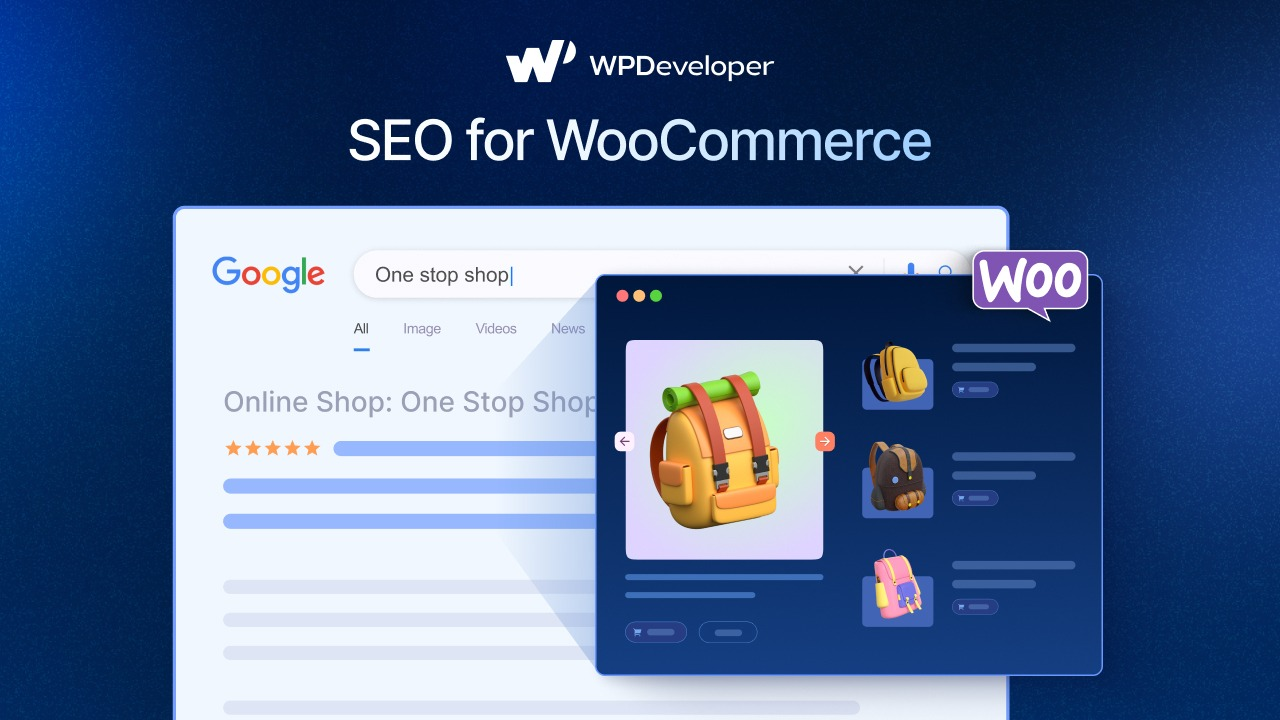
Even the best-designed Elementor website cannot convert visitors if nobody discovers it. SEO helps attract highly relevant traffic from search engines. Strong SEO foundations improve visibility, user experience and conversion potential simultaneously.
Essential SEO practices for Elementor websites:
- Use clear heading structures across every page to maintain proper content hierarchy and improve search engine understanding
- Optimize meta titles and descriptions carefully to improve click-through rates from search results
- Improve internal linking between related content to help users and search engines navigate your site effectively
- Compress images and optimize media files to ensure faster page loading performance
- Create mobile-friendly page layouts using responsive Elementor settings to improve usability across devices
- Focus on search intent rather than keyword stuffing to attract more qualified and relevant traffic
- Use schema markup where relevant to help search engines better understand your content
- Avoid duplicate template content across multiple Elementor pages, as repeated layouts and sections can reduce SEO uniqueness
- Reduce oversized DOM structure, avoid excessive nesting of sections, columns and widgets in Elementor because a heavy DOM (the full HTML structure of a page) slows rendering, impacts Core Web Vitals and can negatively affect SEO performance
- Maintain proper heading hierarchy inside Elementor widgets so headings follow a logical order (H1 to H6) and are not broken by design elements or widget settings
- Fix mobile layout shifts and CLS issues by properly setting spacing, image sizes and responsive controls in Elementor to ensure stable page loading experience
SEO and conversion optimization work together. Better search visibility attracts visitors while better user experiences encourage action.
You do not have to handle all of this by hand. An SEO plugin with native Elementor support, like ThinkRank, reads your Elementor layouts and takes care of meta titles and descriptions, heading checks and schema markup for every page.
Improving Accessibility to Support Better Engagement
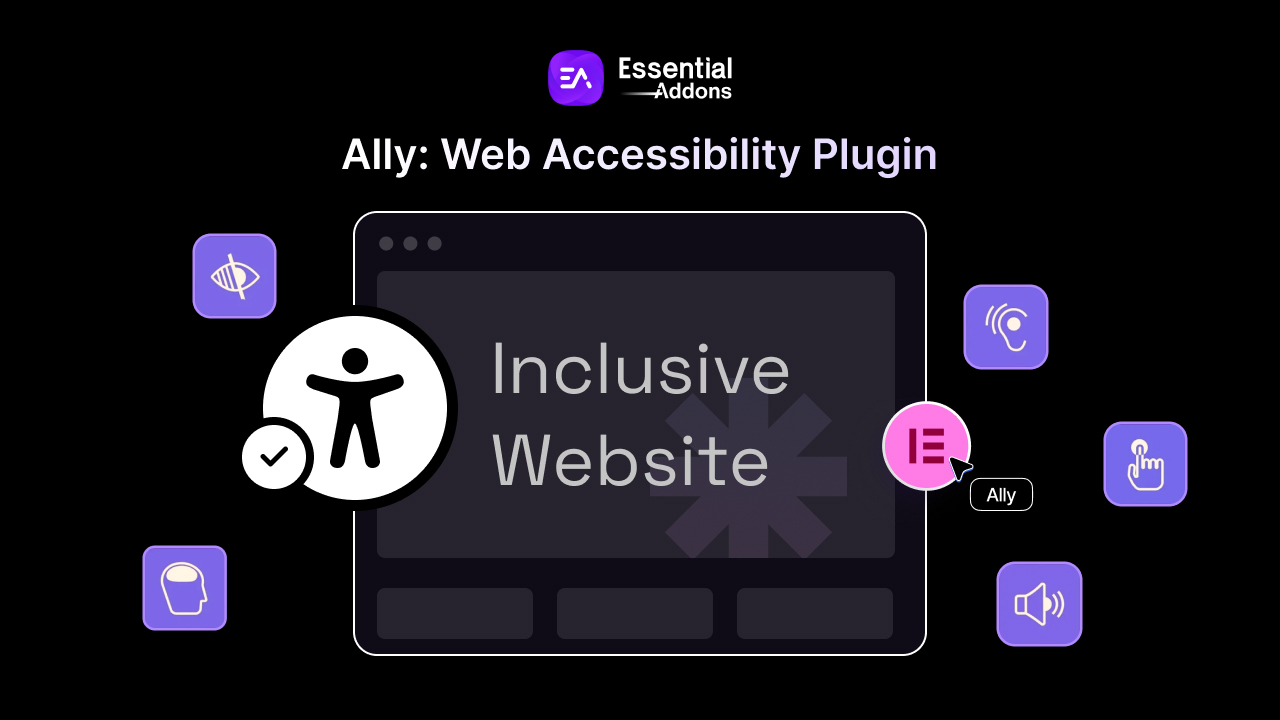
Accessibility is not only a compliance consideration. It also improves usability for all visitors. Accessible websites are easier to navigate, read and interact with across devices and user needs. You can further enhance accessibility in Elementor websites by using Ally to identify issues and improve compliance with actionable recommendations. Accessibility improvements that support conversions are:
- Maintain strong color contrast for readability
- Use descriptive button and link text
- Add alt text to important images
- Ensure keyboard-friendly navigation
- Avoid excessive motion that may distract users
- Structure headings logically for screen readers
Accessible websites often perform better because they reduce usability barriers and create smoother experiences for broader audiences.
Using Analytics And Testing to Improve Performance Continuously
Conversion optimization is an ongoing process. Analytics help identify what users respond to and where friction exists. Without tracking data, website improvements become guesswork. Here are some metrics worth monitoring regularly:
- Bounce rate and session duration
- CTA click-through rates
- Form completion rates
- Mobile vs desktop performance
- Conversion rates across landing pages
- Traffic sources and user behavior
- Checkout and payment drop-off rates
For more information, read the guide: Top 15 Content Analytics Metrics to Monitor
Testing strategies for Elementor websites help identify which layouts, CTAs, forms and user experiences generate better engagement and higher conversions over time. For example
- A/B test CTA wording and button placement
- Compare different page layouts
- Test shorter vs longer forms
- Analyze scroll depth and engagement patterns
- Experiment with headline variations
Small improvements across multiple areas often produce significant long-term gains.
The Best Elementor Websites Balance Design And Strategy
The most successful Elementor websites do not rely on visual appeal alone. They combine strong design with strategic marketing decisions that support real business goals. Here are several practical strategies worth following:
Focus on user intent first: Every page should answer a clear visitor need. Design choices should support that goal instead of distracting from it.
Keep layouts visually consistent: Consistent typography, spacing and section structures improve professionalism and usability across the website.
Use Elementor widgets strategically: Avoid adding widgets simply because they look impressive. Use them intentionally to improve communication, engagement or conversions.
Build reusable conversion-focused sections: Reusable CTA blocks, testimonial sections and FAQ layouts help maintain consistency while saving time.
Optimize for mobile from the beginning: Many Elementor websites look excellent on desktop but struggle on smaller screens. Mobile responsiveness directly impacts conversions and SEO.
Prioritize clarity over complexity: Simple designs with strong messaging often outperform visually overloaded layouts.
Combine plugins carefully: Too many plugins can slow websites and create inconsistent experiences. Use only tools that genuinely improve functionality or performance.
Turn Your Elementor Website into a Conversion-Focused Marketing Asset
An Elementor website should do more than look modern. It should support measurable business growth through clear messaging, strong user experiences and strategic marketing optimization.
The most effective websites combine:
- Fast performance
- Clear communication
- User-focused experiences
- SEO best practices
- Trust-building elements
- Conversion-focused design strategies
When these marketing essentials work together, Elementor websites become powerful tools for generating leads, increasing sales and building long-term customer relationships.
The best Elementor websites are not the ones with the most animations or visual effects. They are the ones that make it easy for visitors to understand, trust and take action. When design, performance and marketing strategy work together, your website becomes far more than a digital portfolio — it becomes a real growth engine for your business.
So, instead of focusing only on design trends, let’s prioritize strategies that help visitors take meaningful action. That is what truly drives conversions.
If you liked our blog, then subscribe to our blog for all the latest updates and join our Facebook community to stay connected.